Koreański - liczby 1 - 50
폴란드 번호 1-50
tagKoreański
tagKorean
tagCoreano
tagKoreanisch
added by -
NotifyWord_sample_flashcards
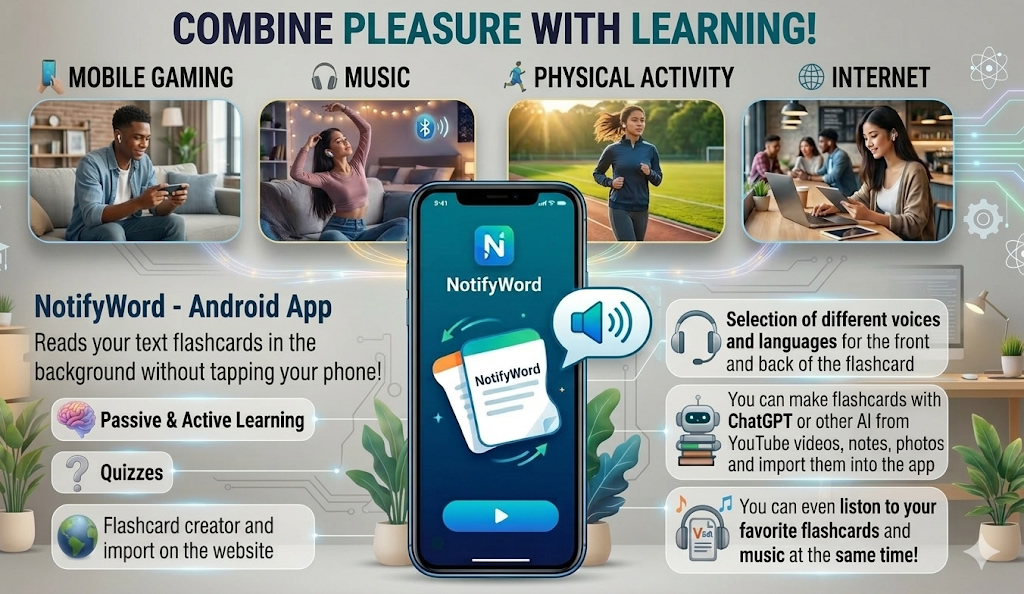
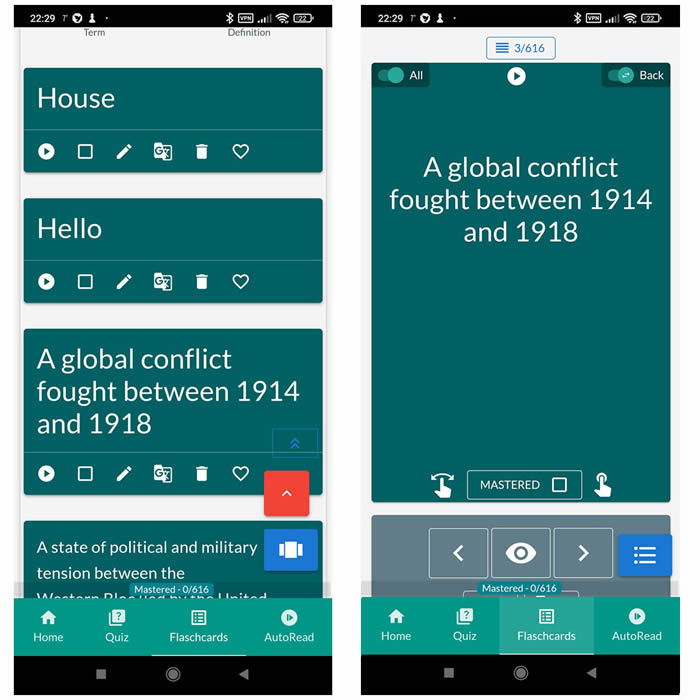
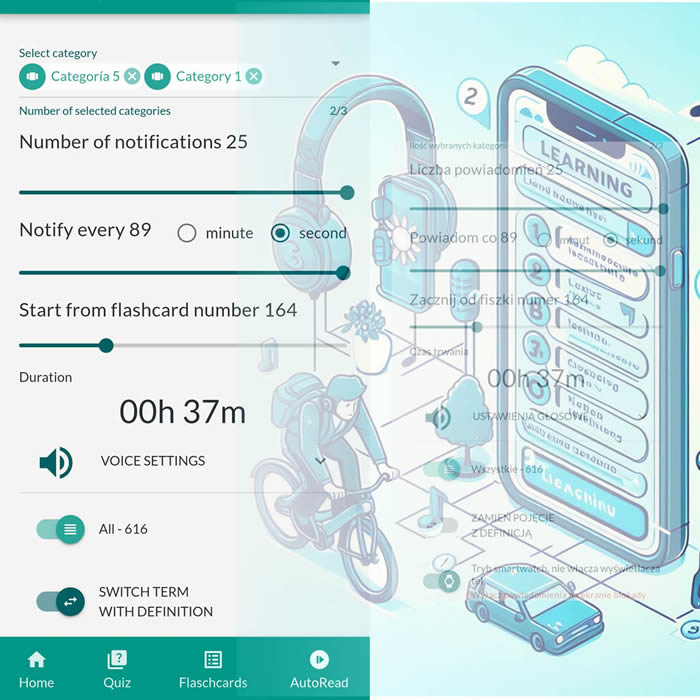
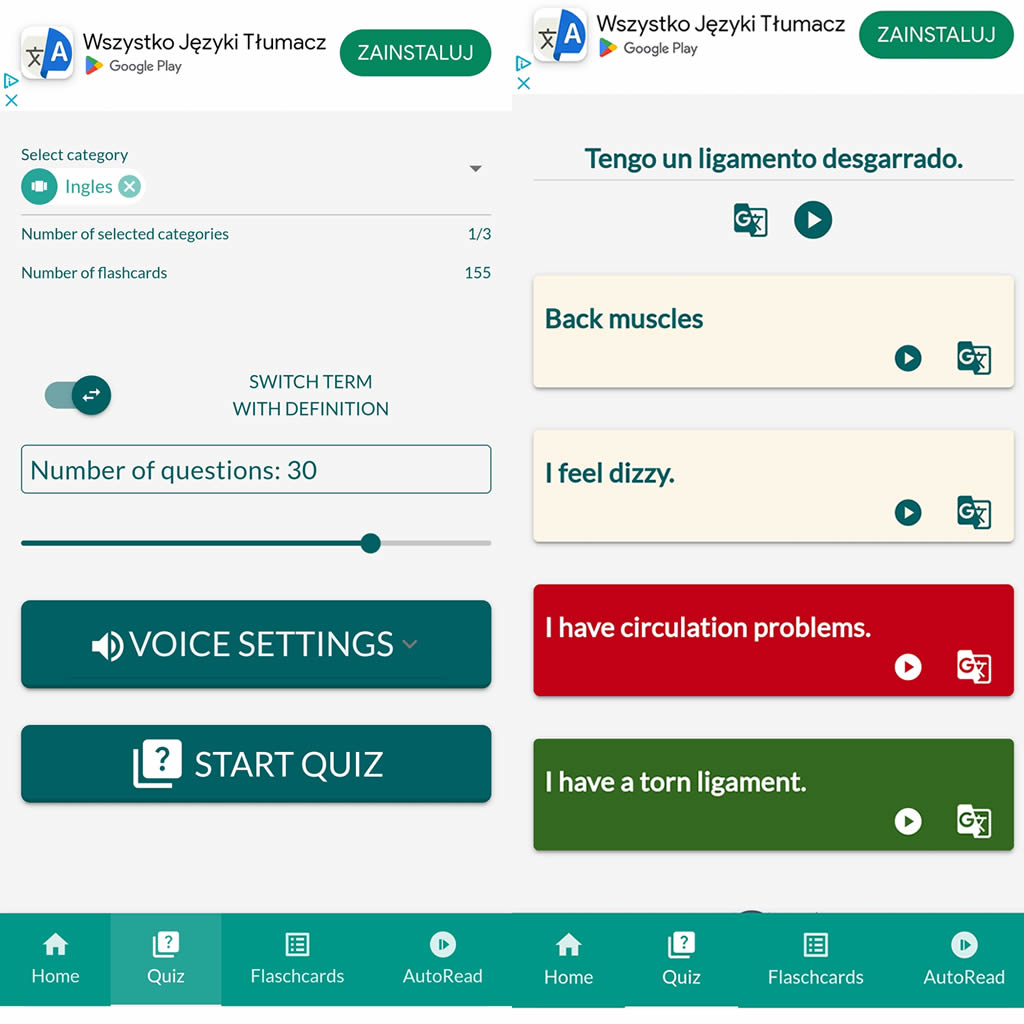
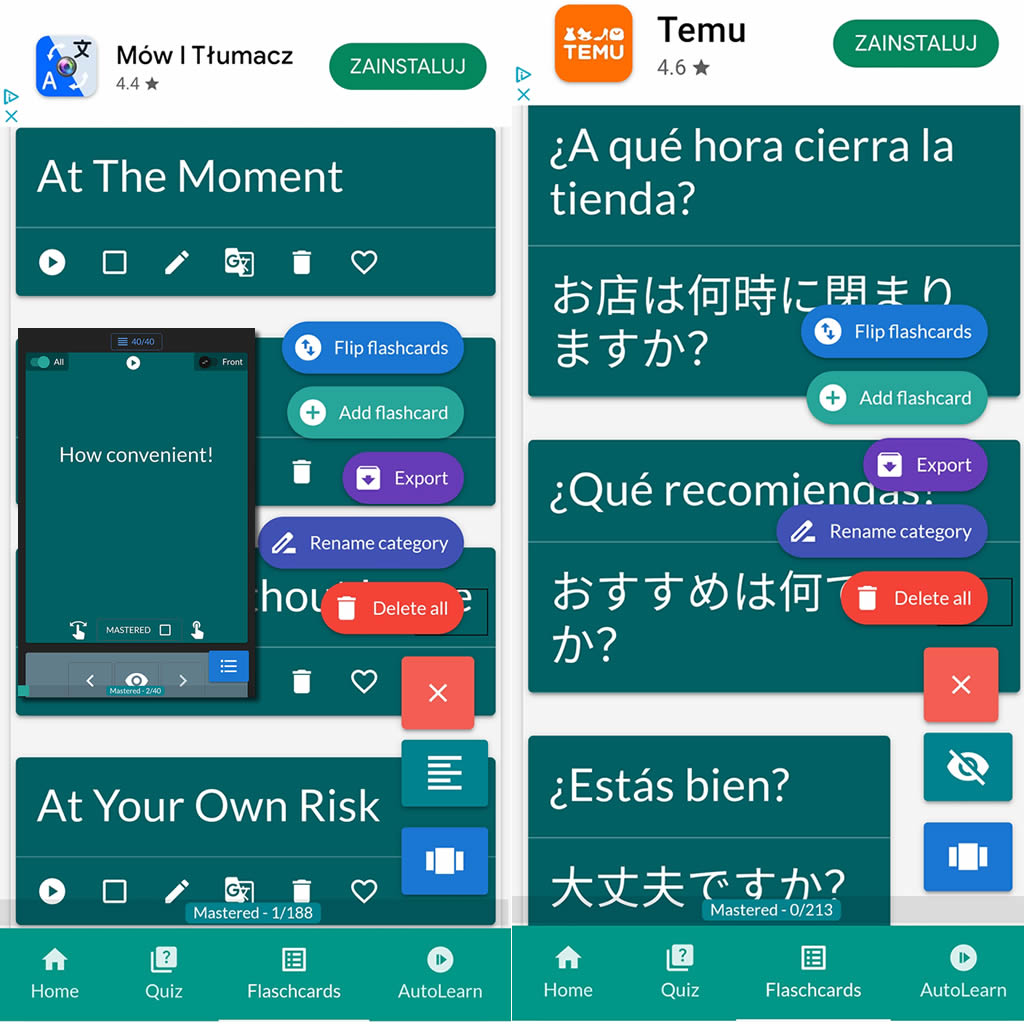
After importing flashcards into the Android NotifyWord app, you can listen to them without touching your phone, take quizzes, and mark the ones you've already learned - study actively or passively, whichever way you prefer.
📲
👉
🤖📚📖❓🎧🚴 Voice flashcards - an Android app for learning without touching the phone.
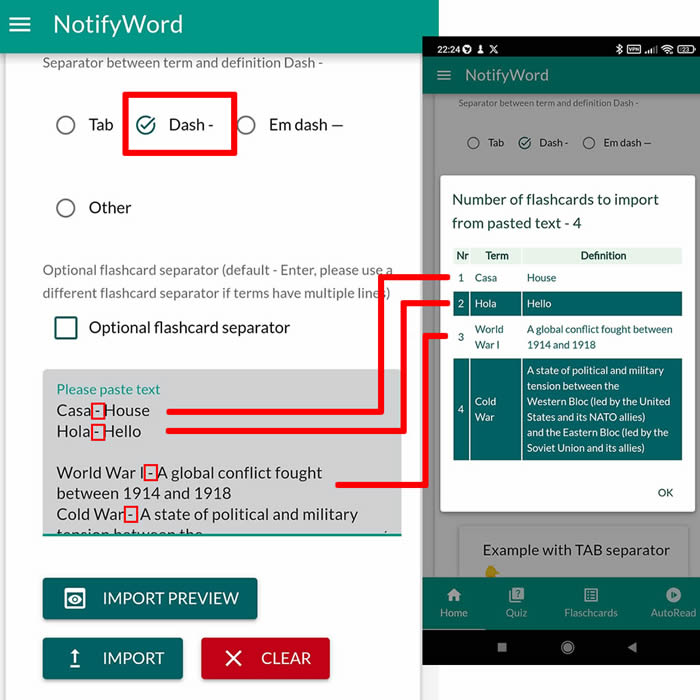
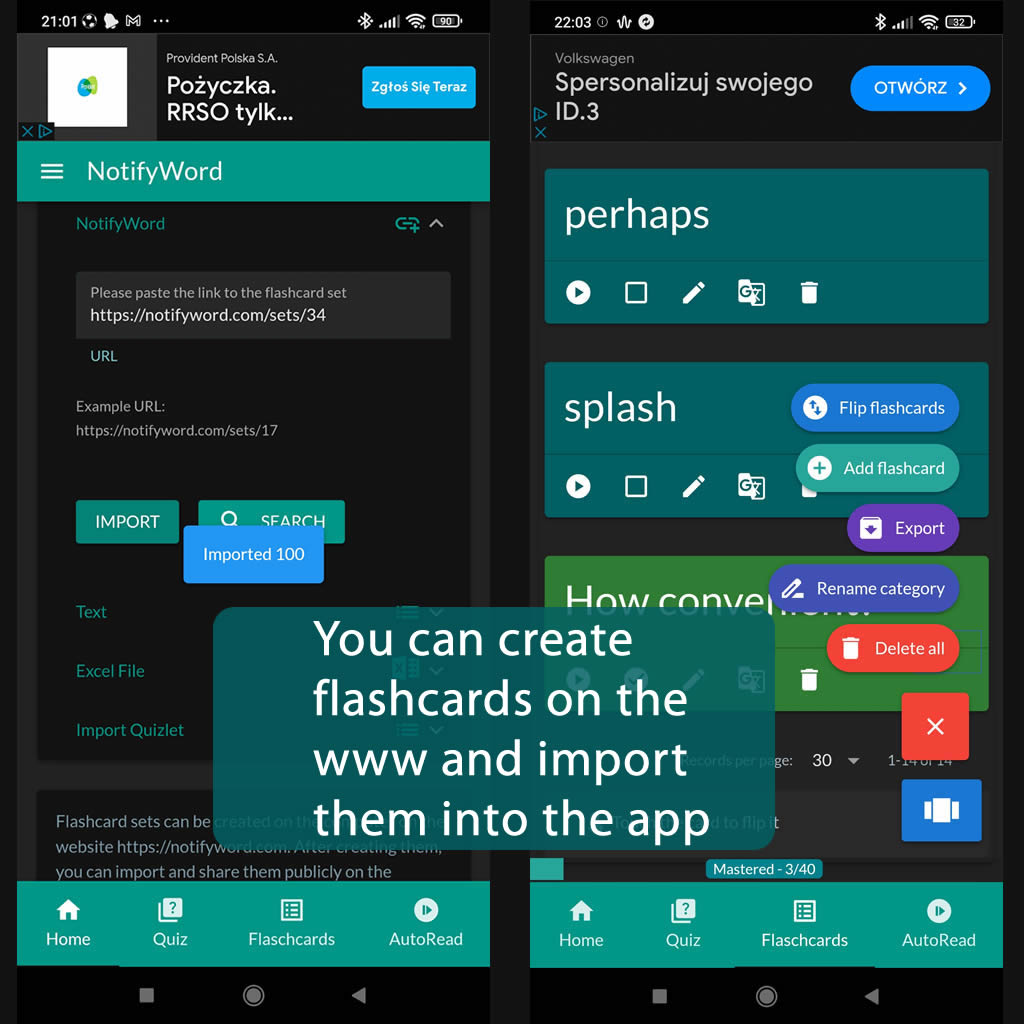
➕ On the website, you can create your own sets of flashcards, both public and private, import them from text, and then import them into the Android application.
| Term/Front | Definition/Back |
|---|---|
| 1 1 | 하나 |
| 2 2 | 둘 |
| 3 3 | 셋 |
| 4 4 | 넷 |
| 5 5 | 다섯 |
| 6 6 | 여섯 |
| 7 7 | 일곱 |
| 8 8 | 여덟 |
| 9 9 | 아홉 |
| 10 10 | 열 |
| 11 11 | 열하나 |
| 12 12 | 열둘 |
| 13 13 | 열셋 |
| 14 14 | 열넷 |
| 15 15 | 열다섯 |
| 16 16 | 열여섯 |
| 17 17 | 열일곱 |
| 18 18 | 열여덟 |
| 19 19 | 열아홉 |
| 20 20 | 스물 |
| 21 21 | 스물하나 |
| 22 22 | 스물둘 |
| 23 23 | 스물셋 |
| 24 24 | 스물넷 |
| 25 25 | 스물다섯 |
| 26 26 | 스물여섯 |
| 27 27 | 스물일곱 |
| 28 28 | 스물여덟 |
| 29 29 | 스물아홉 |
| 30 30 | 서른 |
| 31 31 | 서른하나 |
| 32 32 | 서른둘 |
| 33 33 | 서른셋 |
| 34 34 | 서른넷 |
| 35 35 | 서른다섯 |
| 36 36 | 서른여섯 |
| 37 37 | 서른일곱 |
| 38 38 | 서른여덟 |
| 39 39 | 서른아홉 |
| 40 40 | 마흔 |
| 41 41 | 마흔하나 |
| 42 42 | 마흔둘 |
| 43 43 | 마흔셋 |
| 44 44 | 마흔넷 |
| 45 45 | 마흔다섯 |
| 46 46 | 마흔여섯 |
| 47 47 | 마흔일곱 |
| 48 48 | 마흔여덟 |
| 49 49 | 마흔아홉 |
| 50 50 |
예순 |

ℹ️ After importing flashcards into the Android NotifyWord app, you can listen to them without touching your phone, take quizzes, and mark the ones you've already learned - study actively or passively, whichever way you prefer.☝️
📚✍️📲 You can copy someone else's flashcards to your own set - just copy the flashcards and paste them into the import tab, selecting the TAB separator.
📚✍️📲 You can copy someone else's flashcards to your own set - just copy the flashcards and paste them into the import tab, selecting the TAB separator.