Inglês - Números de 1 a 50
Aplicativo Flashcards para aprendizagem automática
tagPortuguese
tagInglês
added by -
NotifyWord_sample_flashcards
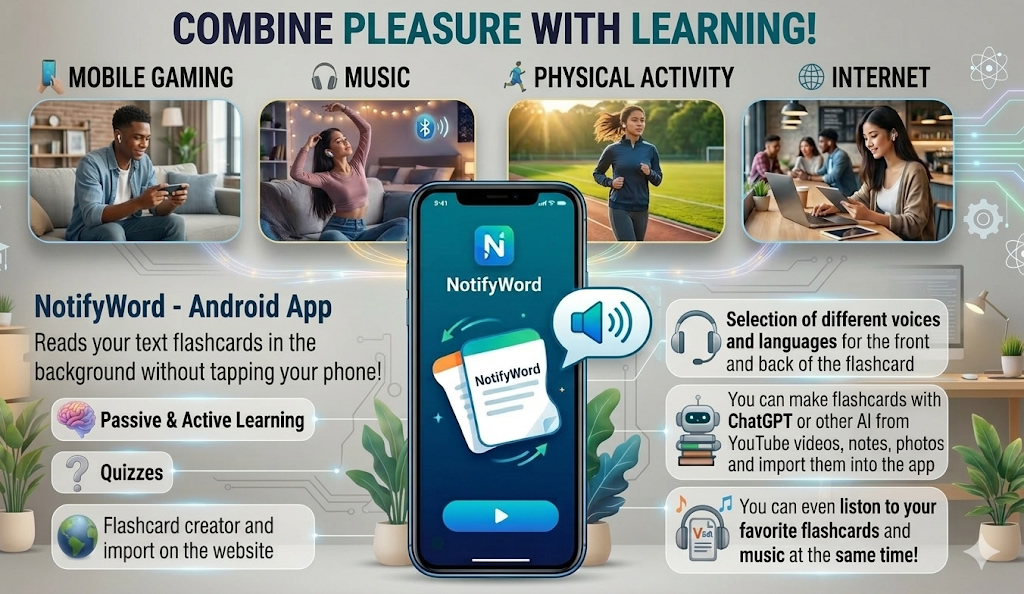
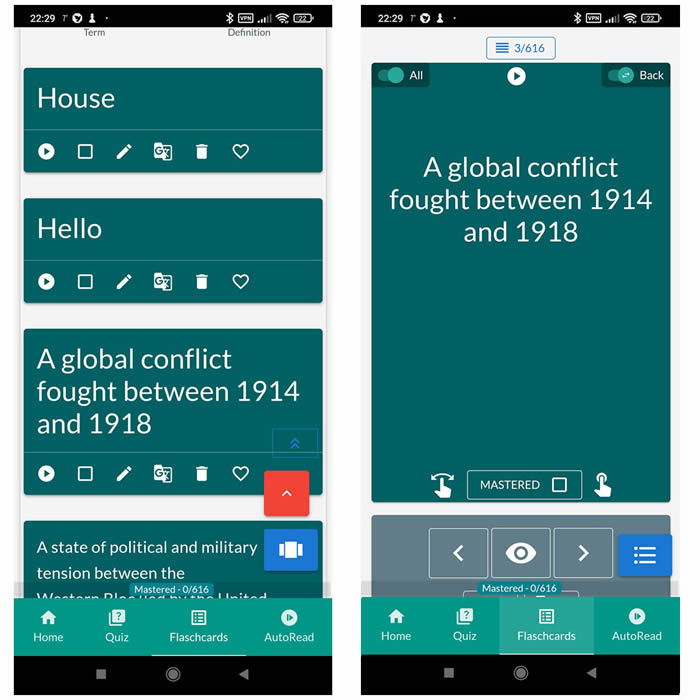
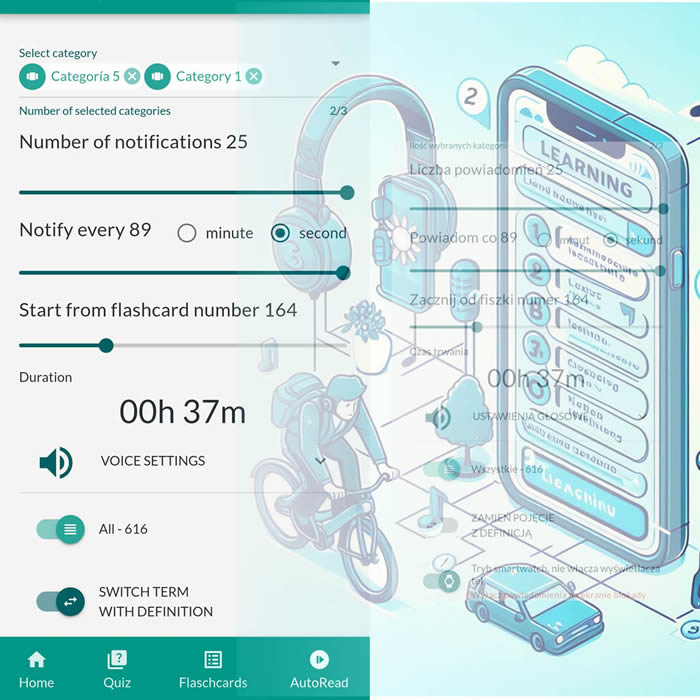
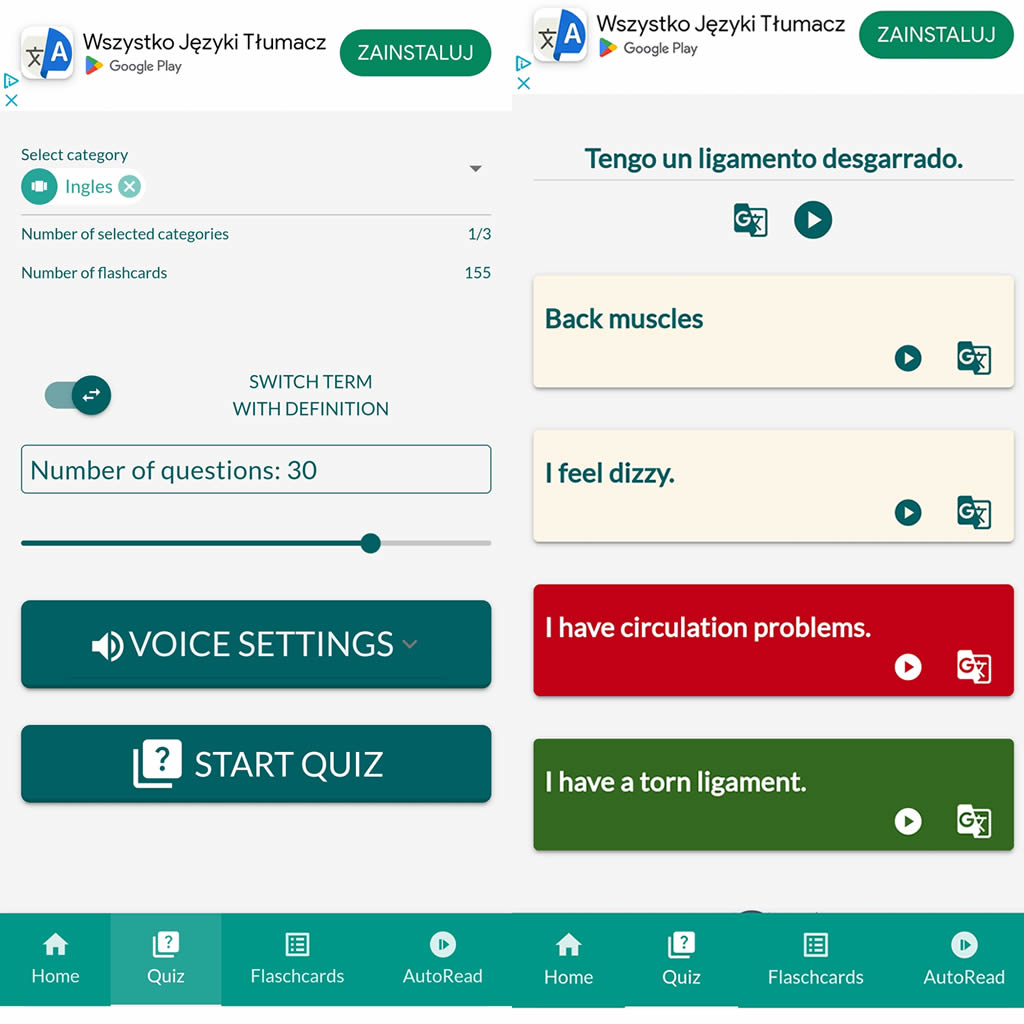
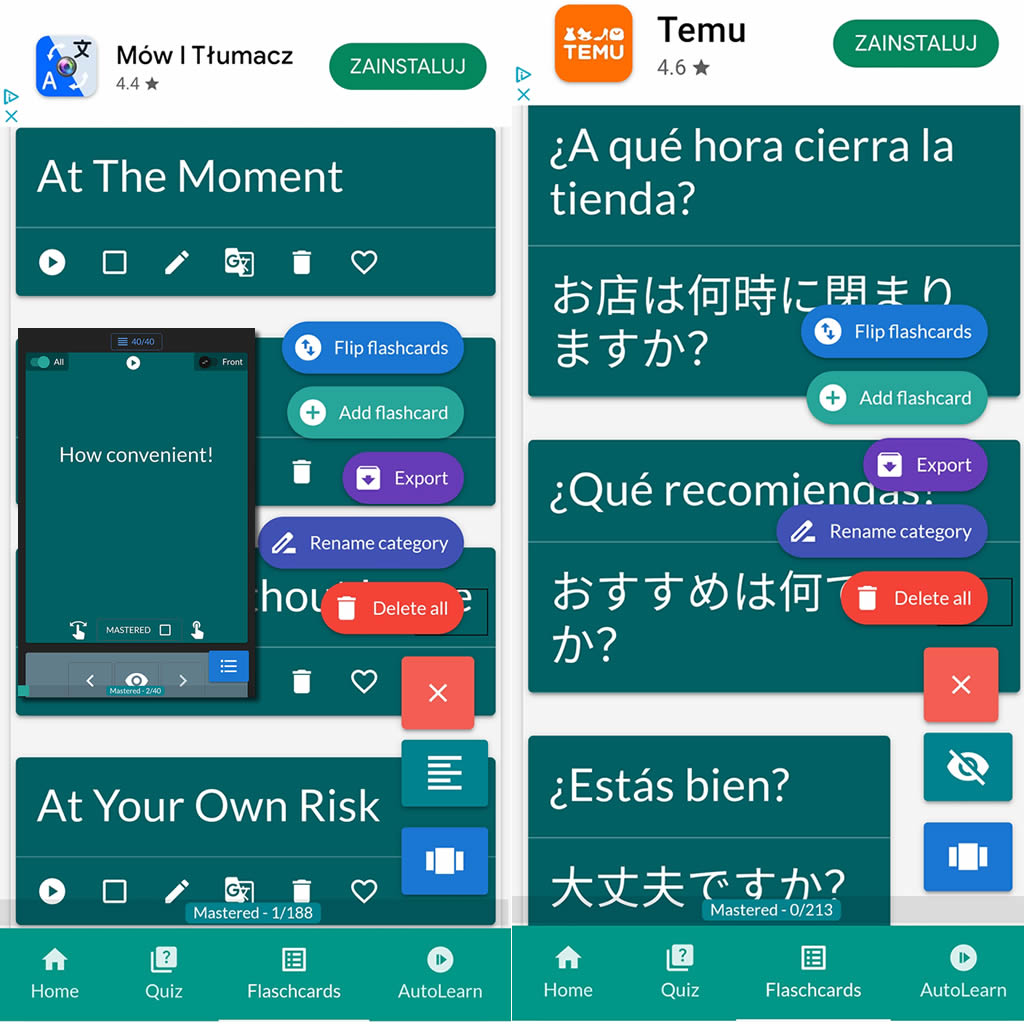
After importing flashcards into the Android NotifyWord app, you can listen to them without touching your phone, take quizzes, and mark the ones you've already learned - study actively or passively, whichever way you prefer.
📲
👉

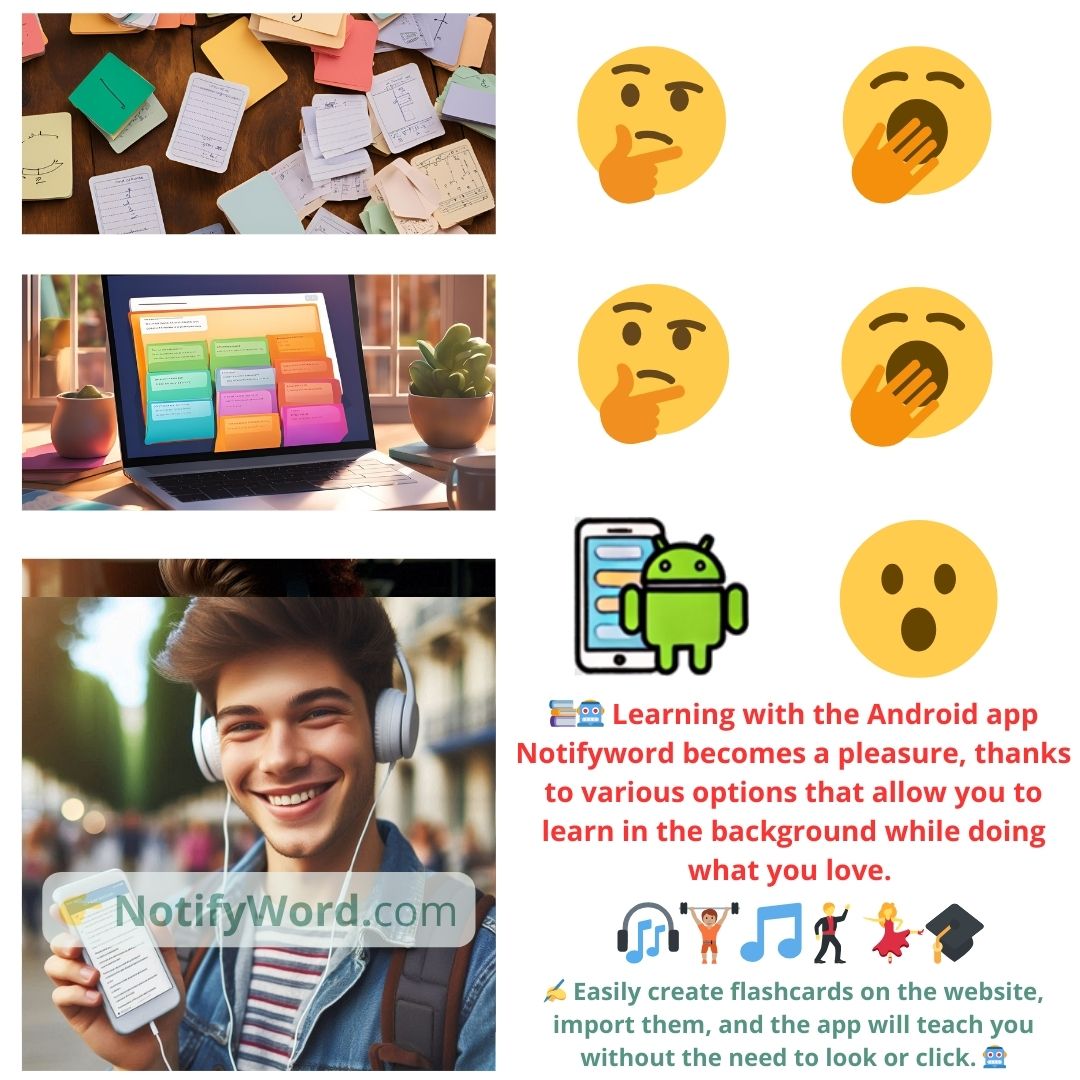
🤖📚📖❓🎧🚴 Voice flashcards - an Android app for learning without touching the phone.
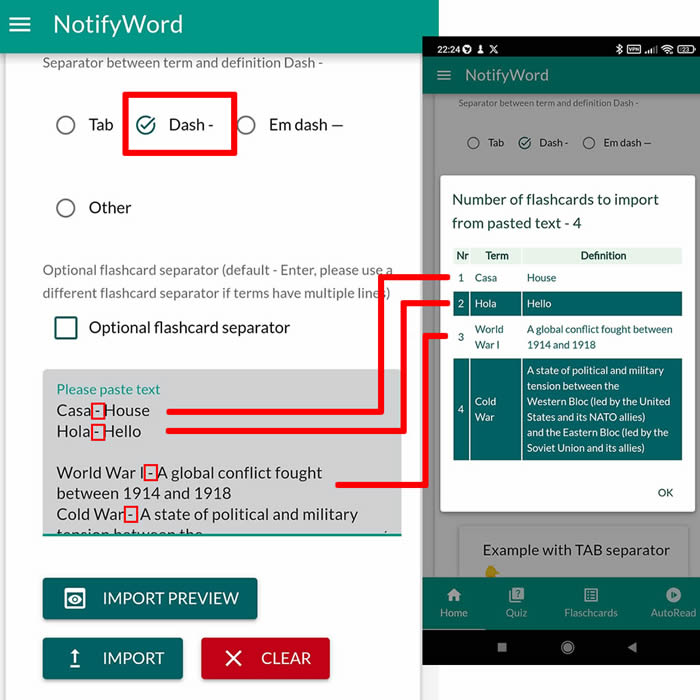
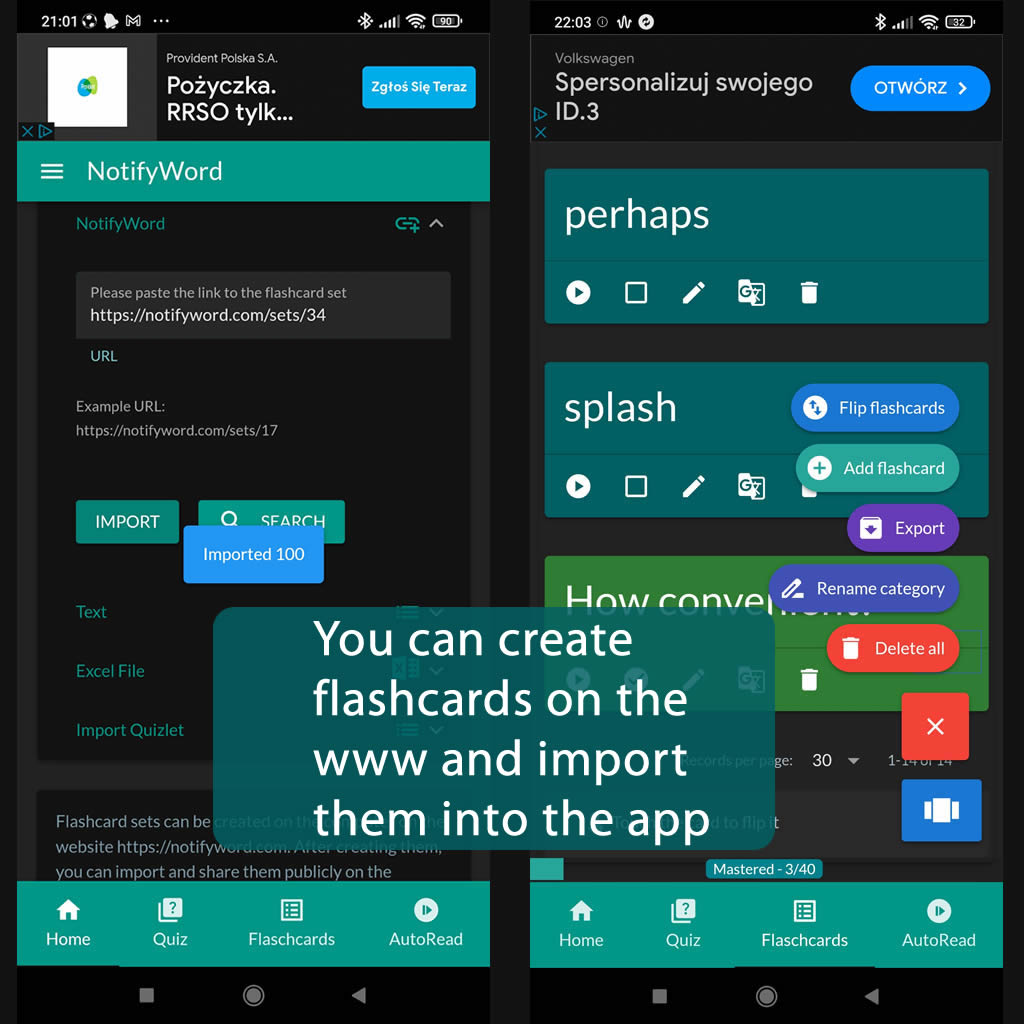
➕ On the website, you can create your own sets of flashcards, both public and private, import them from text, and then import them into the Android application.
| Term/Front | Definition/Back |
|---|---|
| 1 um | one |
| 2 dois | two |
| 3 três | three |
| 4 quatro | four |
| 5 cinco | five |
| 6 seis | six |
| 7 sete | seven |
| 8 oito | eight |
| 9 nove | nine |
| 10 dez | ten |
| 11 onze | eleven |
| 12 doze | twelve |
| 13 treze | thirteen |
| 14 catorze | fourteen |
| 15 quinze | fifteen |
| 16 dezesseis | sixteen |
| 17 dezessete | seventeen |
| 18 dezoito | eighteen |
| 19 dezenove | nineteen |
| 20 vinte | twenty |
| 21 vinte e um | twenty-one |
| 22 vinte e dois | twenty-two |
| 23 vinte e três | twenty-three |
| 24 vinte e quatro | twenty-four |
| 25 vinte e cinco | twenty-five |
| 26 vinte e seis | twenty-six |
| 27 vinte e sete | twenty-seven |
| 28 vinte e oito | twenty-eight |
| 29 vinte e nove | twenty-nine |
| 30 trinta | thirty |
| 31 trinta e um | thirty-one |
| 32 trinta e dois | thirty-two |
| 33 trinta e três | thirty-three |
| 34 trinta e quatro | thirty-four |
| 35 trinta e cinco | thirty-five |
| 36 trinta e seis | thirty-six |
| 37 trinta e sete | thirty-seven |
| 38 trinta e oito | thirty-eight |
| 39 trinta e nove | thirty-nine |
| 40 quarenta | forty |
| 41 quarenta e um | forty-one |
| 42 quarenta e dois | forty-two |
| 43 quarenta e três | forty-three |
| 44 quarenta e quatro | forty-four |
| 45 quarenta e cinco | forty-five |
| 46 quarenta e seis | forty-six |
| 47 quarenta e sete | forty-seven |
| 48 quarenta e oito | forty-eight |
| 49 quarenta e nove | forty-nine |
| 50 cinquenta | fifty |

ℹ️ After importing flashcards into the Android NotifyWord app, you can listen to them without touching your phone, take quizzes, and mark the ones you've already learned - study actively or passively, whichever way you prefer.☝️
📚✍️📲 You can copy someone else's flashcards to your own set - just copy the flashcards and paste them into the import tab, selecting the TAB separator.
📚✍️📲 You can copy someone else's flashcards to your own set - just copy the flashcards and paste them into the import tab, selecting the TAB separator.