Angielski matura przydatne zwroty fiszki android
Aplikacja android do automatycznej nauki
tagangielski
added by -
NotifyWord_sample_flashcards
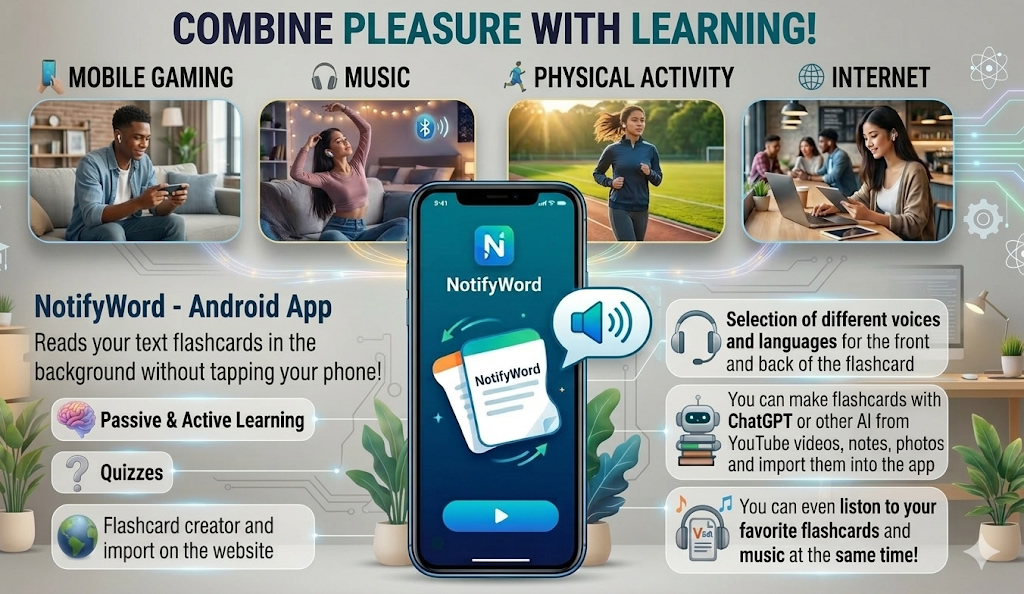
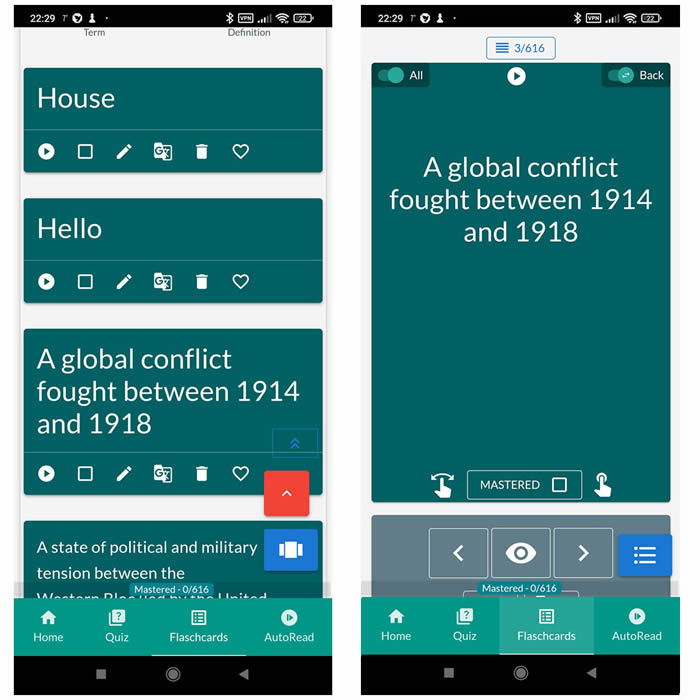
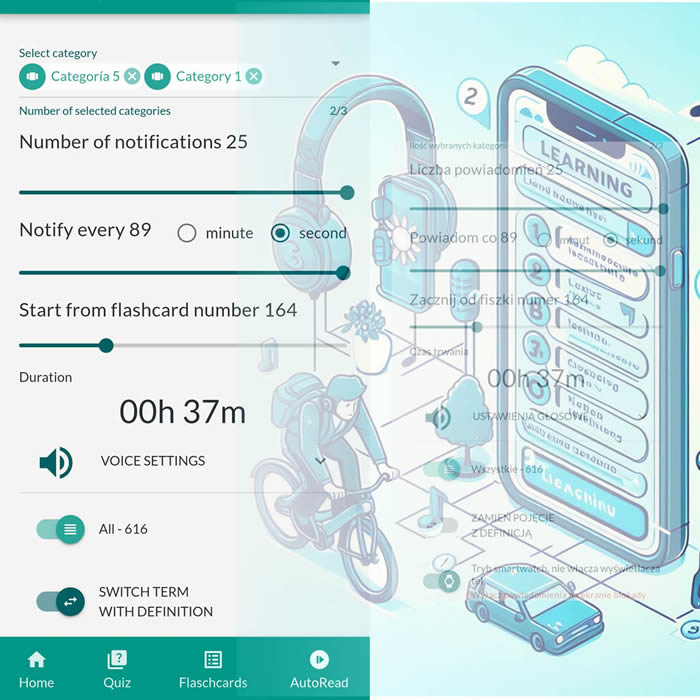
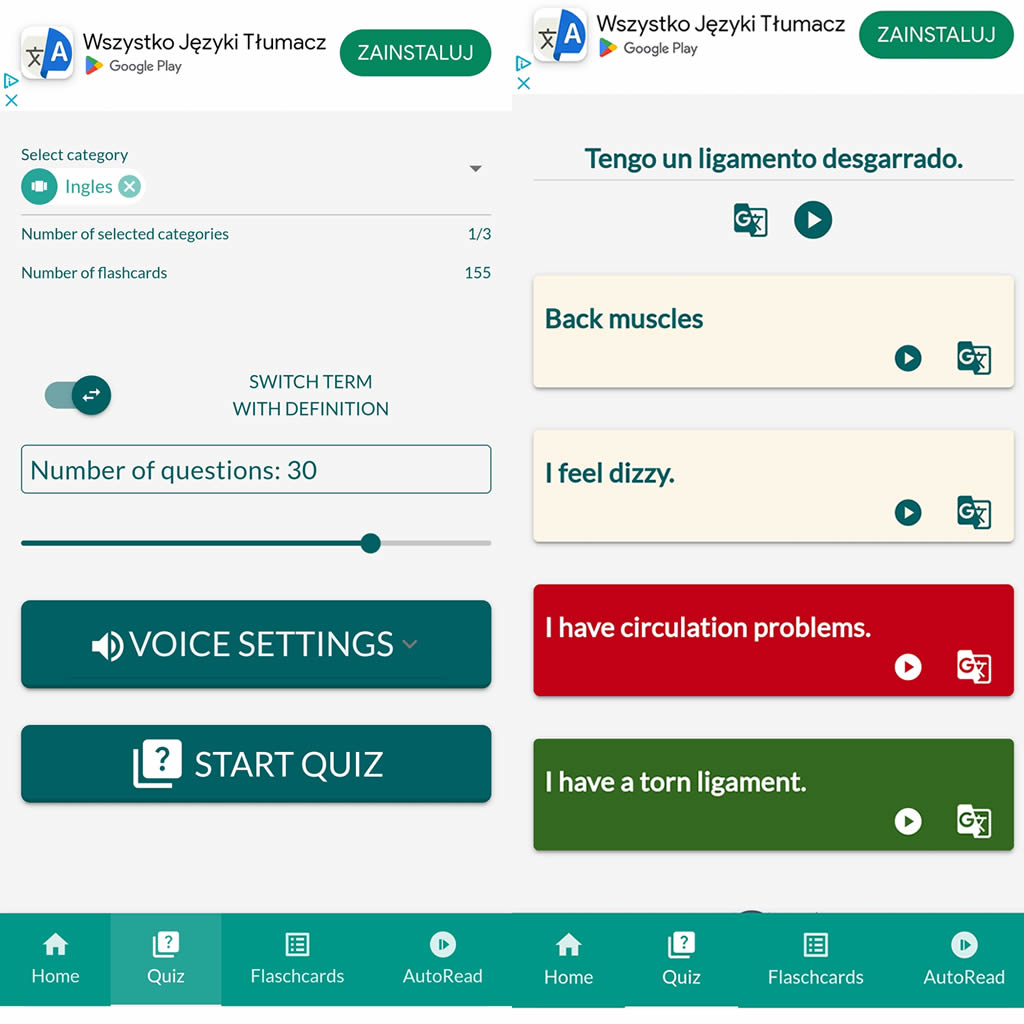
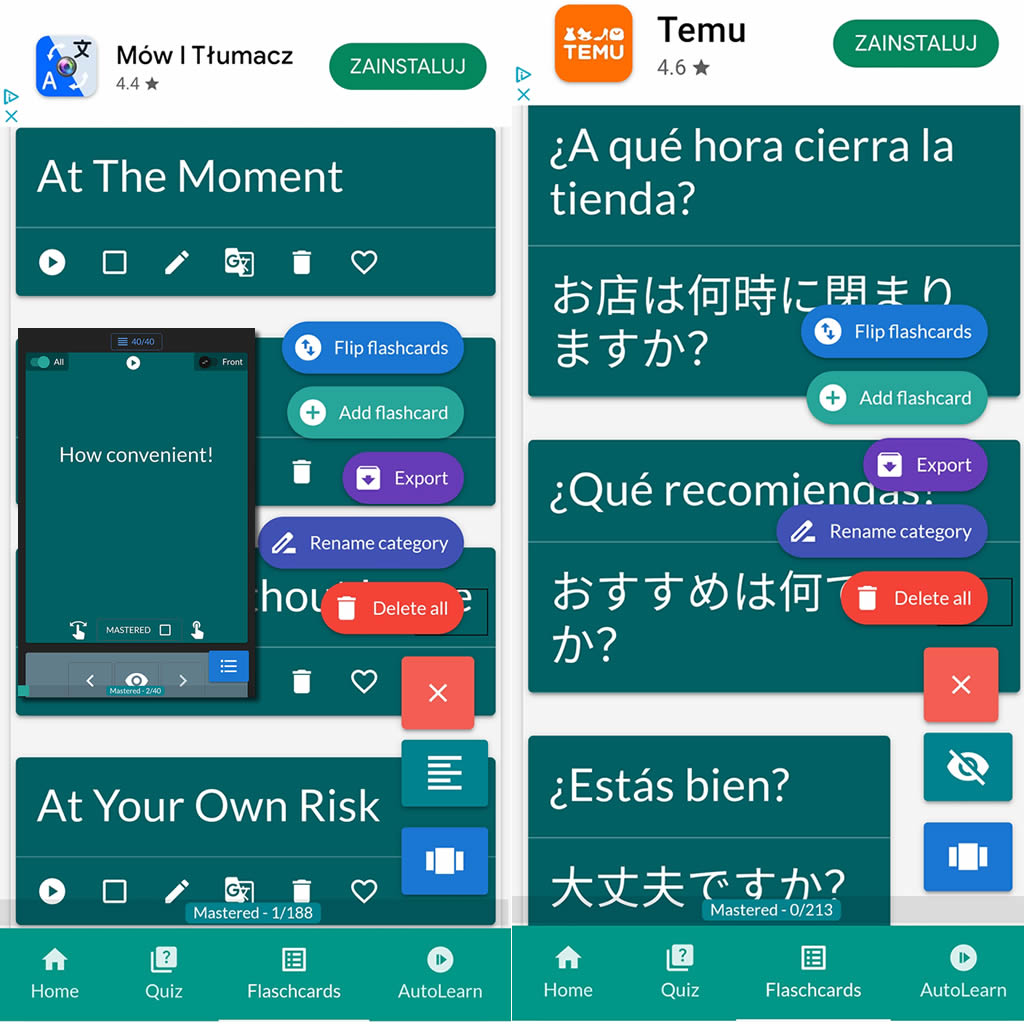
After importing flashcards into the Android NotifyWord app, you can listen to them without touching your phone, take quizzes, and mark the ones you've already learned - study actively or passively, whichever way you prefer.
📲
👉

🤖📚📖❓🎧🚴 Voice flashcards - an Android app for learning without touching the phone.
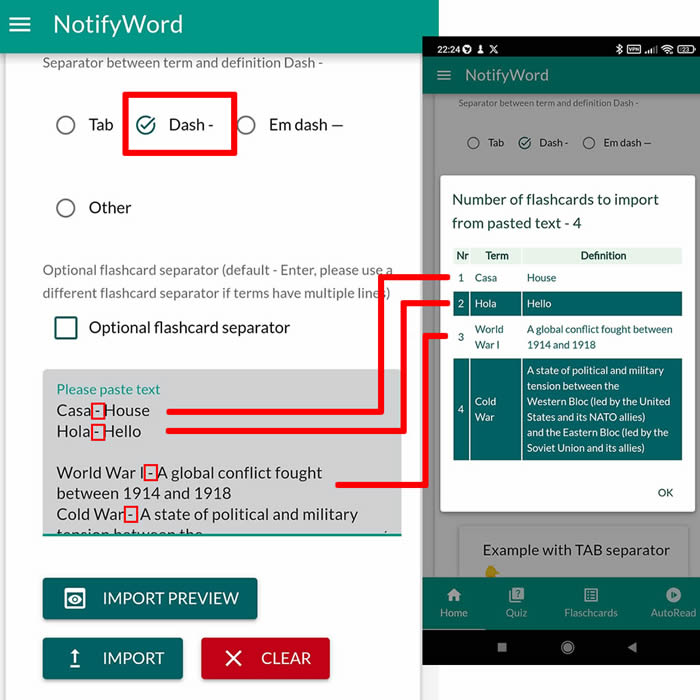
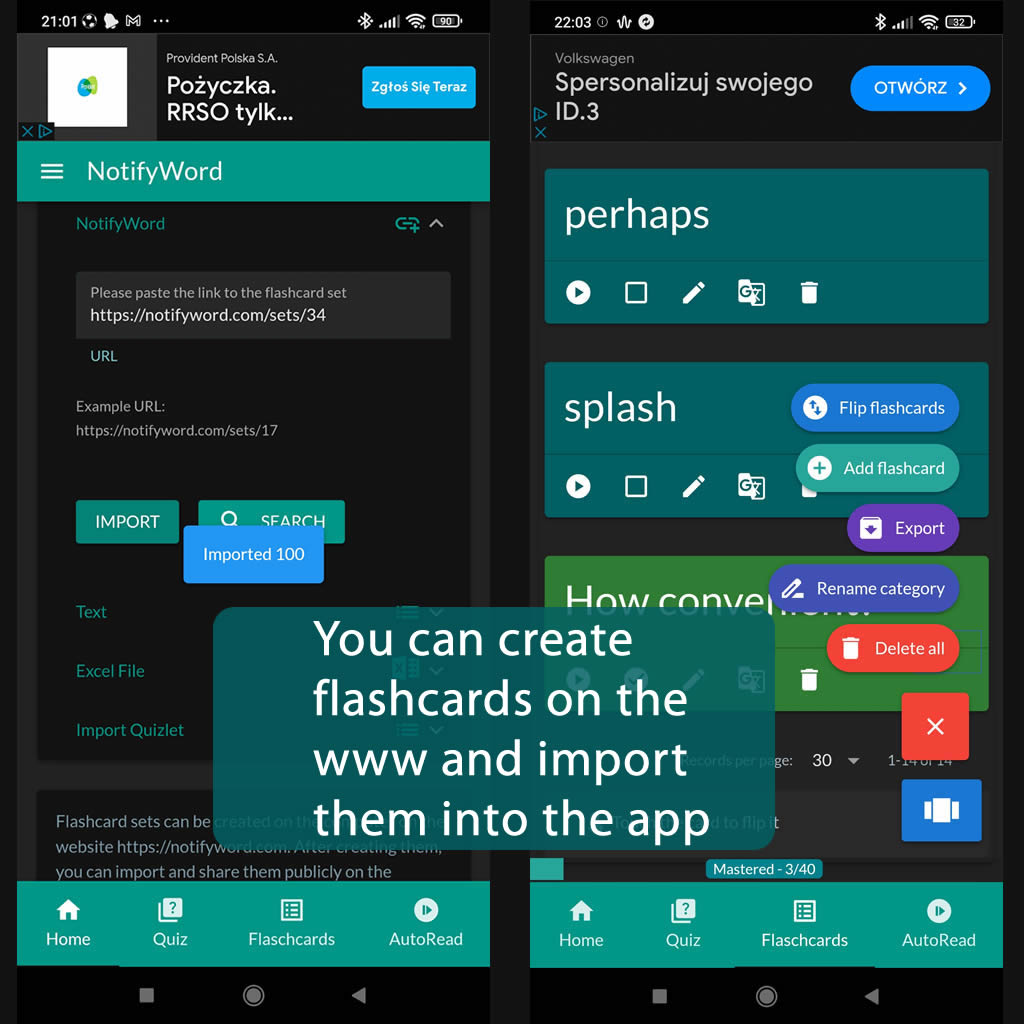
➕ On the website, you can create your own sets of flashcards, both public and private, import them from text, and then import them into the Android application.
| Term/Front | Definition/Back |
|---|---|
| 1 To sum up | Podsumowując |
| 2 On the other hand | Z drugiej strony |
| 3 In conclusion | W konkluzji |
| 4 Furthermore | Ponadto |
| 5 However | Jednakże |
| 6 Nevertheless | Niemniej jednak, pomimo tego |
| 7 In addition | Dodatkowo |
| 8 As a result | W rezultacie |
| 9 Moreover | Co więcej |
| 10 In contrast | W przeciwieństwie |
| 11 Firstly | Po pierwsze |
| 12 Secondly | Po drugie |
| 13 Therefore | W związku z tym |
| 14 For instance | Na przykład |
| 15 Similarly | Podobnie |
| 16 Consequently | W konsekwencji |
| 17 Nonetheless | Niemniej jednak, mimo to, tym niemniej |
| 18 In other words | Innymi słowy |
| 19 In particular | W szczególności |
| 20 Likewise | Podobnież |
| 21 Hence | Stąd, skutkiem tego |
| 22 Subsequently | Następnie |
| 23 To illustrate | Aby zilustrować |
| 24 To emphasize | Aby podkreślić |
| 25 As a consequence | W rezultacie |
| 26 Conversely | Przeciwnie |
| 27 In comparison | W porównaniu |
| 28 To clarify | Aby wyjaśnić |
| 29 By contrast | Natomiast |
| 30 In summary | Podsumowując |
| 31 Thus | W ten sposób, zatem |
| 32 To conclude | Aby zakończyć |
| 33 In brief | Krótko mówiąc |
| 34 In essence | W istocie |
| 35 In the first place | Po pierwsze |
| 36 To elaborate | Aby rozwijać |
| 37 Additionally | Dodatkowo |
| 38 To put it differently | Inaczej mówiąc |
| 39 To summarize | Podsumowując |
| 40 In view of | Wobec tego |
| 41 To exemplify | Aby zilustrować, dla przykładu |
| 42 All in all | Ogólnie rzecz biorąc |
| 43 As an illustration | Jako ilustracja |
| 44 On the contrary | W przeciwieństwie |
| 45 To reiterate | Aby powtórzyć |
| 46 To demonstrate | Zademonstrować |
| 47 To underscore | Aby podkreślić |
| 48 In the same vein | W tym samym duchu |
| 49 To specify | Aby określić |

ℹ️ After importing flashcards into the Android NotifyWord app, you can listen to them without touching your phone, take quizzes, and mark the ones you've already learned - study actively or passively, whichever way you prefer.☝️
📚✍️📲 You can copy someone else's flashcards to your own set - just copy the flashcards and paste them into the import tab, selecting the TAB separator.
📚✍️📲 You can copy someone else's flashcards to your own set - just copy the flashcards and paste them into the import tab, selecting the TAB separator.