Gramática de inglés
Tarjetas didácticas de gramática inglesa de Android
taginglés
tagenglish
added by -
NotifyWord_sample_flashcards
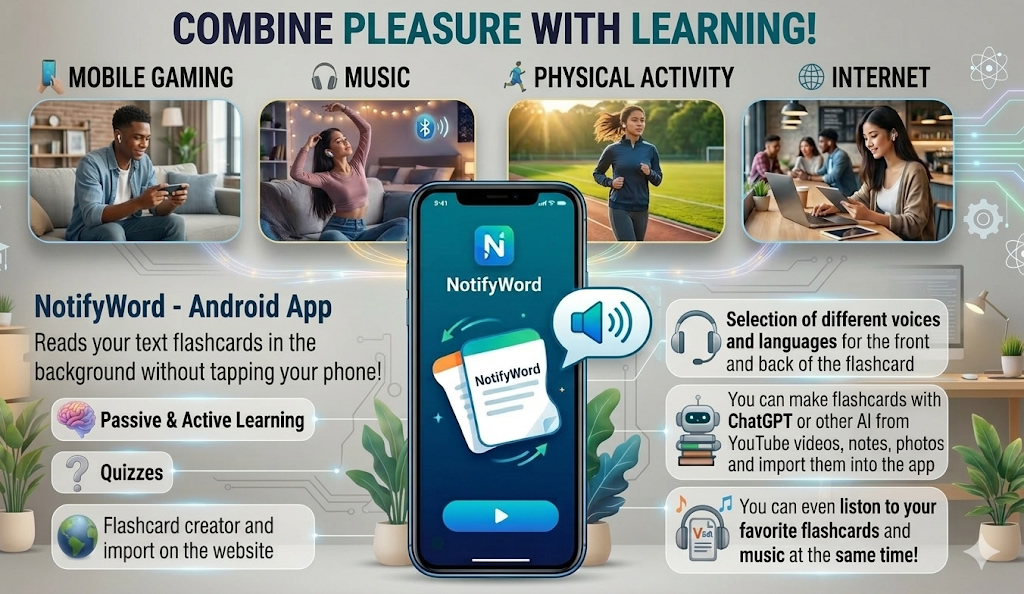
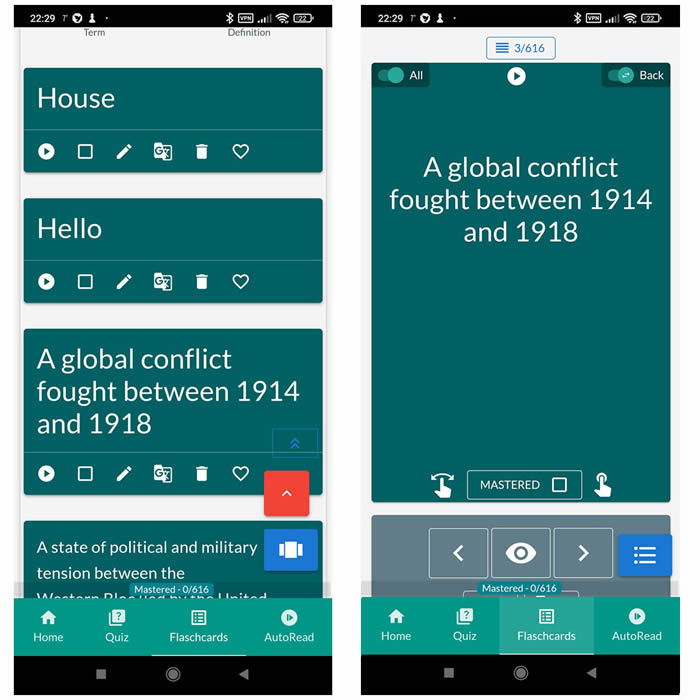
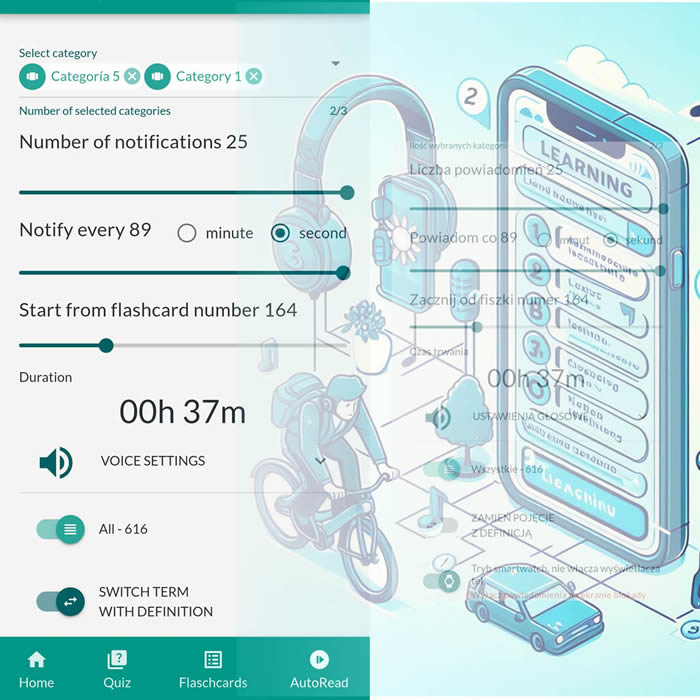
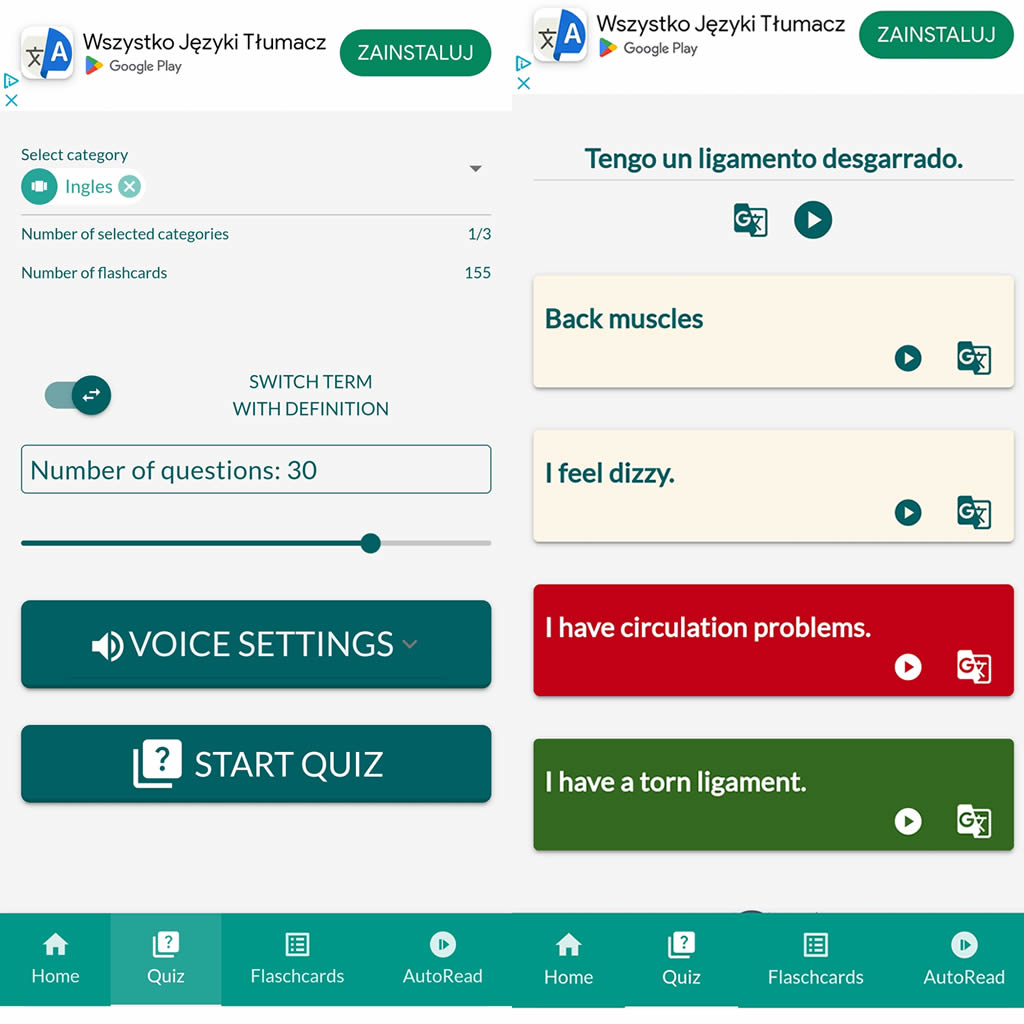
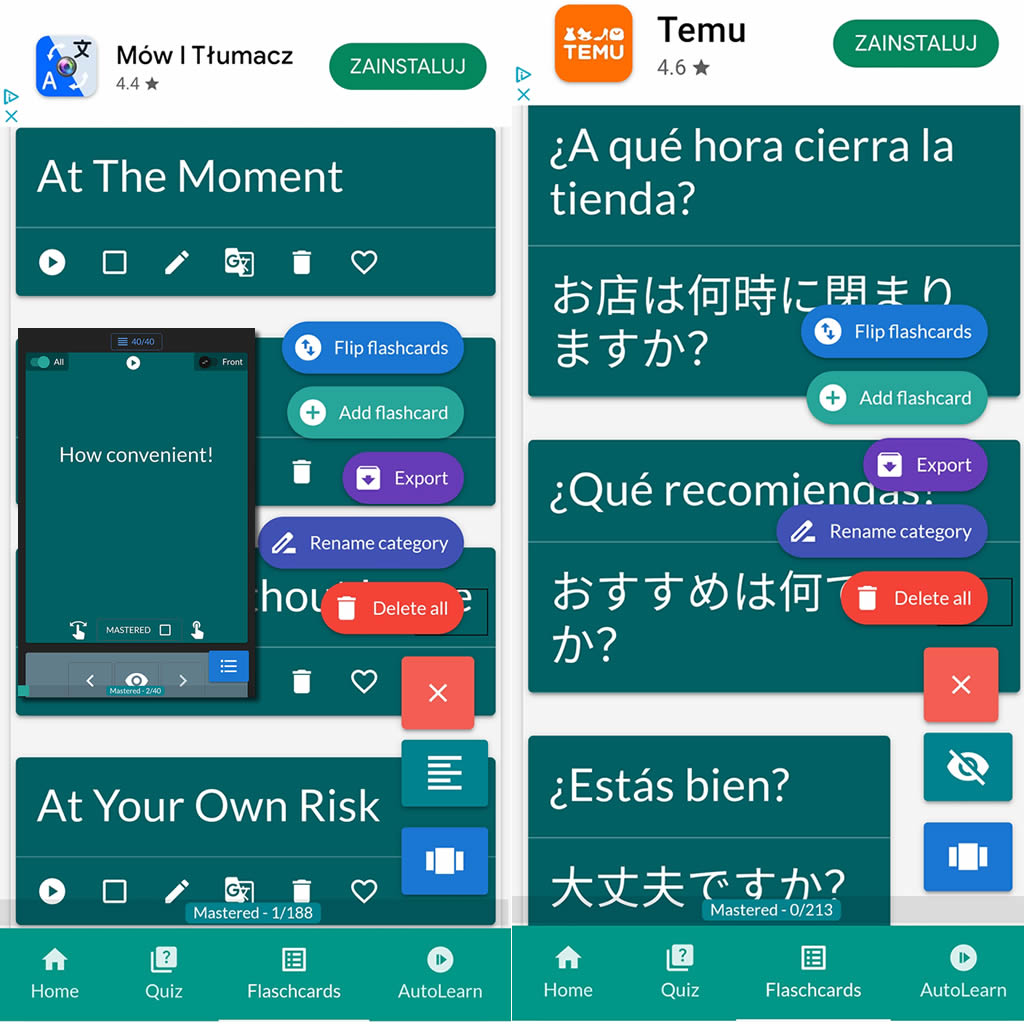
After importing flashcards into the Android NotifyWord app, you can listen to them without touching your phone, take quizzes, and mark the ones you've already learned - study actively or passively, whichever way you prefer.
📲
👉

🤖📚📖❓🎧🚴 Voice flashcards - an Android app for learning without touching the phone.
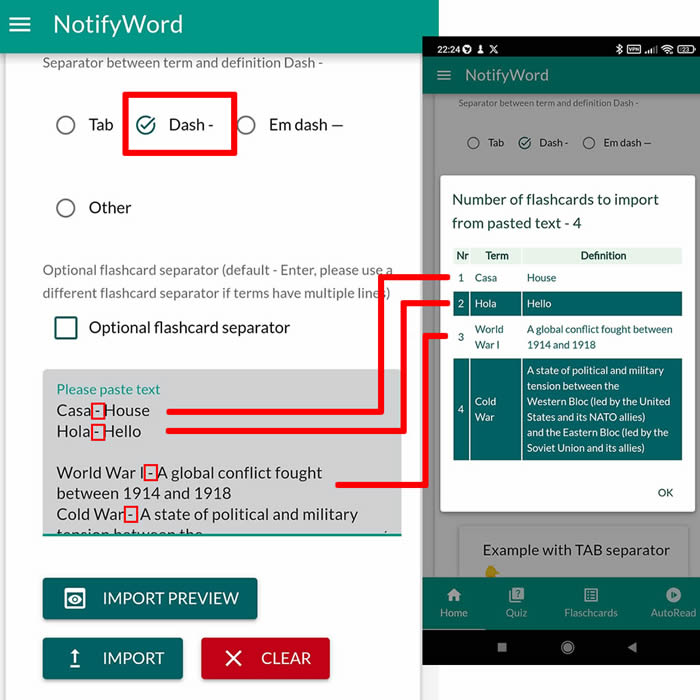
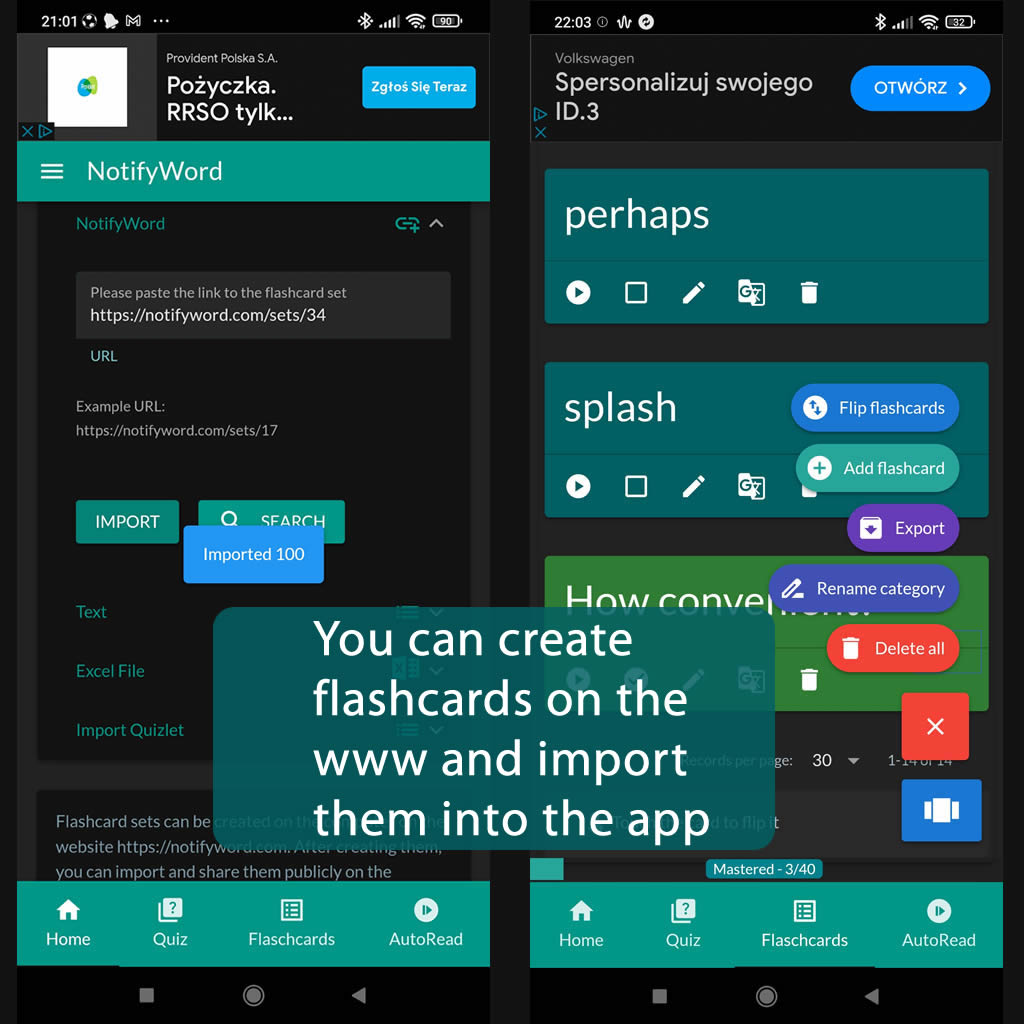
➕ On the website, you can create your own sets of flashcards, both public and private, import them from text, and then import them into the Android application.
| Term/Front | Definition/Back |
|---|---|
| 1 Present Simple |
She works in a hospital. Do you like chocolate? Cats like milk. He speaks Spanish fluently. |
| 2 Past Simple |
I watched a movie yesterday. They visited their grandparents last weekend. She finished her homework before dinner. |
| 3 Present Continuous |
I was reading a book when you called. They were sleeping when you arrived. She was cooking dinner while I was studying. |
| 4 Present Perfect |
I have finished my homework. She has visited Paris twice. Have you ever been to Japan? |
| 5 Past Perfect |
She had already eaten when I arrived. They had left before we got there. He had studied English before moving to London. |
| 6 Future Simple |
I will call you later. They will come to the party tomorrow. Will you go to the concert with me? |
| 7 Conditional Sentences - Type 1 |
If it rains, we will stay at home. What will you do if you miss the bus? If she passes the exam, she will be happy. |
| 8 Conditional Sentences - Type 2 |
If I had more money, I would travel the world. What would you buy if you won the lottery? If she were taller, she could reach the top shelf. |
| 9 Passive Voice |
The book was written by Shakespeare. Are these cookies made by you? The house is being painted by a professional. |

ℹ️ After importing flashcards into the Android NotifyWord app, you can listen to them without touching your phone, take quizzes, and mark the ones you've already learned - study actively or passively, whichever way you prefer.☝️
📚✍️📲 You can copy someone else's flashcards to your own set - just copy the flashcards and paste them into the import tab, selecting the TAB separator.
📚✍️📲 You can copy someone else's flashcards to your own set - just copy the flashcards and paste them into the import tab, selecting the TAB separator.