List formalny - fiszki
Fiszki do nauki listu formalnego na maturę z angielskiego, bo wiele elementów jest powtarzalnych. Najlepiej zrobić je w schemacie „przód – tył”, gdzie z jednej strony masz polski kontekst / funkcję, a z drugiej gotowe angielskie zdanie lub zwrot.
tagAngielski-matura
tagangielski
tagmatura
added by -
NotifyWord_sample_flashcards
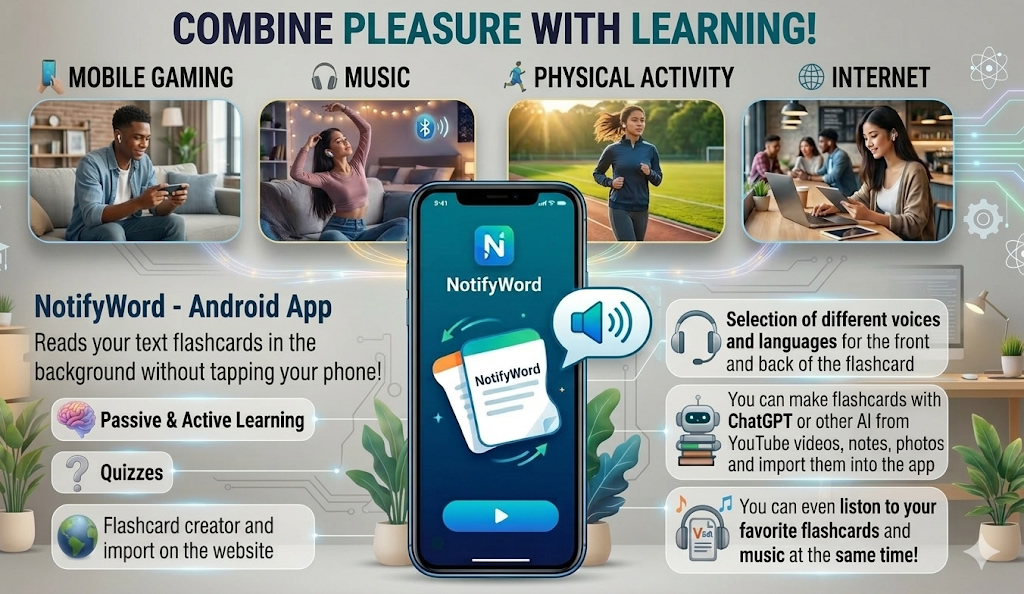
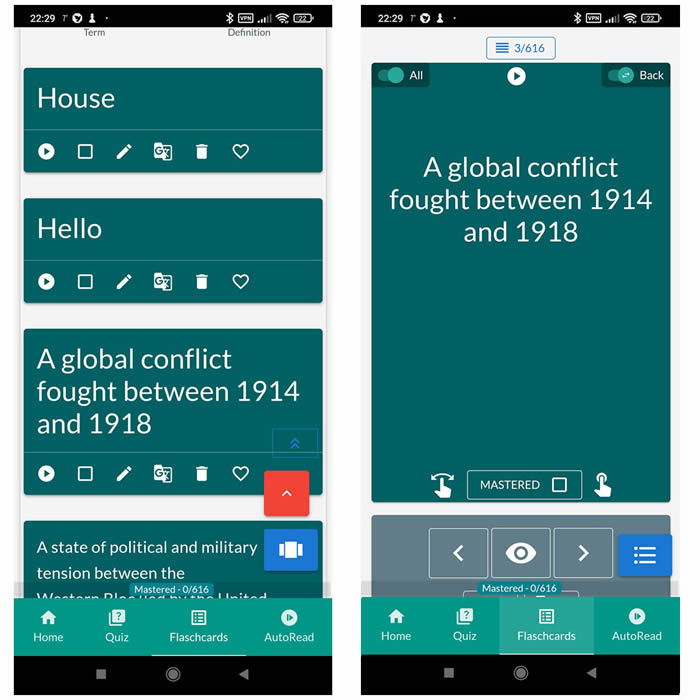
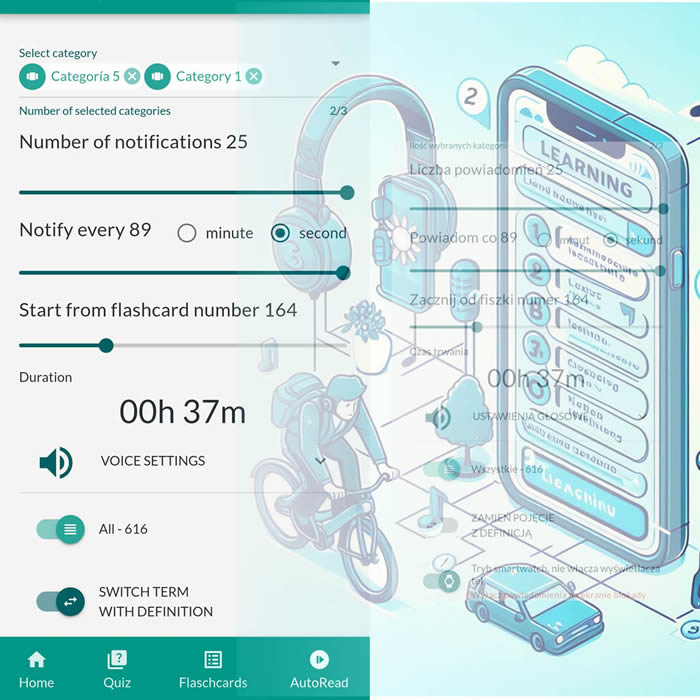
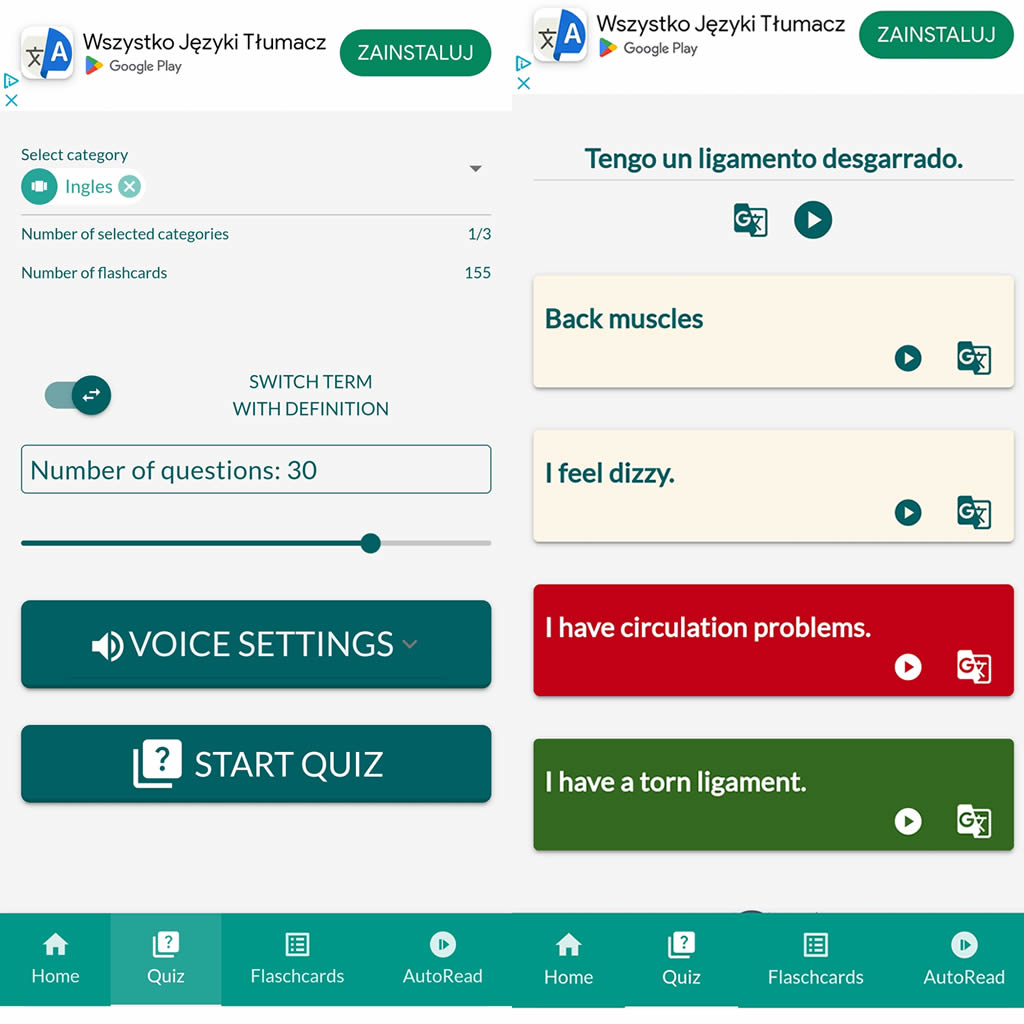
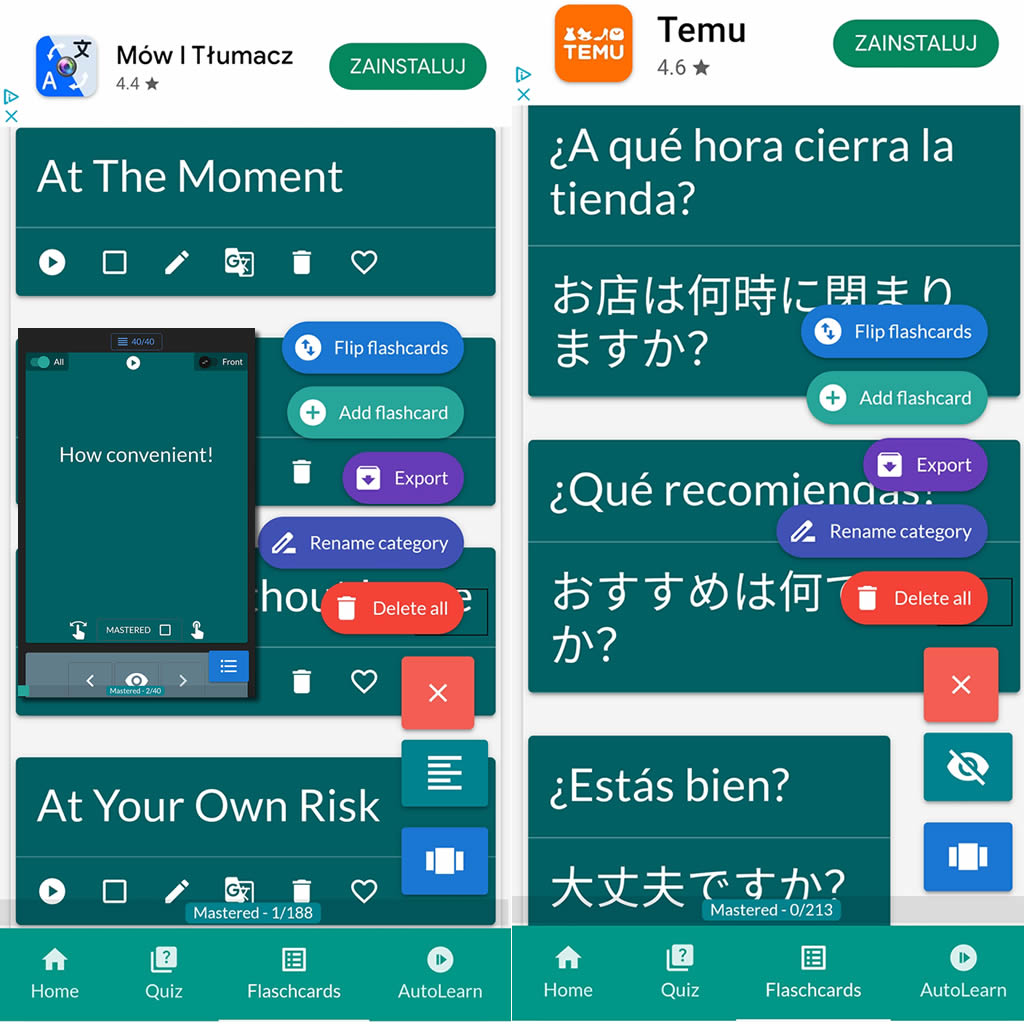
After importing flashcards into the Android NotifyWord app, you can listen to them without touching your phone, take quizzes, and mark the ones you've already learned - study actively or passively, whichever way you prefer.
📲
👉
🤖📚📖❓🎧🚴 Voice flashcards - an Android app for learning without touching the phone.
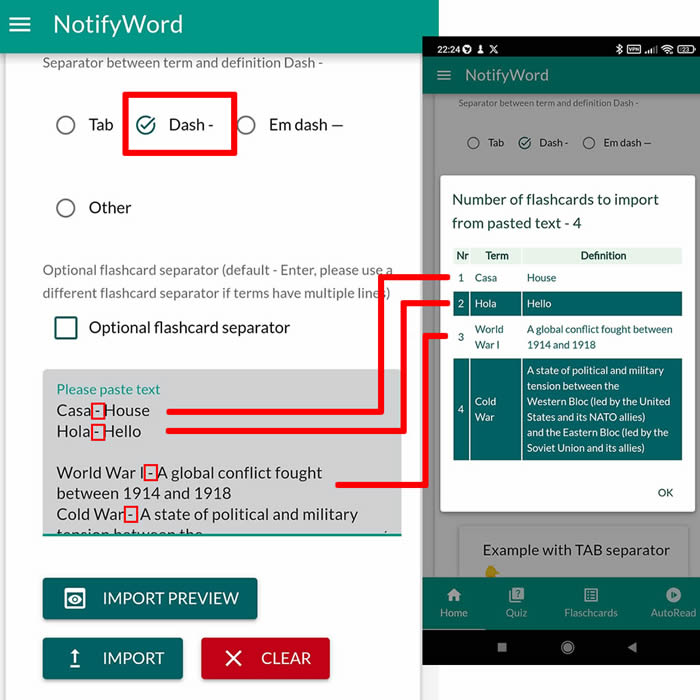
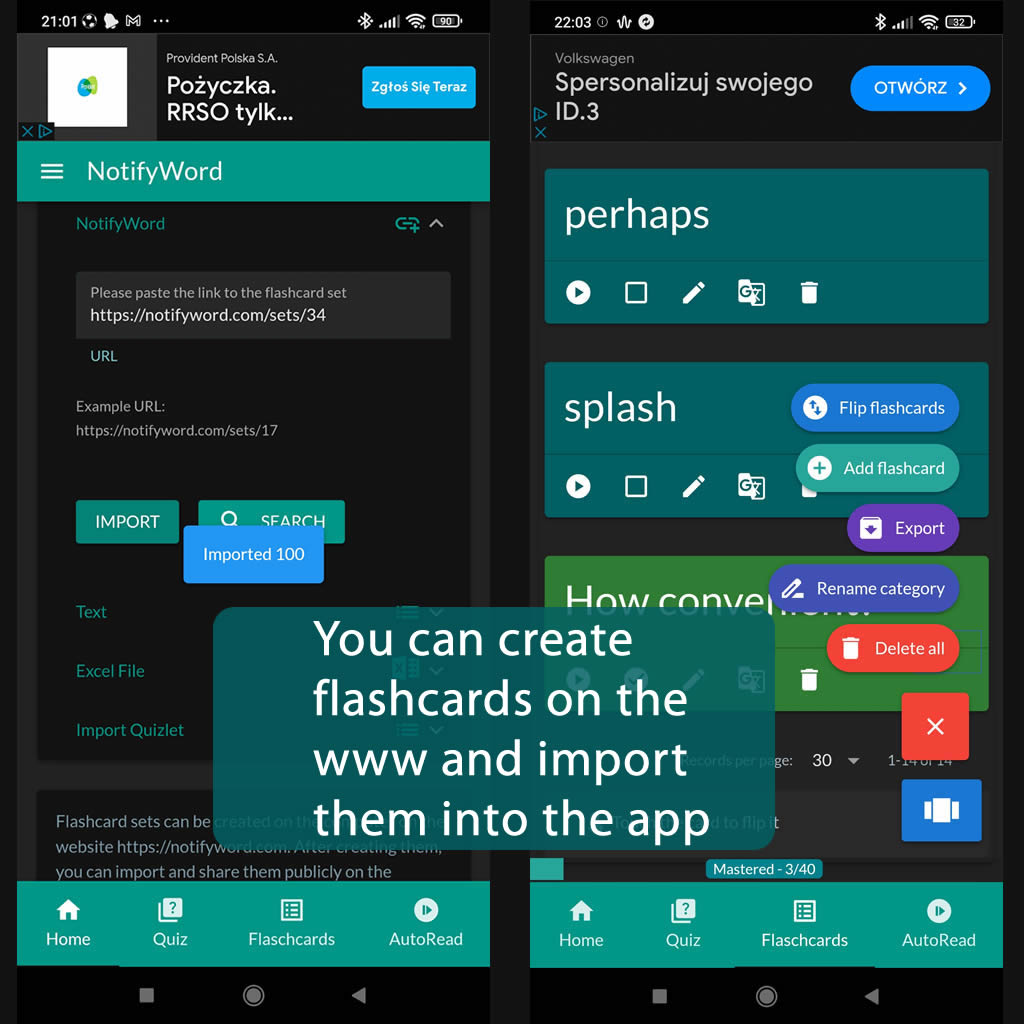
➕ On the website, you can create your own sets of flashcards, both public and private, import them from text, and then import them into the Android application.
| Term/Front | Definition/Back |
|---|---|
| 1 Nie znasz adresata – jak zacząć list formalny |
Dear Sir or Madam, |
| 2 Znasz nazwisko adresata – jak zacząć list |
Dear Mr / Ms / Mrs + surname, |
| 3 Piszę w sprawie… |
I am writing regarding… |
| 4 Piszę w związku z… |
I am writing in connection with… |
| 5 Piszę aby zapytać o… |
I am writing to inquire about… |
| 6 Piszę aby uzyskać więcej informacji o… |
I am writing to obtain more information about… |
| 7 Piszę w odpowiedzi na ogłoszenie |
I am writing in response to your advertisement |
| 8 Znalazłem Państwa ogłoszenie na stronie internetowej |
I found your advertisement on your website |
| 9 Jestem zainteresowany… |
I am interested in… |
| 10 Jestem szczególnie zainteresowany… |
I am particularly interested in… |
| 11 Chciałbym dowiedzieć się więcej o… |
I would like to find out more about… |
| 12 Chciałbym uzyskać więcej informacji o… |
I would like to obtain more information about… |
| 13 Chciałbym zapytać o szczegóły dotyczące… |
I would like to ask for details about… |
| 14 Piszę aby zapytać czy… |
I am writing to ask whether… |
| 15 Chciałbym zapytać czy… |
I would like to ask whether… |
| 16 Czy mogliby Państwo podać więcej informacji o… |
Could you please provide more information about… |
| 17 Czy mogliby Państwo wysłać szczegóły |
Could you please send me the details |
| 18 Czy byłoby możliwe aby… |
Would it be possible to… |
| 19 Czy mogliby Państwo wyjaśnić… |
Could you please explain… |
| 20 Czy mogliby Państwo poinformować mnie czy… |
Could you please let me know whether… |
| 21 Czy mogliby Państwo powiedzieć mi więcej o… |
Could you please tell me more about… |
| 22 Byłbym wdzięczny za więcej informacji |
I would be grateful for more information |
| 23 Byłbym wdzięczny za odpowiedź |
I would be grateful for your reply |
| 24 Byłbym bardzo wdzięczny za pomoc |
I would be very grateful for your help |
| 25 Byłbym wdzięczny gdyby mogli Państwo… |
I would appreciate it if you could… |
| 26 Byłbym wdzięczny gdyby mogli Państwo przesłać… |
I would appreciate it if you could send… |
| 27 Proszę o przesłanie szczegółów |
Please send me further details |
| 28 Z góry dziękuję za pomoc |
Thank you in advance for your help |
| 29 Dziękuję za poświęcony czas |
Thank you for your time |
| 30 Czekam na odpowiedź |
I look forward to hearing from you |
| 31 Czekam na Państwa odpowiedź |
I look forward to your reply |
| 32 Mam nadzieję na szybką odpowiedź |
I hope to hear from you soon |
| 33 Będę wdzięczny za szybką odpowiedź |
I would appreciate a prompt reply |
| 34 Proszę o odpowiedź w najbliższym czasie |
I would appreciate a reply at your earliest convenience |
| 35 Jeśli potrzebne są dodatkowe informacje |
If you require any further information |
| 36 Jeśli potrzebują Państwo więcej informacji proszę o kontakt |
If you require any further information please do not hesitate to contact me |
| 37 Zakończenie gdy nie znamy nazwiska |
Yours faithfully |
| 38 Zakończenie gdy znamy nazwisko |
Yours sincerely |
| 39 Z poważaniem |
Yours sincerely |
| 40 Imię i nazwisko | [Your name] |

ℹ️ After importing flashcards into the Android NotifyWord app, you can listen to them without touching your phone, take quizzes, and mark the ones you've already learned - study actively or passively, whichever way you prefer.☝️
📚✍️📲 You can copy someone else's flashcards to your own set - just copy the flashcards and paste them into the import tab, selecting the TAB separator.
📚✍️📲 You can copy someone else's flashcards to your own set - just copy the flashcards and paste them into the import tab, selecting the TAB separator.