Intro Wilkhahn
added by -
juliane.milius@gmx.de
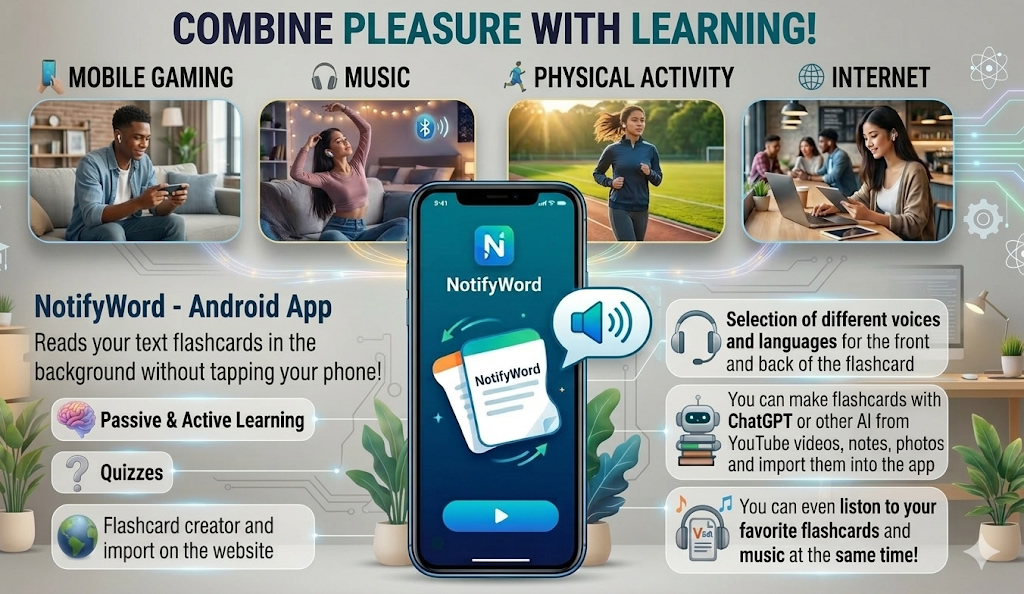
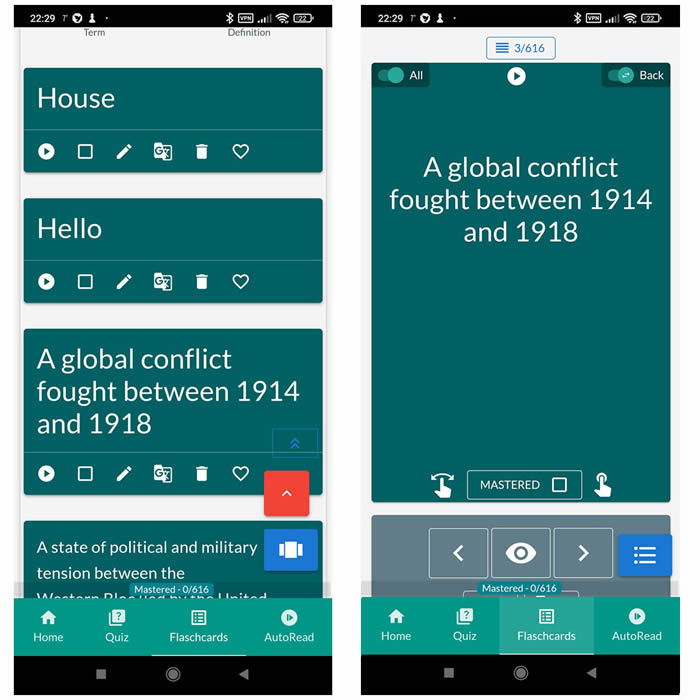
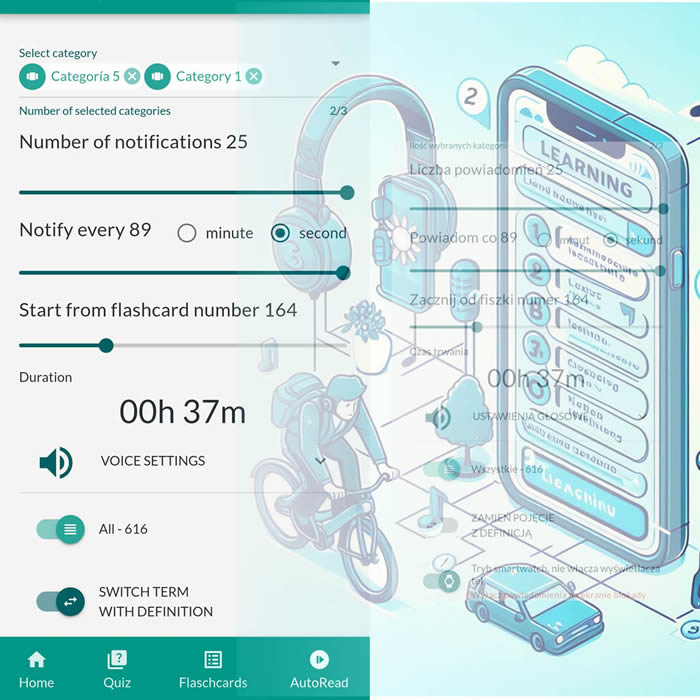
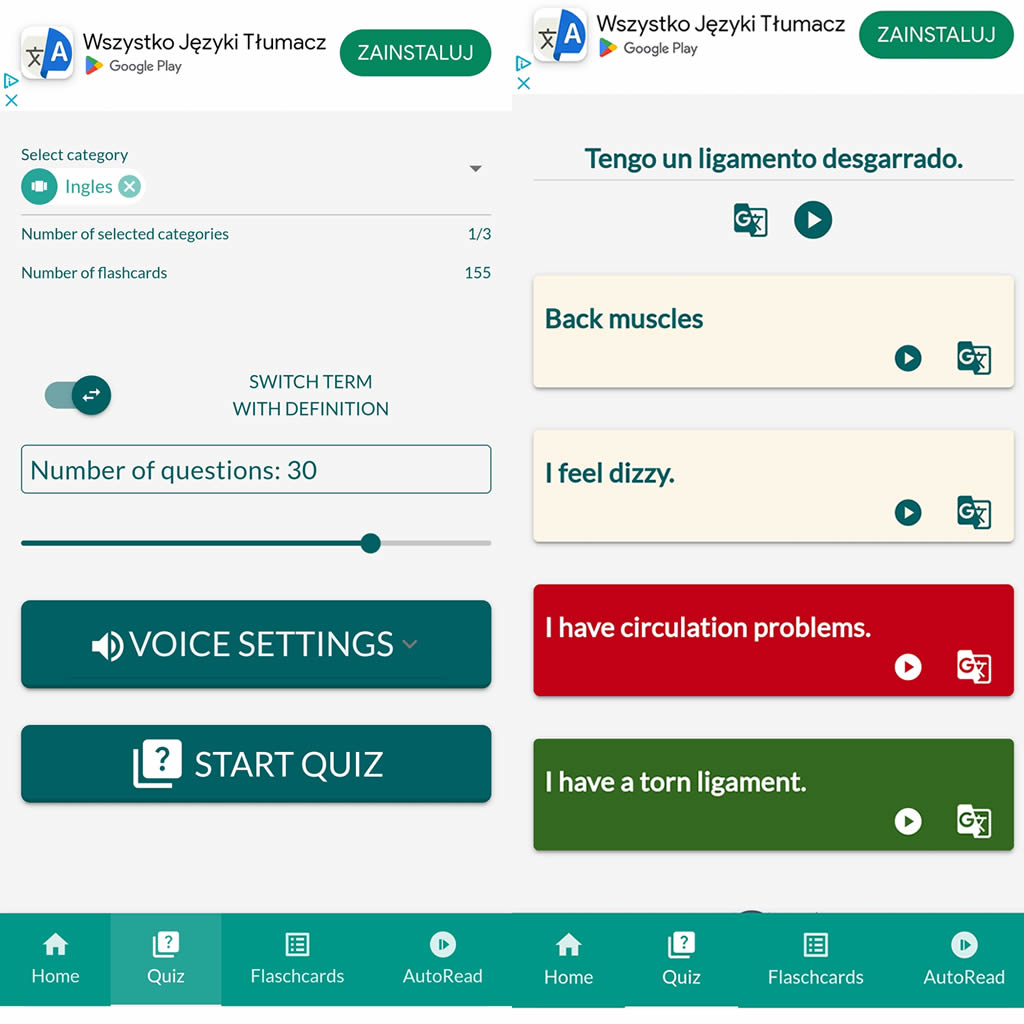
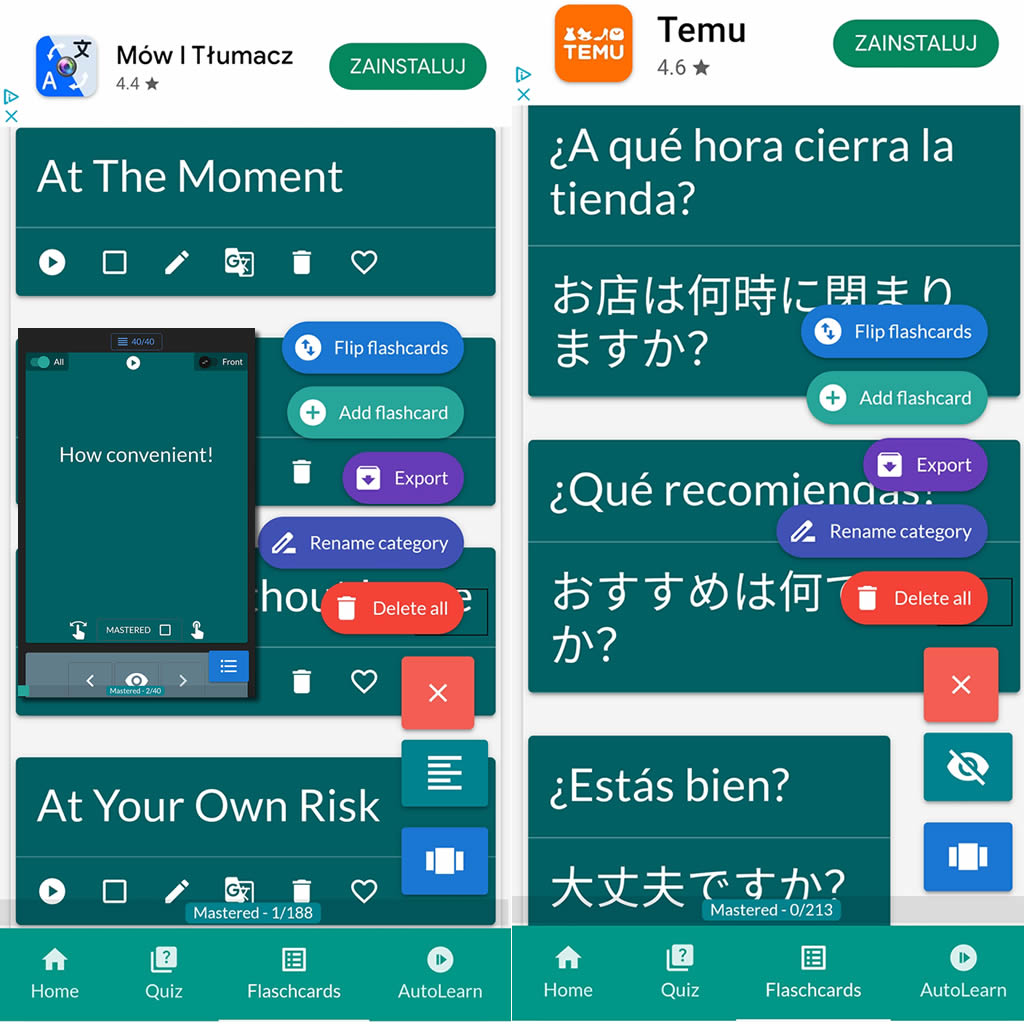
After importing flashcards into the Android NotifyWord app, you can listen to them without touching your phone, take quizzes, and mark the ones you've already learned - study actively or passively, whichever way you prefer.
📲
👉

🤖📚📖❓🎧🚴 Voice flashcards - an Android app for learning without touching the phone.
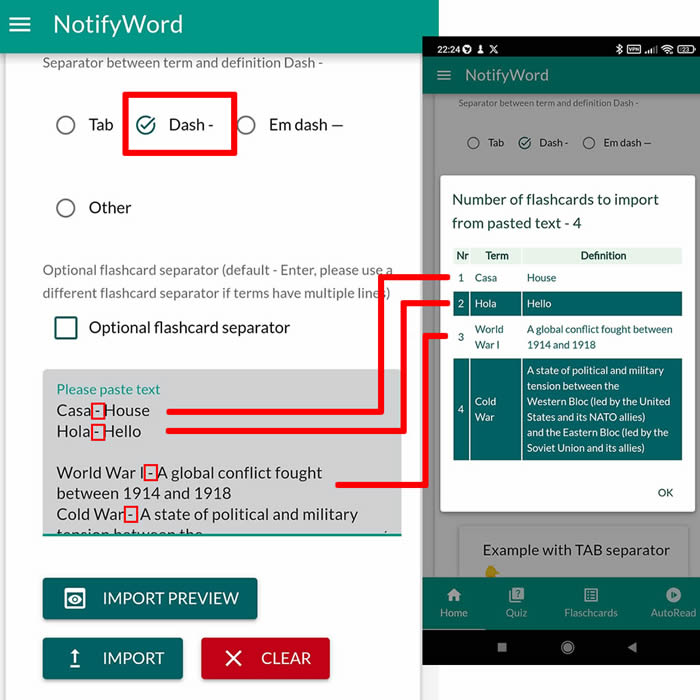
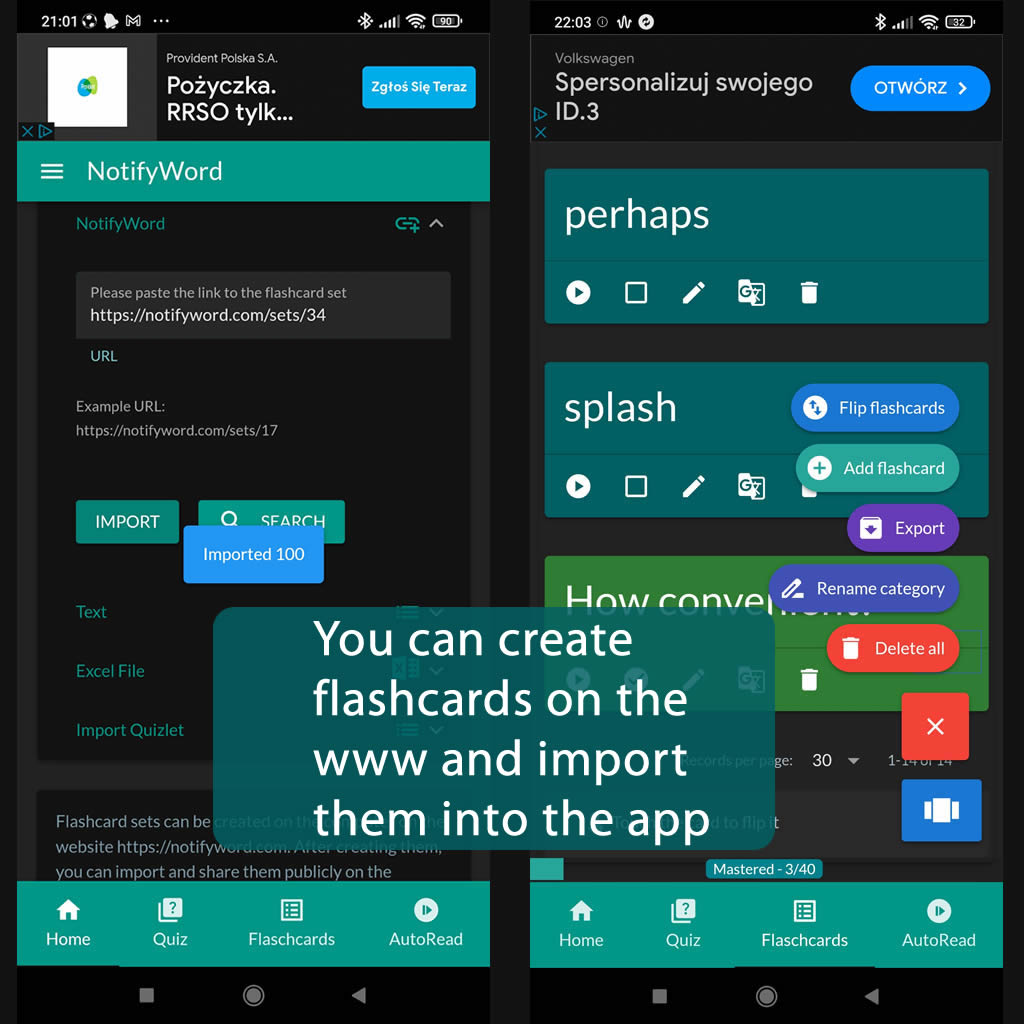
➕ On the website, you can create your own sets of flashcards, both public and private, import them from text, and then import them into the Android application.
| Term/Front | Definition/Back |
|---|---|
|
1 🟦 KAPITEL 1 – Introduction & Wilkhahn (komplett kopieren und in NotifyWord einfügen) What is Juliane’s opening line? Hello everyone, thank you so much for having me here today. What did Juliane bring to make the presentation more vivid? A small color tasting experience. What is Wilkhahn? A German family |
owned company with more than 100 years of design tradition. What does Wilkhahn stand for? Quality, sustainability, and thoughtful engineering. What is Wilkhahn’s mission? To create furniture that improves how people work, move, and feel. |

ℹ️ After importing flashcards into the Android NotifyWord app, you can listen to them without touching your phone, take quizzes, and mark the ones you've already learned - study actively or passively, whichever way you prefer.☝️
📚✍️📲 You can copy someone else's flashcards to your own set - just copy the flashcards and paste them into the import tab, selecting the TAB separator.
📚✍️📲 You can copy someone else's flashcards to your own set - just copy the flashcards and paste them into the import tab, selecting the TAB separator.