Moje fiszki
fdsfsd
added by -
lukasiewicz0707
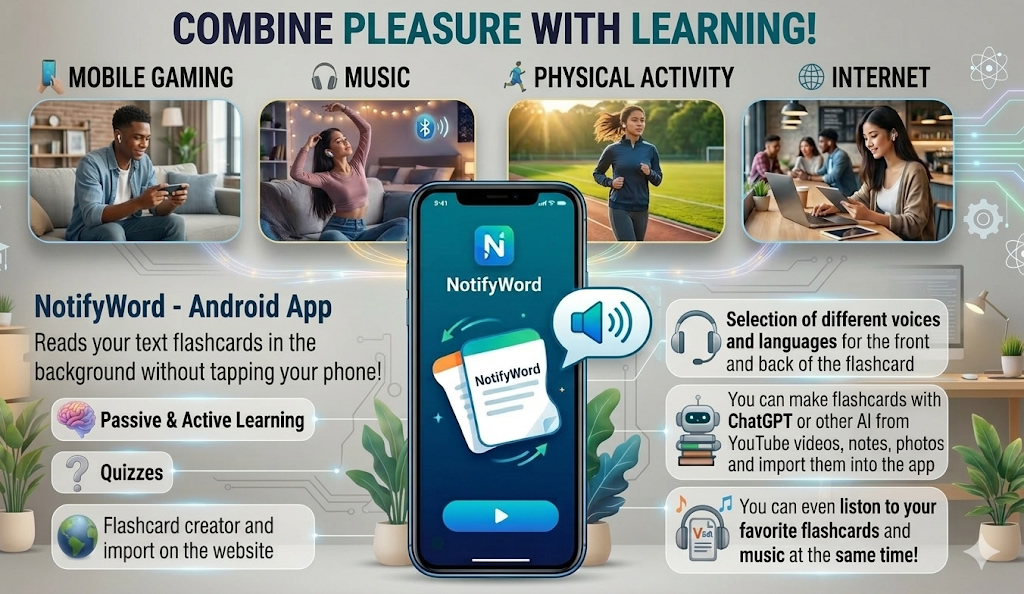
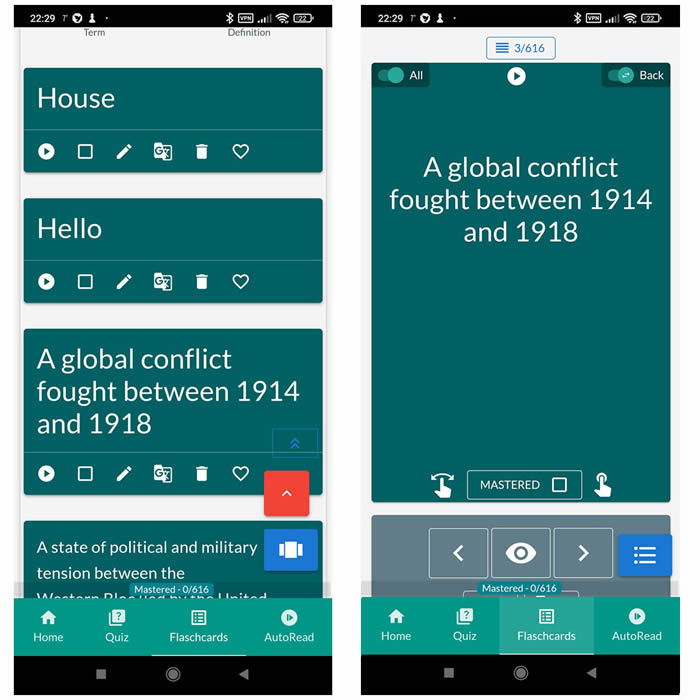
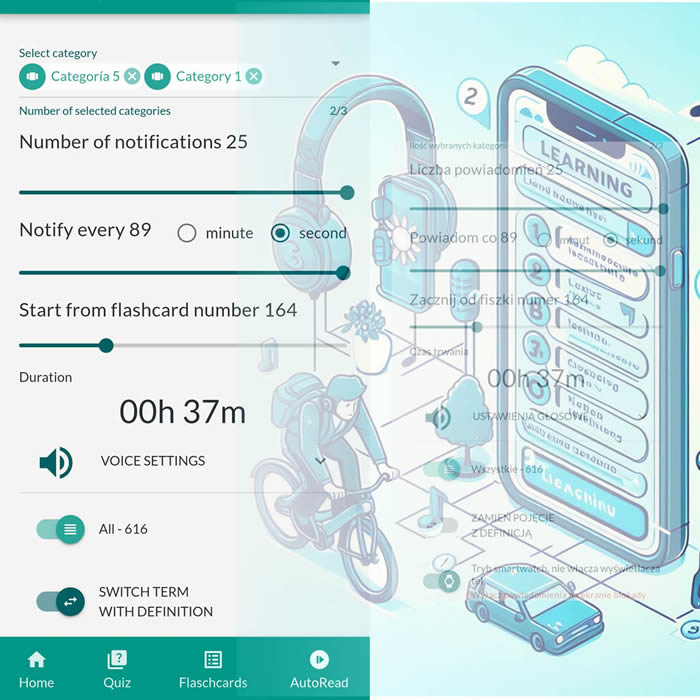
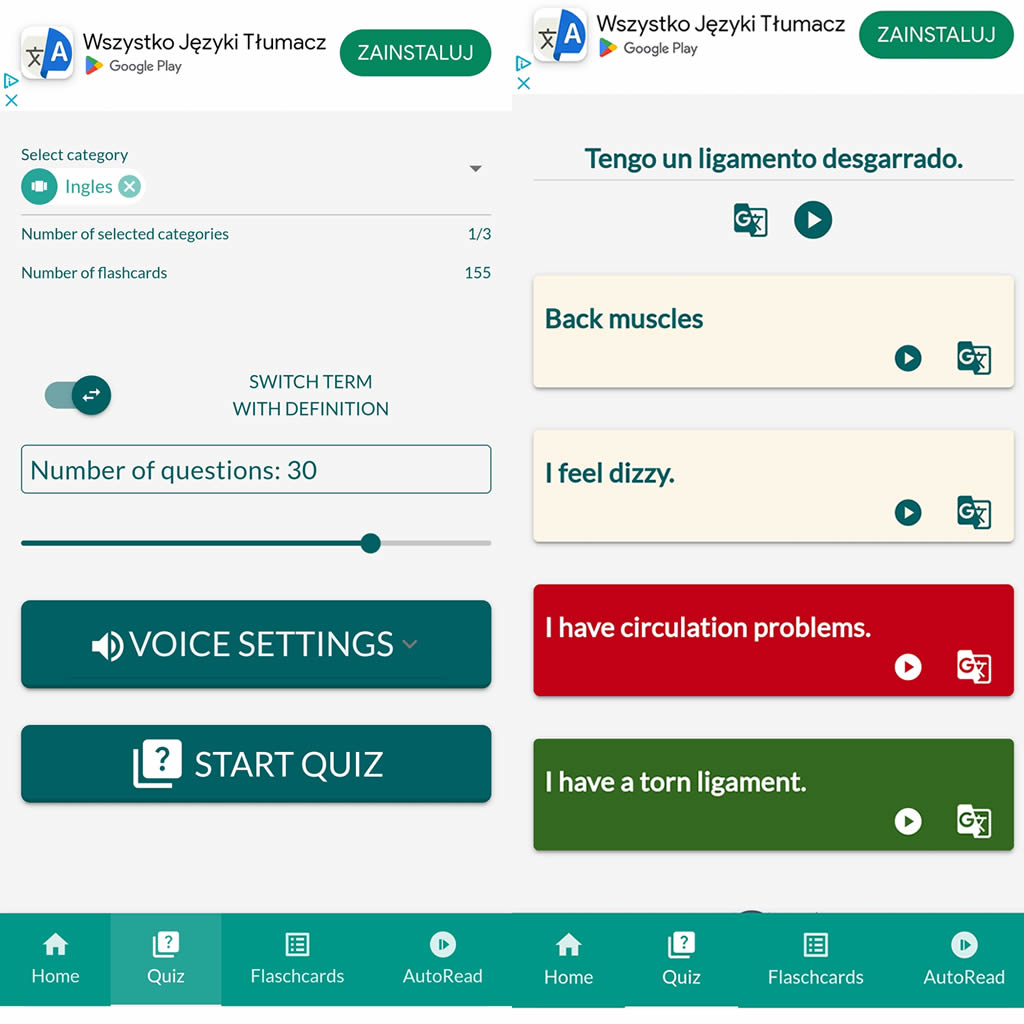
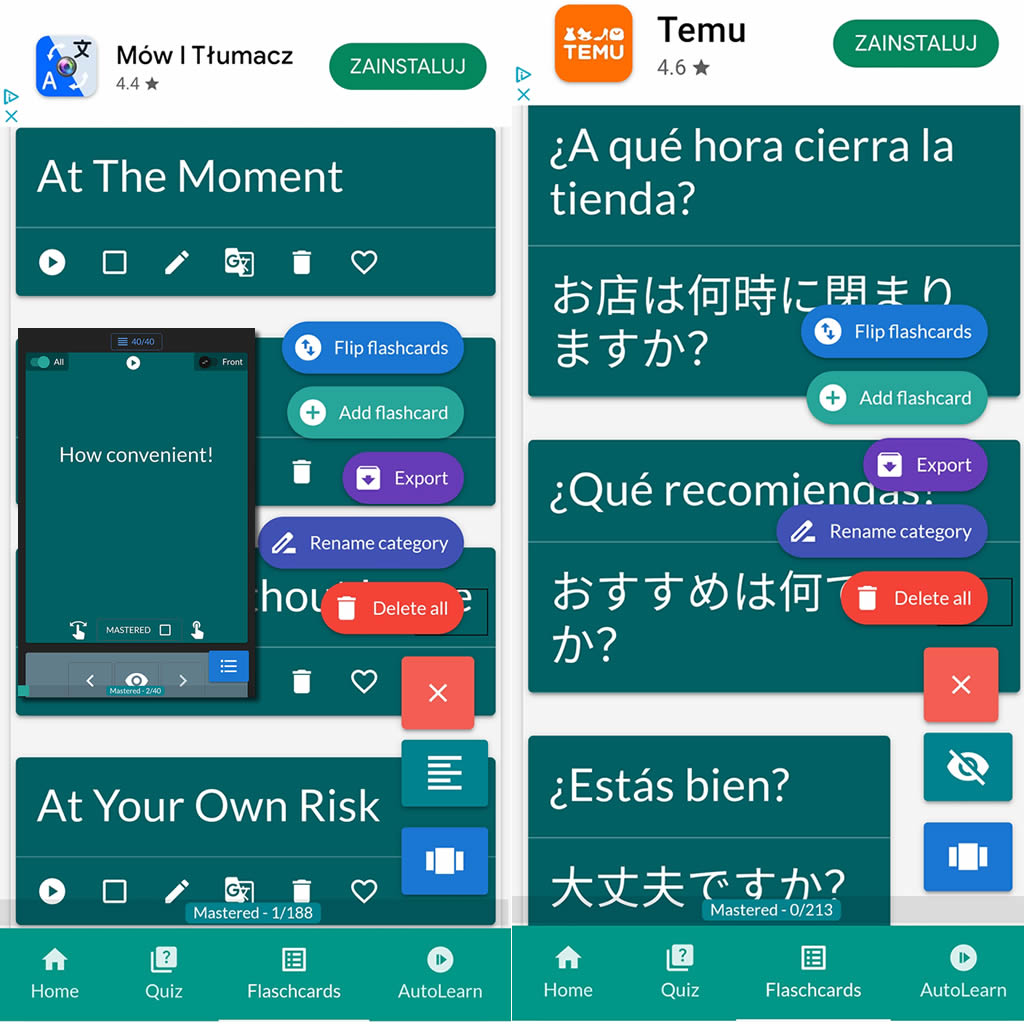
After importing flashcards into the Android NotifyWord app, you can listen to them without touching your phone, take quizzes, and mark the ones you've already learned - study actively or passively, whichever way you prefer.
📲
👉
🤖📚📖❓🎧🚴 Voice flashcards - an Android app for learning without touching the phone.
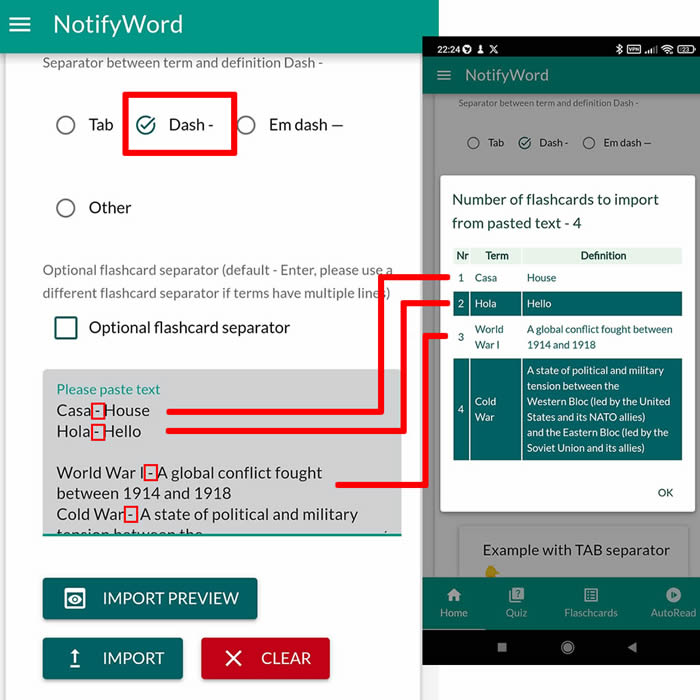
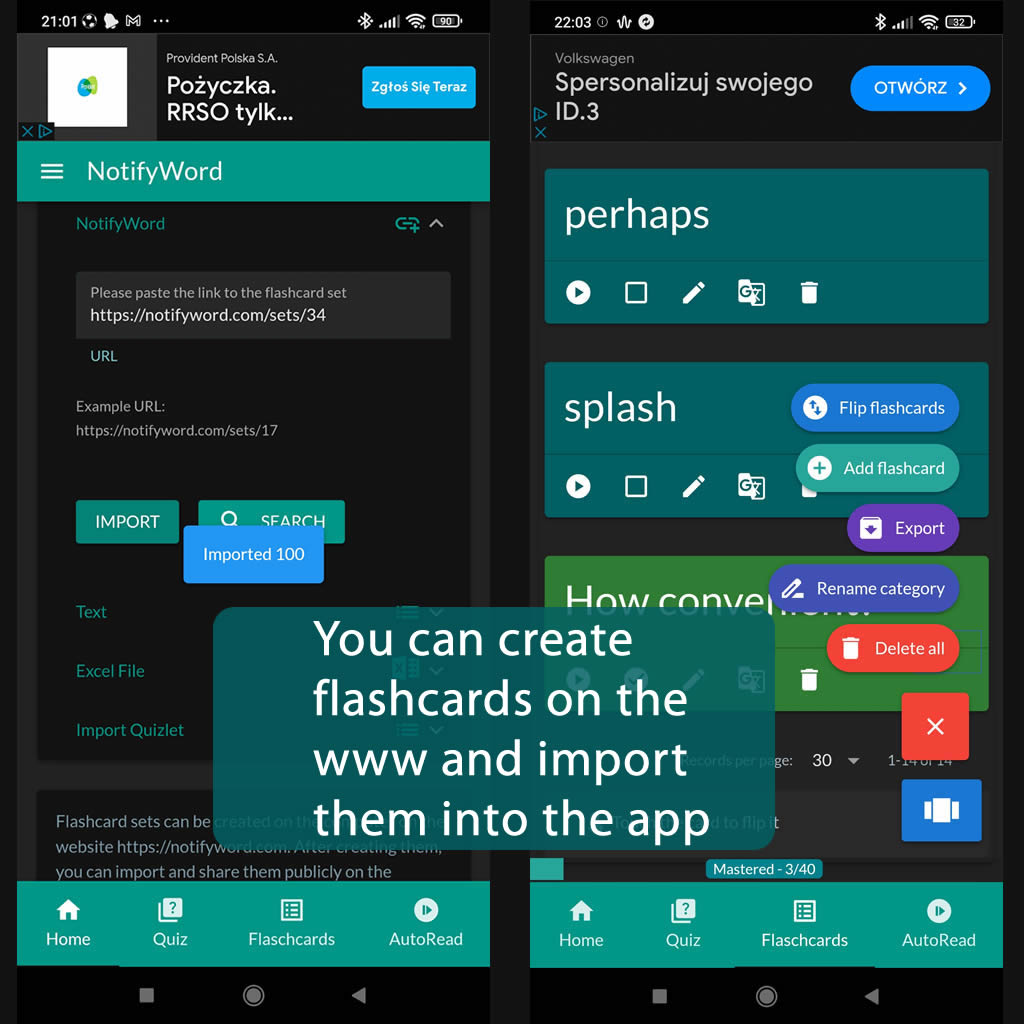
➕ On the website, you can create your own sets of flashcards, both public and private, import them from text, and then import them into the Android application.
| Term/Front | Definition/Back |
|---|---|
| 1 dom |
house |
| 2 kot |
cat |
| 3 pies |
dog |
| 4 okno |
window |
| 5 drzwi |
door |
| 6 krzesło |
chair |
| 7 stół |
table |
| 8 łóżko |
bed |
| 9 samochód |
car |
| 10 rower |
bike |
| 11 ulica |
street |
| 12 szkoła |
school |
| 13 praca |
work |
| 14 sklep |
shop / store |
| 15 chleb |
bread |
| 16 woda |
water |
| 17 mleko |
milk |
| 18 jabłko |
apple |
| 19 banan |
banana |
| 20 kawa |
coffee |
| 21 herbata |
tea |
| 22 telefon |
phone |
| 23 komputer |
computer |
| 24 książka |
book |
| 25 pióro/długopis |
pen |
| 26 papier |
paper |
| 27 plecak |
backpack |
| 28 but |
shoe |
| 29 spodnie |
trousers / pants |
| 30 koszula |
shirt |
| 31 kurtka |
jacket |
| 32 czapka |
hat |
| 33 ciało |
body |
| 34 głowa |
head |
| 35 oko |
eye |
| 36 ucho |
ear |
| 37 nos |
nose |
| 38 ręka |
hand |
| 39 noga |
leg |
| 40 palec |
finger |
| 41 dzień |
day |
| 42 noc |
night |
| 43 rano |
morning |
| 44 wieczór |
evening |
| 45 tydzień |
week |
| 46 miesiąc |
month |
| 47 rok |
year |
| 48 dziś |
today |
| 49 jutro |
tomorrow |
| 50 wczoraj |
yesterday |
| 51 mężczyzna |
man |
| 52 kobieta |
woman |
| 53 dziecko |
child |
| 54 rodzina |
family |
| 55 przyjaciel |
friend |
| 56 chłopak |
boy |
| 57 dziewczyna |
girl |
| 58 miasto |
city |
| 59 kraj |
country |
| 60 świat |
world |
| 61 czas |
time |
| 62 miejsce |
place |
| 63 pytanie |
question |
| 64 odpowiedź |
answer |
| 65 rzecz |
thing |
| 66 imię |
name |
| 67 numer |
number |
| 68 kolor |
color |
| 69 biały |
white |
| 70 czarny |
black |
| 71 czerwony |
red |
| 72 niebieski |
blue |
| 73 zielony |
green |
| 74 żółty |
yellow |
| 75 mały |
small |
| 76 duży |
big |
| 77 dobry |
good |
| 78 zły |
bad |
| 79 łatwy |
easy |
| 80 trudny |
hard / difficult |
| 81 nowy |
new |
| 82 stary |
old |
| 83 szybki |
fast |
| 84 wolny |
slow |
| 85 gorący |
hot |
| 86 zimny |
cold |
| 87 szczęśliwy |
happy |
| 88 smutny |
sad |
| 89 głodny |
hungry |
| 90 spragniony |
thirsty |
| 91 chodzić |
walk |
| 92 biegać |
run |
| 93 mówić |
speak |
| 94 słuchać |
listen |
| 95 widzieć |
see |
| 96 jeść |
eat |
| 97 pić |
drink |
| 98 spać |
sleep |
| 99 robić |
do / make |
| 100 mieć | have |

ℹ️ After importing flashcards into the Android NotifyWord app, you can listen to them without touching your phone, take quizzes, and mark the ones you've already learned - study actively or passively, whichever way you prefer.☝️
📚✍️📲 You can copy someone else's flashcards to your own set - just copy the flashcards and paste them into the import tab, selecting the TAB separator.
📚✍️📲 You can copy someone else's flashcards to your own set - just copy the flashcards and paste them into the import tab, selecting the TAB separator.