Rerere
KakA
added by -
ul527
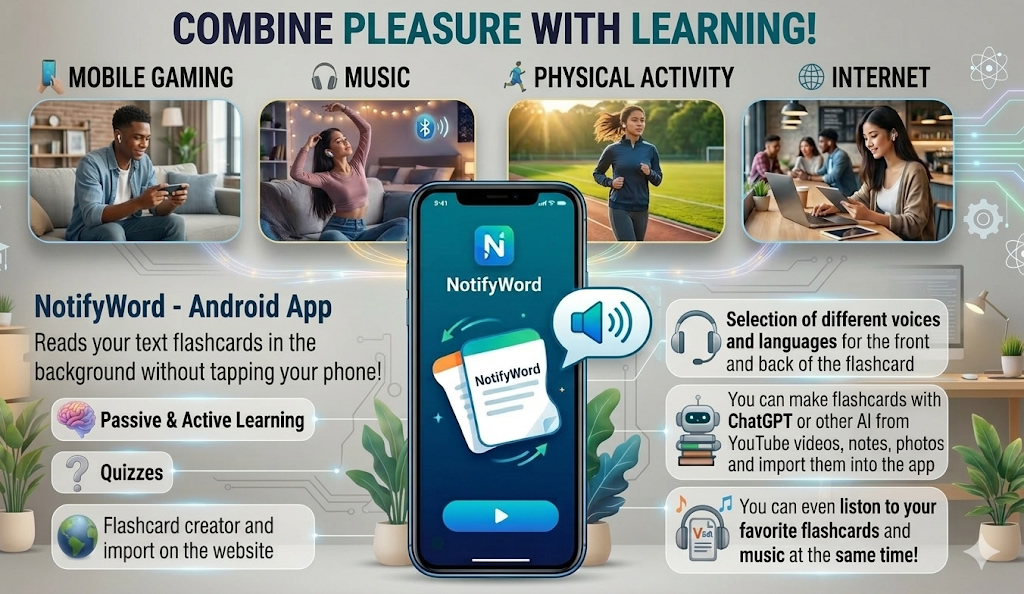
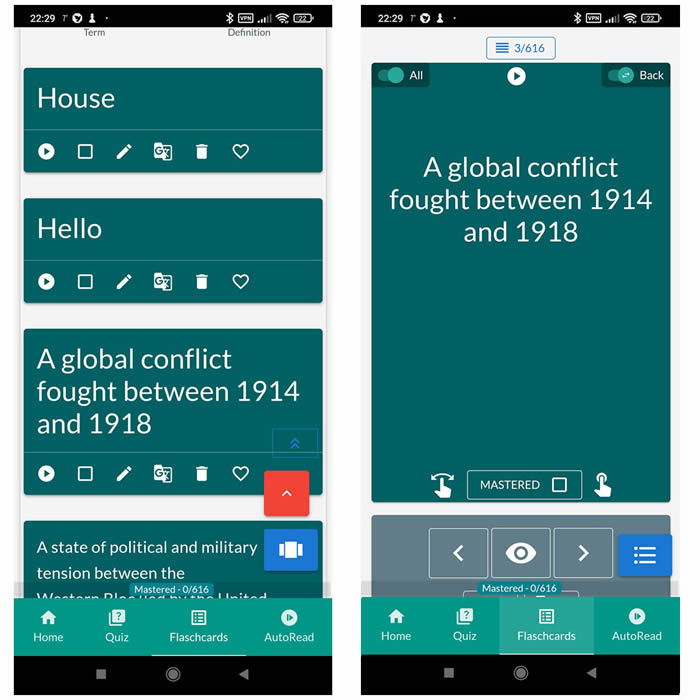
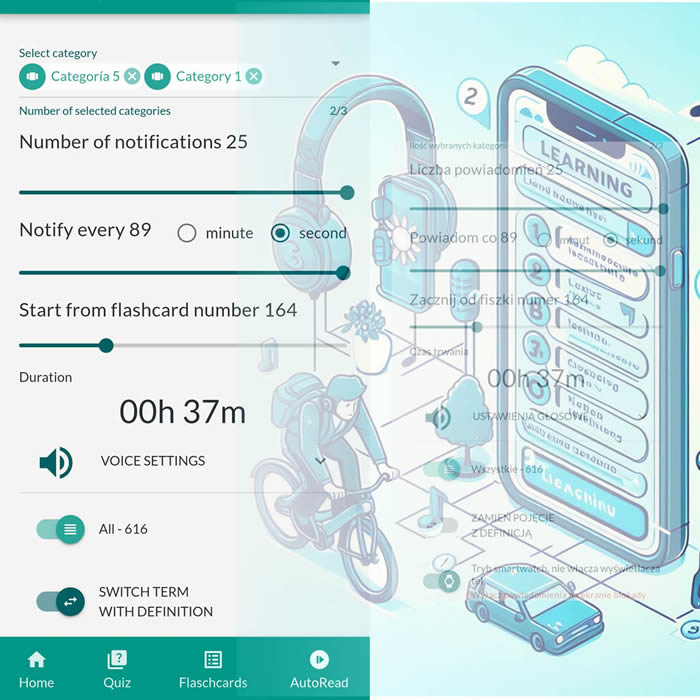
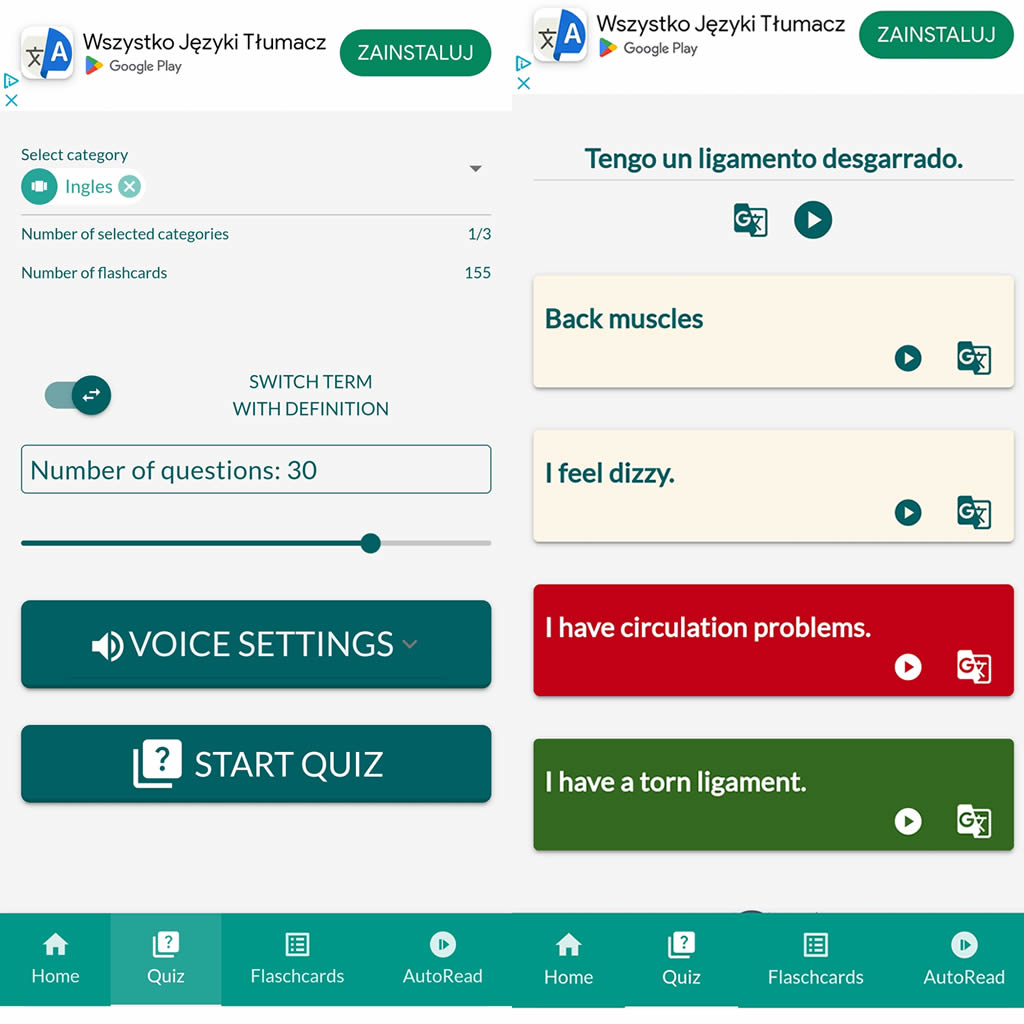
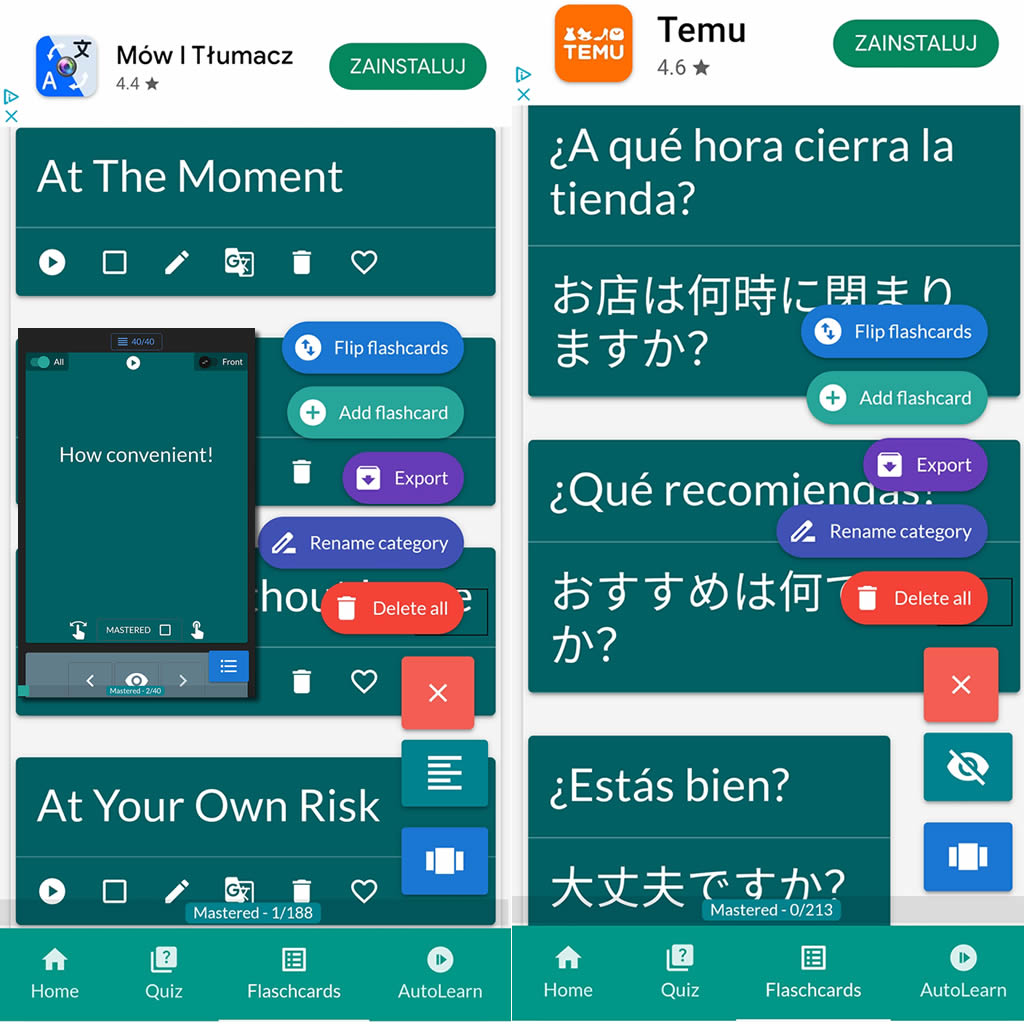
After importing flashcards into the Android NotifyWord app, you can listen to them without touching your phone, take quizzes, and mark the ones you've already learned - study actively or passively, whichever way you prefer.
📲
👉
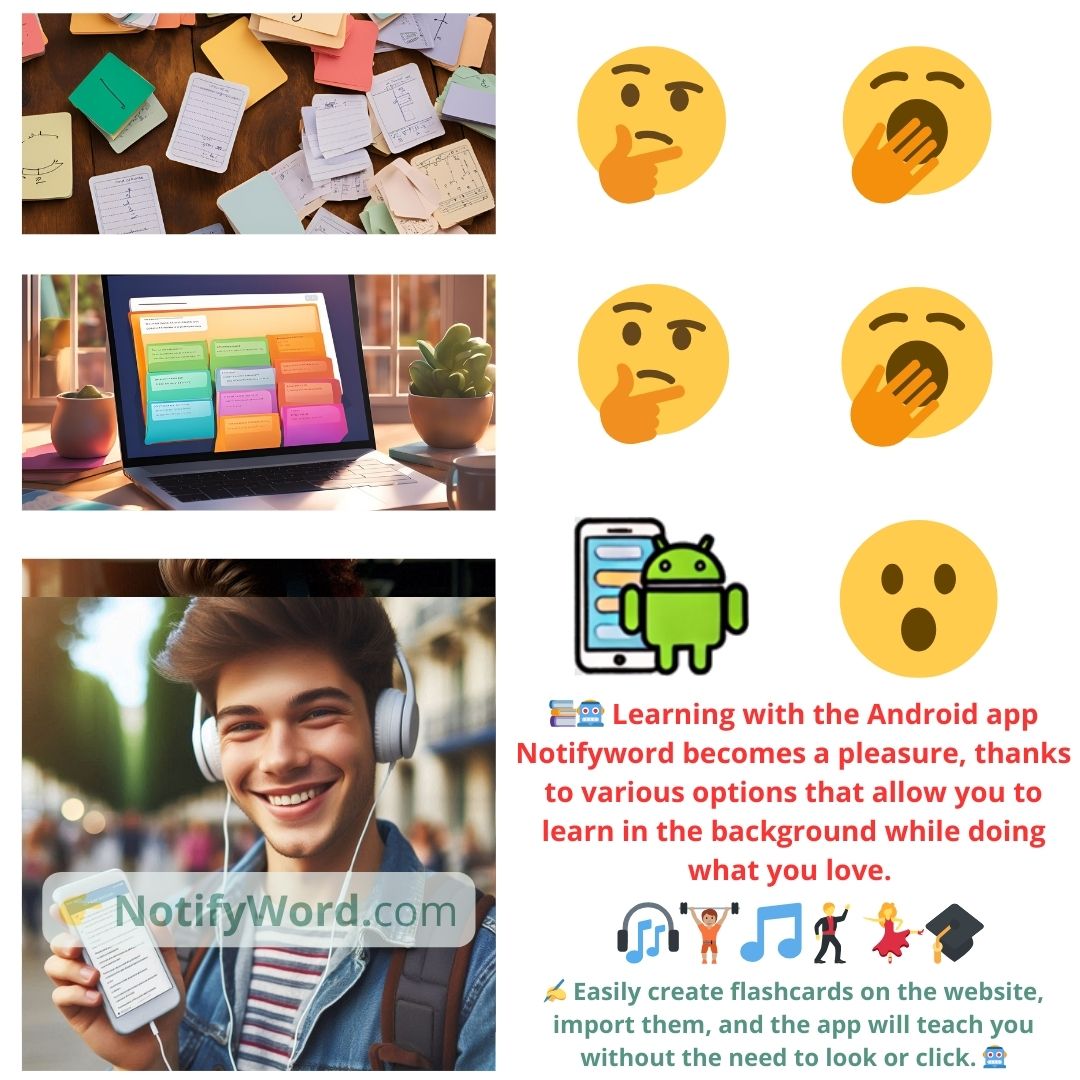
🤖📚📖❓🎧🚴 Voice flashcards - an Android app for learning without touching the phone.
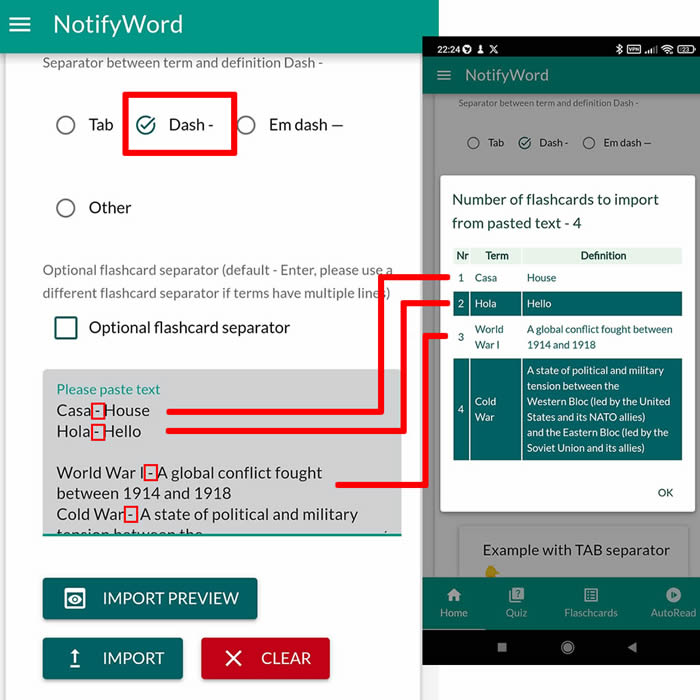
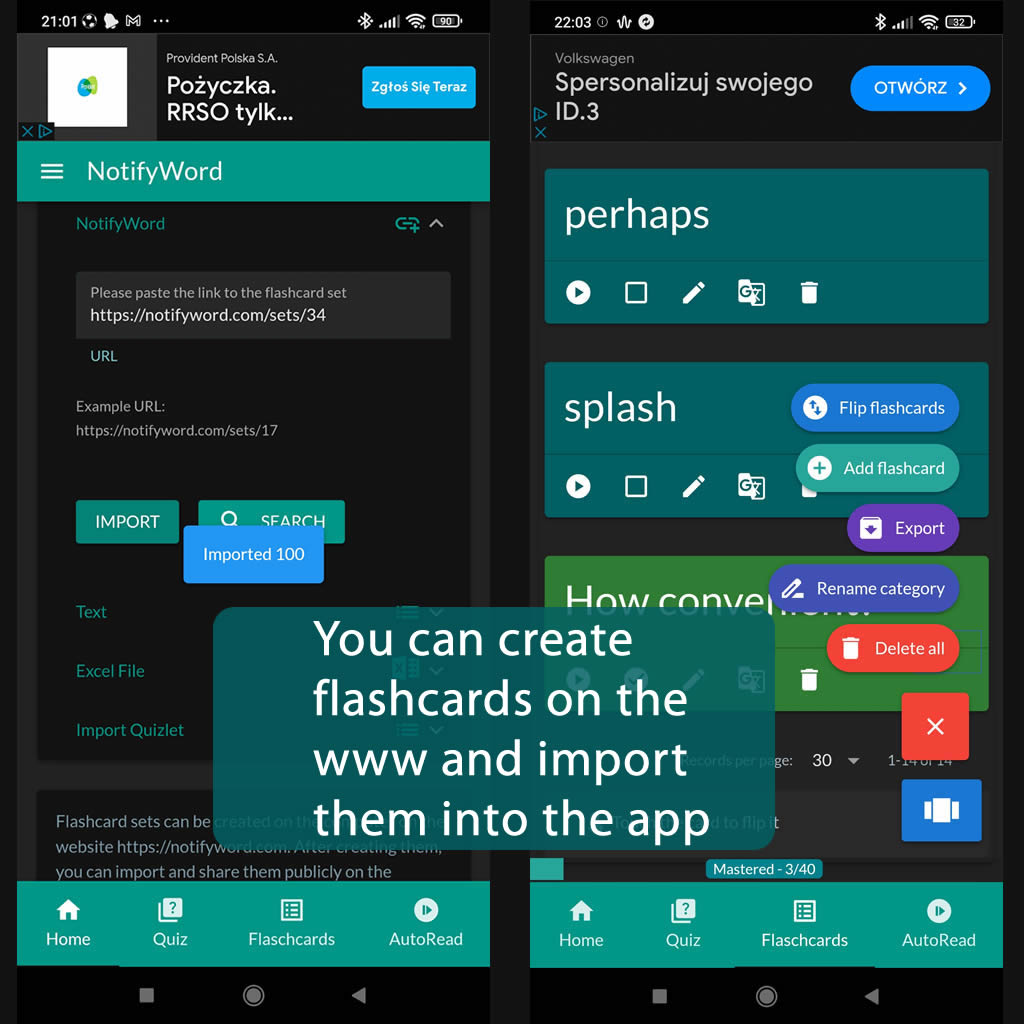
➕ On the website, you can create your own sets of flashcards, both public and private, import them from text, and then import them into the Android application.
| Term/Front | Definition/Back |
|---|---|
|
1 lingua.com/pl/francuski + 0 Comment vas tu-jak się masz |
tu ? Franck: Bonjour Nicolas ! |
| 2 Nicolas Salut Franck ! Comment vas |
tu ? Franck : Je vais bien. Et toi ? Nicolas : Très bien ! Tu es toujours étudiant ? Franck: Non, j'ai terminé mes études en juin dernier. Je suis informaticien. Et toi, tu es toujours cuisinier ? Nicolas : Oui, j'ai ouvert un restaurant à Lyon depuis six mois dans le centre ville. |
| 3 Franck: Quel type de cuisine proposes |
tu ? Nicolas : Je propose des spécialités de la région lyonnaise. Franck : J'aimerai beaucoup venir et goûter tes recettes ! |
| 4 Nicolas Je serai ravi de t'accueillir. Quand souhaites |
tu venir ? : Franck Samedi soir. Je viendrai dîner avec mon amie. Nicolas Elle travaille dans le domaine de l'informatique aussi ? Franck: Non, elle est fleuriste. Elle s'appelle Paola, elle est italienne. Nicolas : J'ai hâte de la rencontrer. A samedi ! 00:00 Jean nowy Jacques Francuski Francuski 100% + |

ℹ️ After importing flashcards into the Android NotifyWord app, you can listen to them without touching your phone, take quizzes, and mark the ones you've already learned - study actively or passively, whichever way you prefer.☝️
📚✍️📲 You can copy someone else's flashcards to your own set - just copy the flashcards and paste them into the import tab, selecting the TAB separator.
📚✍️📲 You can copy someone else's flashcards to your own set - just copy the flashcards and paste them into the import tab, selecting the TAB separator.