100 podstawowych znaków chińskich z ich tłumaczeniem
Fiszki chiński android
tagchiński fiszki
added by -
NotifyWord_sample_flashcards
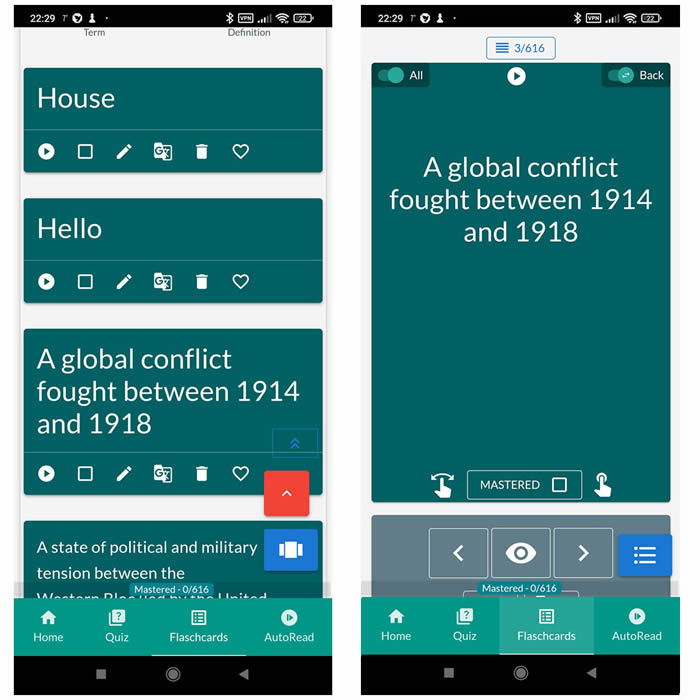
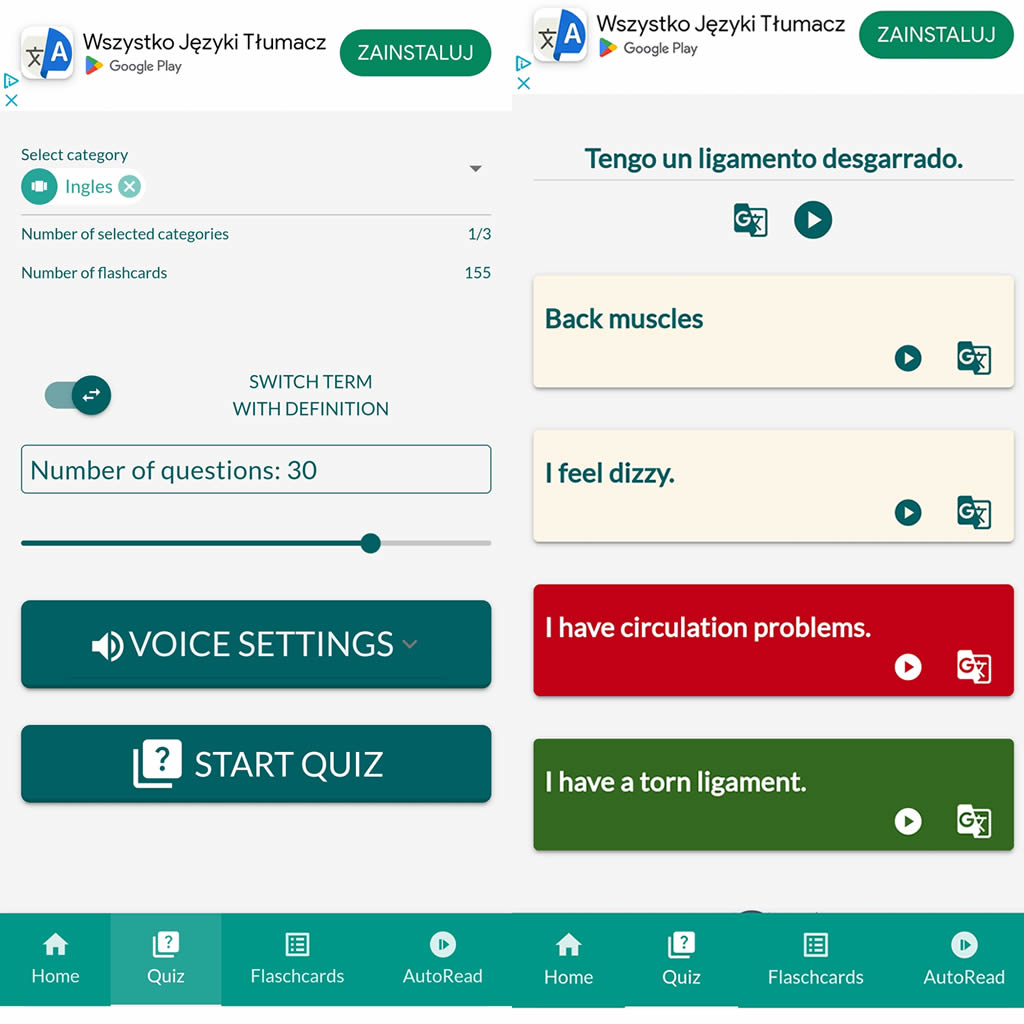
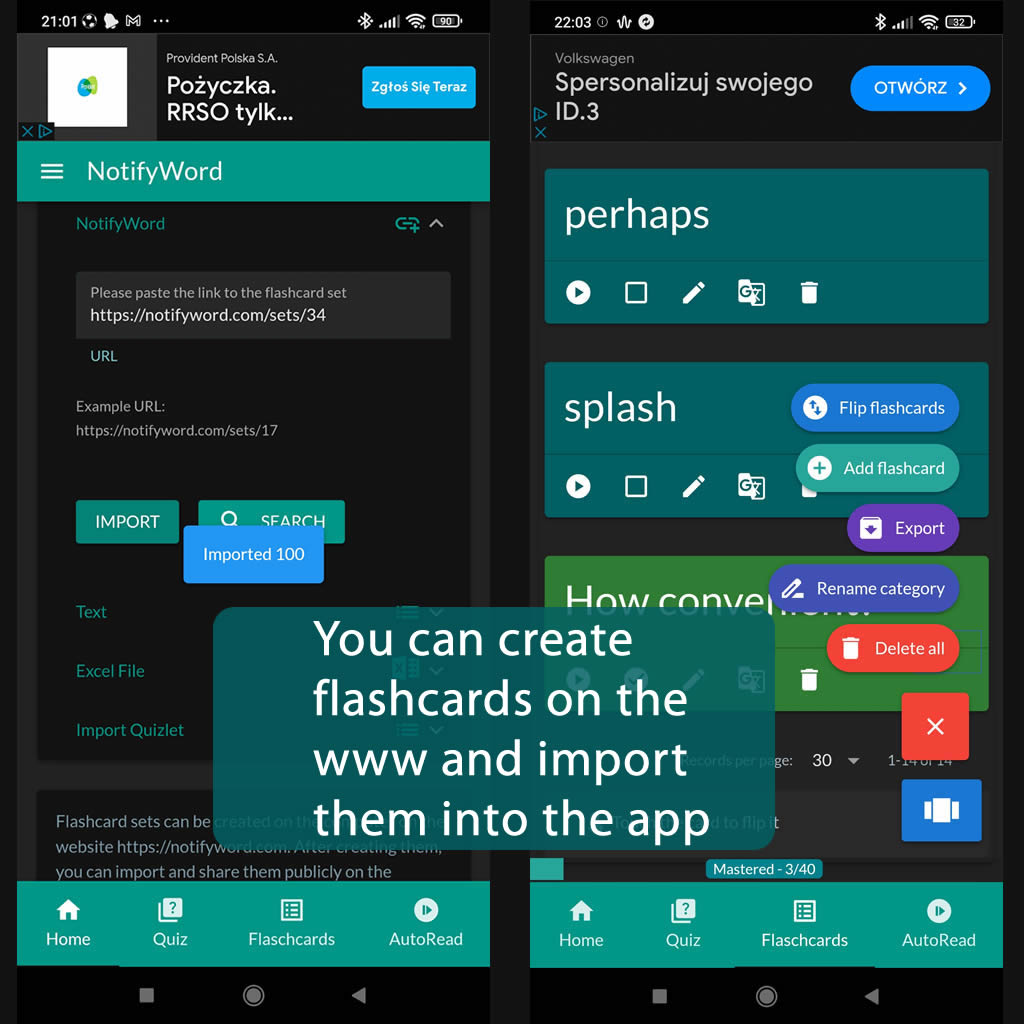
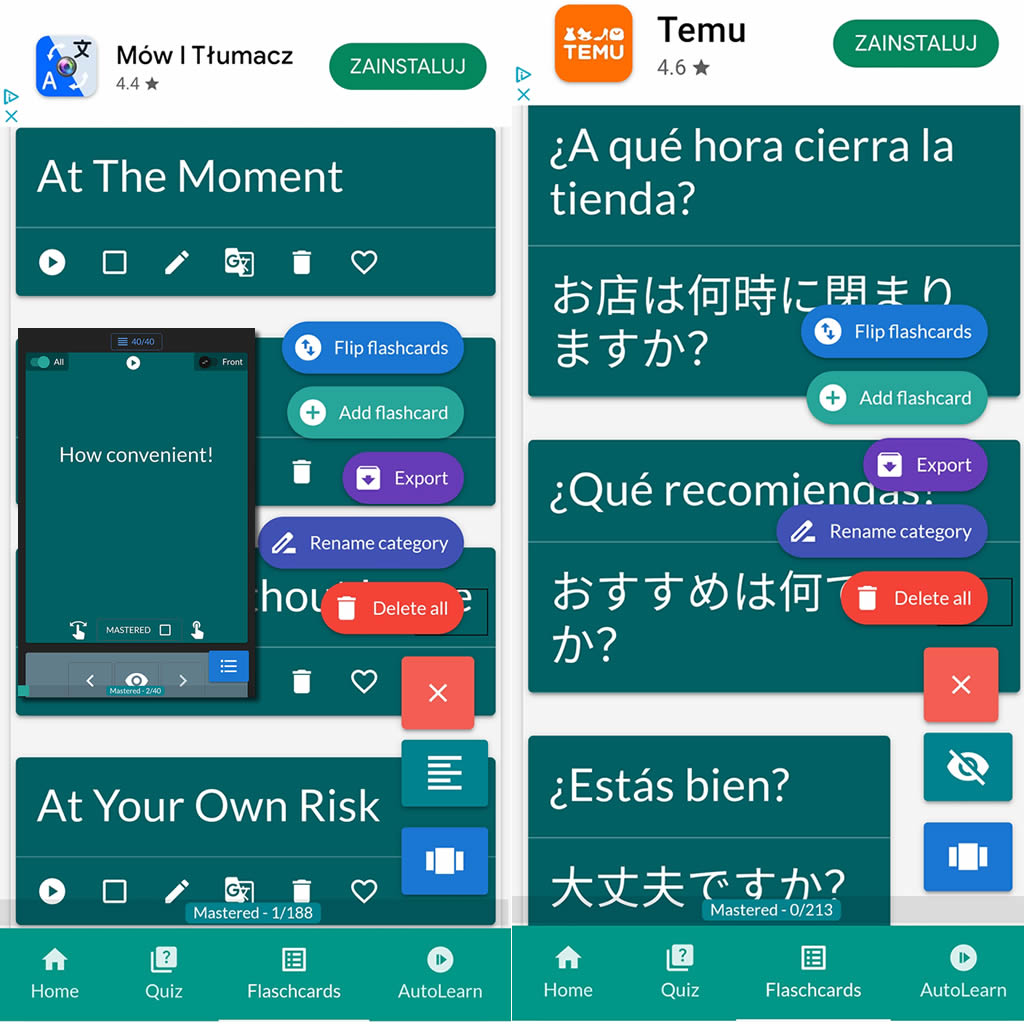
After importing flashcards into the Android NotifyWord app, you can listen to them without touching your phone, take quizzes, and mark the ones you've already learned - study actively or passively, whichever way you prefer.
📲
👉

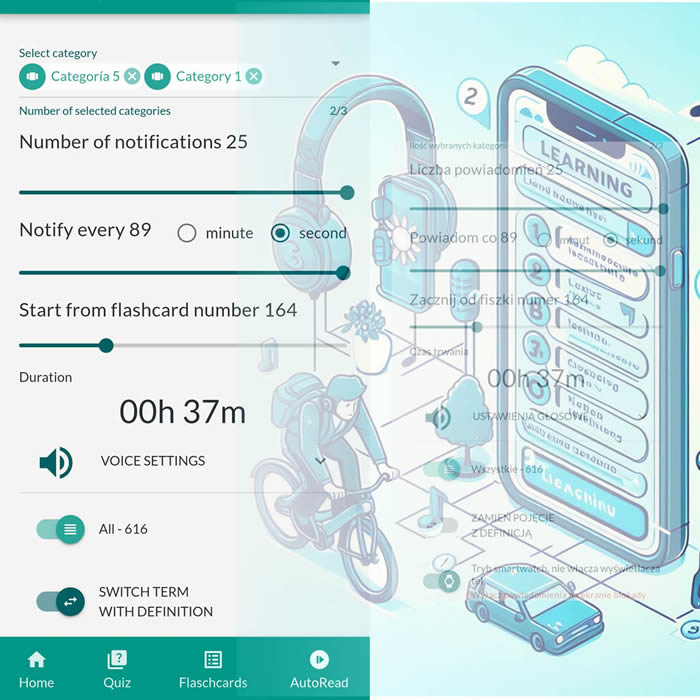
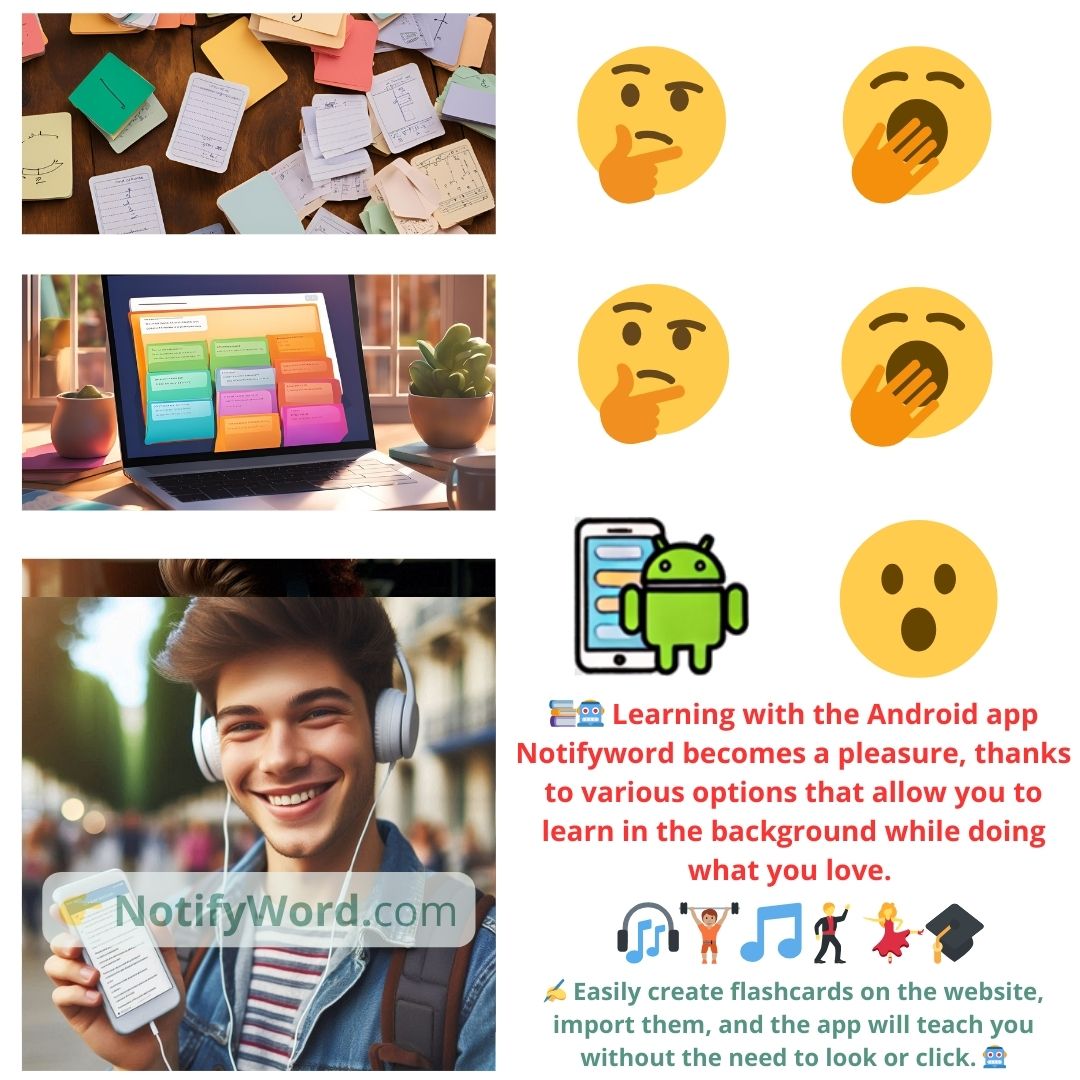
🤖📚📖❓🎧🚴 Voice flashcards - an Android app for learning without touching the phone.
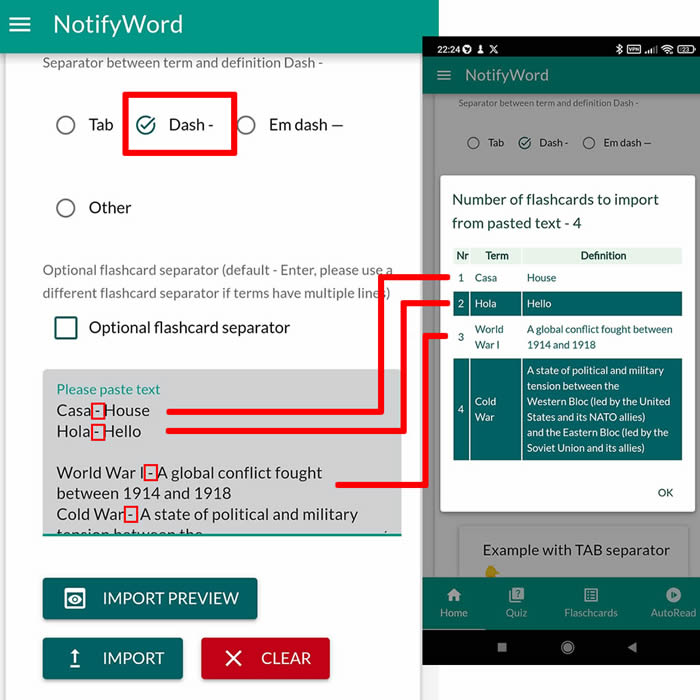
➕ On the website, you can create your own sets of flashcards, both public and private, import them from text, and then import them into the Android application.
| Term/Front | Definition/Back |
|---|---|
| 1 一 | jeden |
| 2 二 | dwa |
| 3 三 | trzy |
| 4 四 | cztery |
| 5 五 | pięć |
| 6 六 | sześć |
| 7 七 | siedem |
| 8 八 | osiem |
| 9 九 | dziewięć |
| 10 十 | dziesięć |
| 11 百 | sto |
| 12 千 | tysiąc |
| 13 万 | dziesięć tysięcy |
| 14 大 | wielki |
| 15 小 | mały |
| 16 人 | człowiek |
| 17 女 | kobieta |
| 18 男 | mężczyzna |
| 19 子 | dziecko |
| 20 父 | ojciec |
| 21 母 | matka |
| 22 爸 | tata |
| 23 妈 | mama |
| 24 中 | środek |
| 25 国 | kraj |
| 26 日 | dzień/słońce |
| 27 月 | miesiąc/księżyc |
| 28 年 | rok |
| 29 时 | czas |
| 30 分 | minuta |
| 31 钱 | pieniądze |
| 32 买 | kupować |
| 33 卖 | sprzedawać |
| 34 吃 | jeść |
| 35 喝 | pić |
| 36 水 | woda |
| 37 食 | jedzenie |
| 38 饭 | posiłek |
| 39 米 | ryż |
| 40 菜 | warzywa/danie |
| 41 肉 | mięso |
| 42 鱼 | ryba |
| 43 鸟 | ptak |
| 44 狗 | pies |
| 45 猫 | kot |
| 46 家 | dom/rodzina |
| 47 书 | książka |
| 48 字 | znak/litera |
| 49 语 | język |
| 50 英 | angielski |
| 51 中 | chiński |
| 52 学 | uczyć się |
| 53 知 | wiedza/znać |
| 54 问 | pytać |
| 55 答 | odpowiadać |
| 56 医 | lekarz/medycyna |
| 57 病 | choroba |
| 58 药 | lekarstwo |
| 59 化 | zmieniać |
| 60 科 | dziedzina/nauka |
| 61 学 | nauka |
| 62 生 | życie/urodzić się |
| 63 死 | śmierć |
| 64 看 | patrzeć/oglądać |
| 65 见 | widzieć |
| 66 跑 | biegać |
| 67 走 | iść |
| 68 坐 | siedzieć |
| 69 站 | stać |
| 70 开 | otwierać |
| 71 关 | zamykać |
| 72 进 | wchodzić |
| 73 出 | wychodzić |
| 74 上 | na/góra |
| 75 下 | pod/dół |
| 76 前 | przód |
| 77 后 | tył |
| 78 左 | lewo |
| 79 右 | prawo |
| 80 路 | droga/ulica |
| 81 车 | pojazd/samochód |
| 82 自 | sam |
| 83 工 | praca |
| 84 作 | robić/tworzyć |
| 85 师 | nauczyciel/mistrz |
| 86 学 | student/uczeń |
| 87 班 | klasa/grupa |
| 88 课 | lekcja/zajęcia |
| 89 考 | egzamin |
| 90 试 | próba/test |
| 91 成 | osiągnąć/stawać się |
| 92 功 | sukces |
| 93 失 | stracić |
| 94 爱 | miłość |
| 95 心 | serce |
| 96 快 | szybki/szybko |
| 97 慢 | wolny/wolno |
| 98 高 | wysoki |
| 99 低 | niski |
| 100 新 | nowy/najnowszy |

ℹ️ After importing flashcards into the Android NotifyWord app, you can listen to them without touching your phone, take quizzes, and mark the ones you've already learned - study actively or passively, whichever way you prefer.☝️
📚✍️📲 You can copy someone else's flashcards to your own set - just copy the flashcards and paste them into the import tab, selecting the TAB separator.
📚✍️📲 You can copy someone else's flashcards to your own set - just copy the flashcards and paste them into the import tab, selecting the TAB separator.