Rosyjski NaWostok 31.05.
Słówka z zajęć
added by -
warsztat.kreatywnego.rozwoju
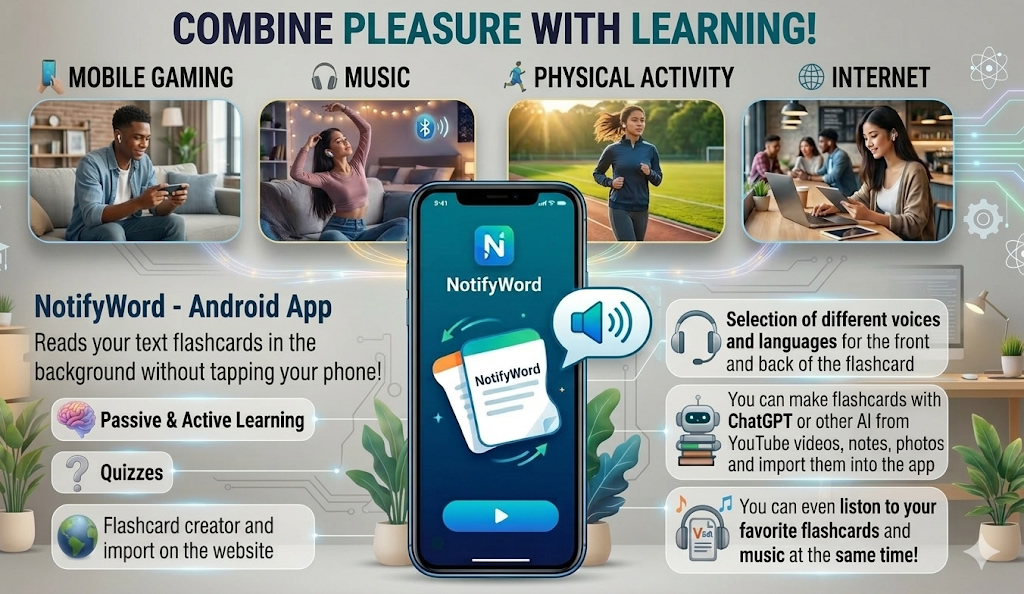
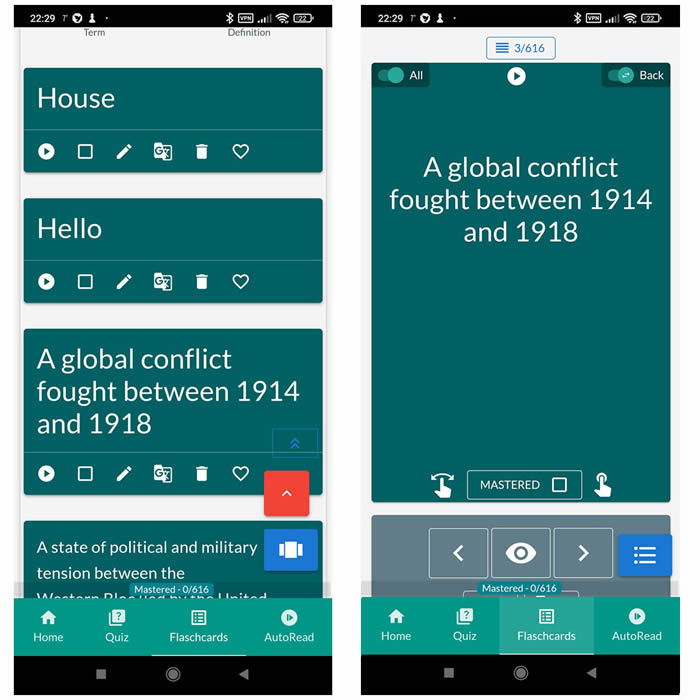
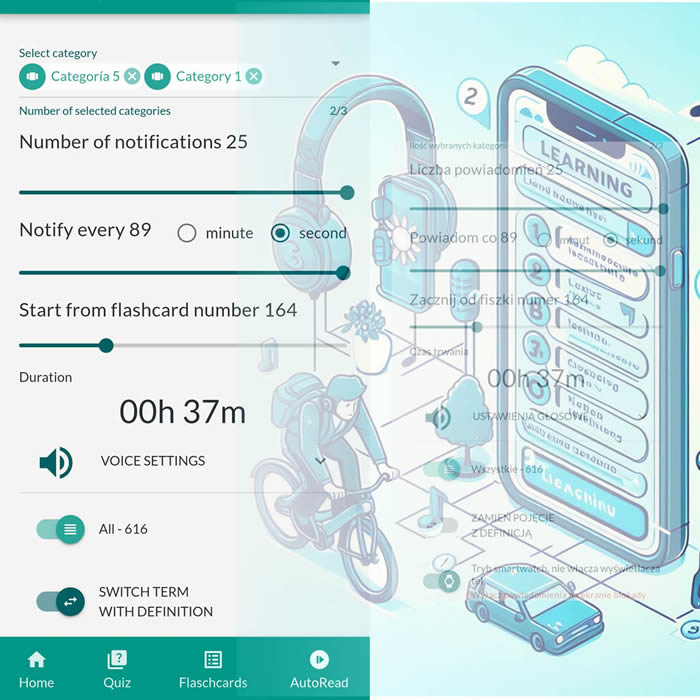
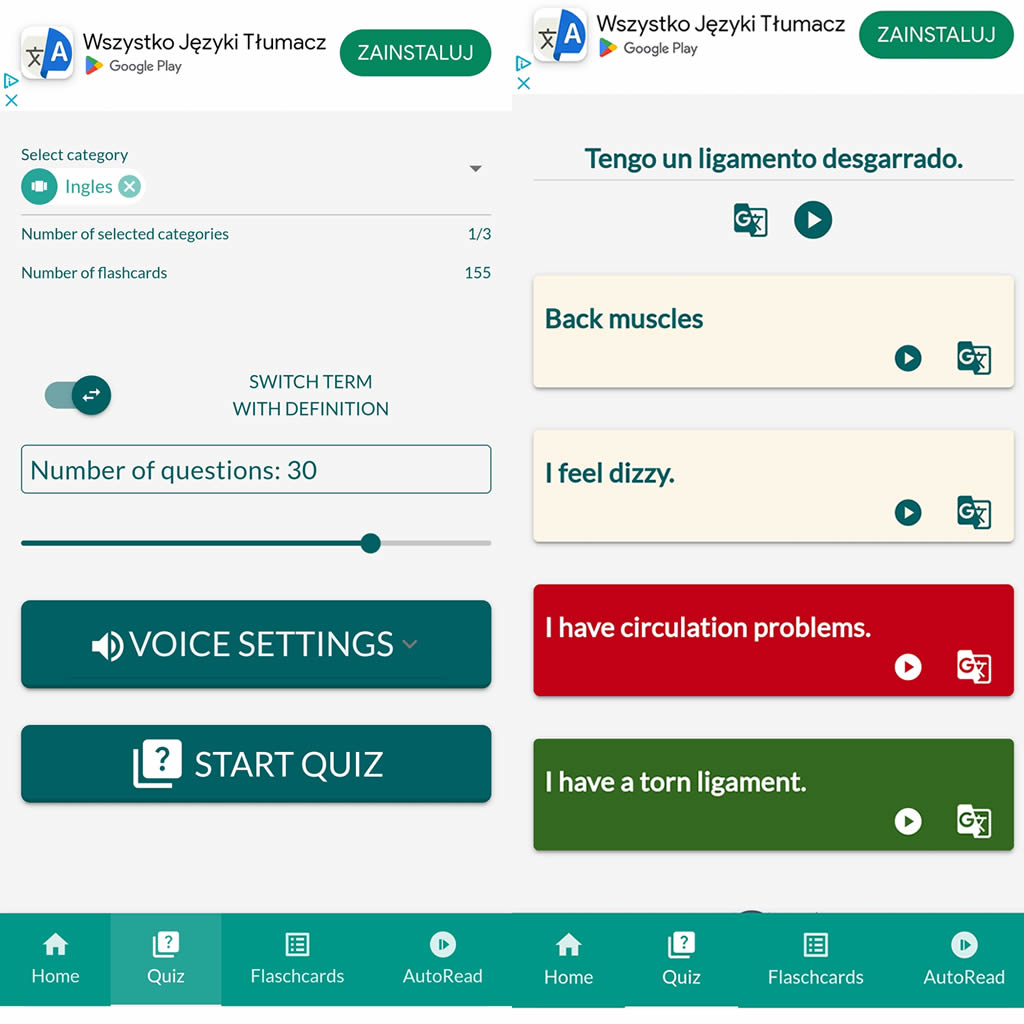
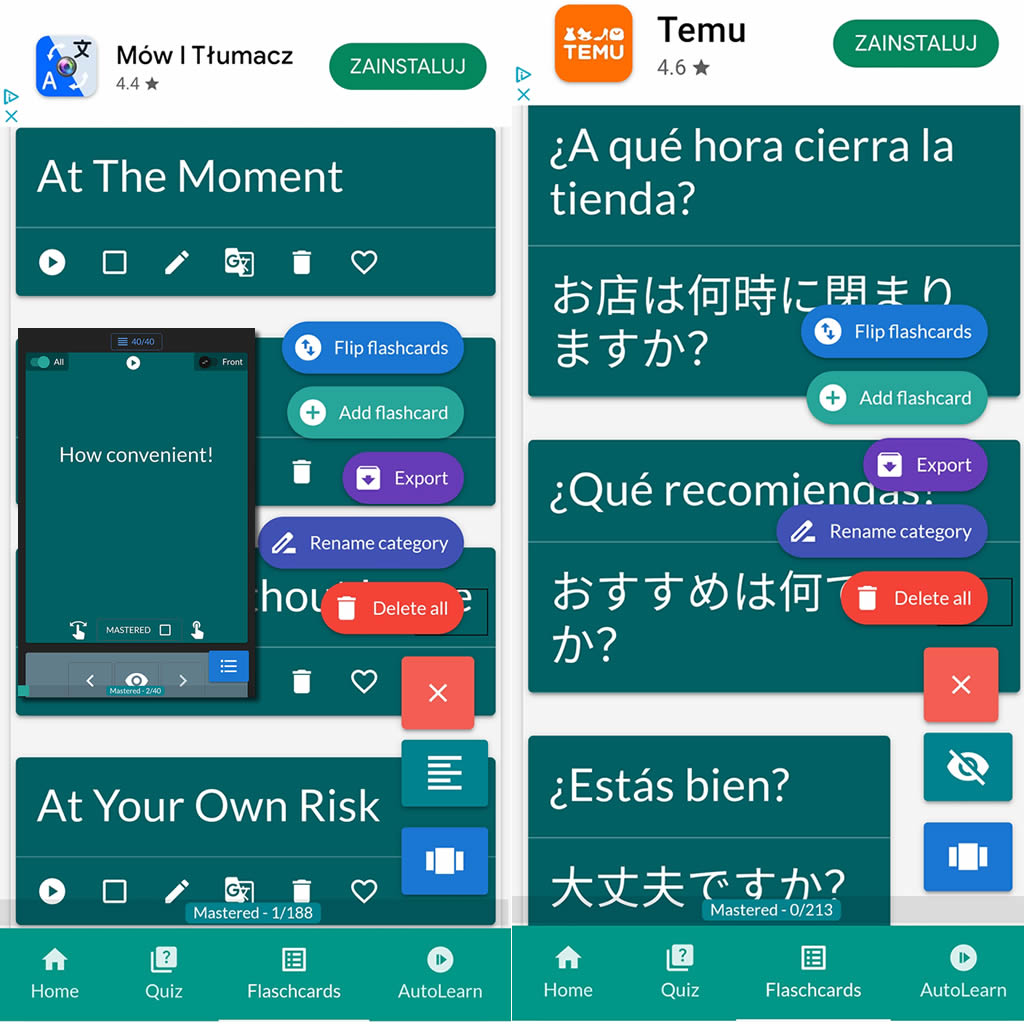
After importing flashcards into the Android NotifyWord app, you can listen to them without touching your phone, take quizzes, and mark the ones you've already learned - study actively or passively, whichever way you prefer.
📲
👉
🤖📚📖❓🎧🚴 Voice flashcards - an Android app for learning without touching the phone.
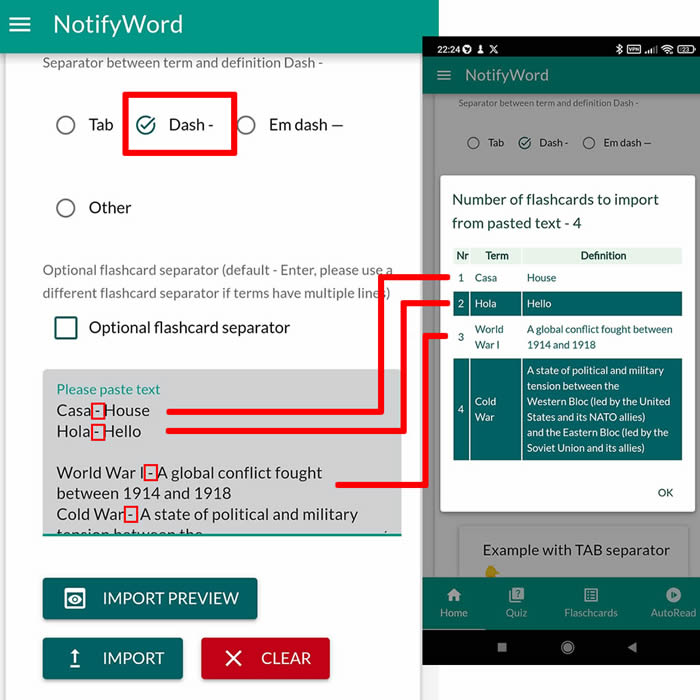
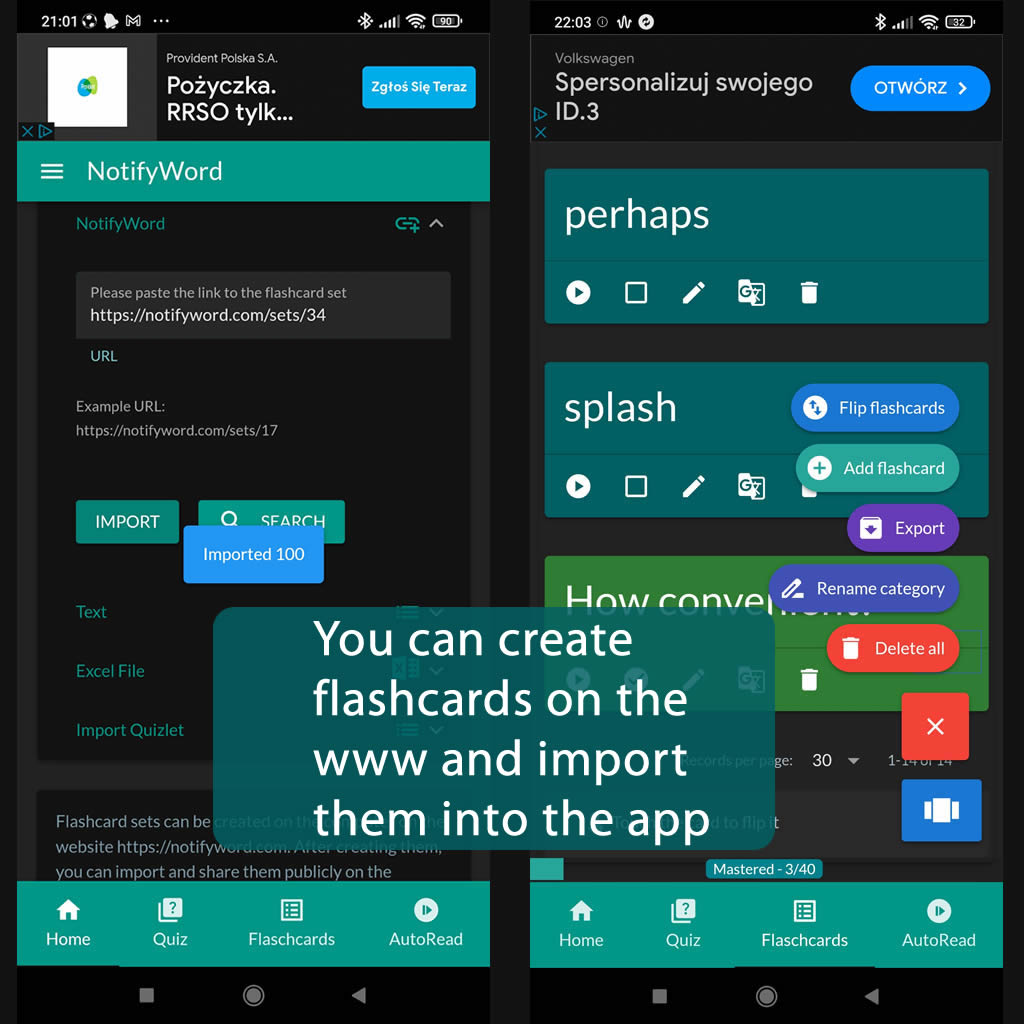
➕ On the website, you can create your own sets of flashcards, both public and private, import them from text, and then import them into the Android application.
| Term/Front | Definition/Back |
|---|---|
| 1 с моей собакой | z moim psem |
| 2 мы едим | my jedziemy |
| 3 вареники | pierogi |
| 4 пельмени | uszka |
| 5 цветы | kwiaty |
| 6 цвета | kolory |
| 7 сложна языковая система | złożony system językowy |
| 8 по миру | po świecie |
| 9 мне нужно время | potrzebuję czasu |
| 10 много увлечений | wiele zainteresowań |
| 11 заниматься йогой | uprawiać jogę |
| 12 сочинение | rozprawka, wypracowanie |
| 13 всё включено | All Inclusive |
| 14 жаловаться | narzekać |
| 15 навестить | odwiedzić |
| 16 я пела | ja śpiewałam |
| 17 что-то что тронет | coś, co porusza/dotyka |

ℹ️ After importing flashcards into the Android NotifyWord app, you can listen to them without touching your phone, take quizzes, and mark the ones you've already learned - study actively or passively, whichever way you prefer.☝️
📚✍️📲 You can copy someone else's flashcards to your own set - just copy the flashcards and paste them into the import tab, selecting the TAB separator.
📚✍️📲 You can copy someone else's flashcards to your own set - just copy the flashcards and paste them into the import tab, selecting the TAB separator.