Flashcards tiếng Anh - các bộ phận trên khuôn mặt
Flashcards tiếng Anh
tagtiếng Anh
tagAnh
added by -
NotifyWord_sample_flashcards
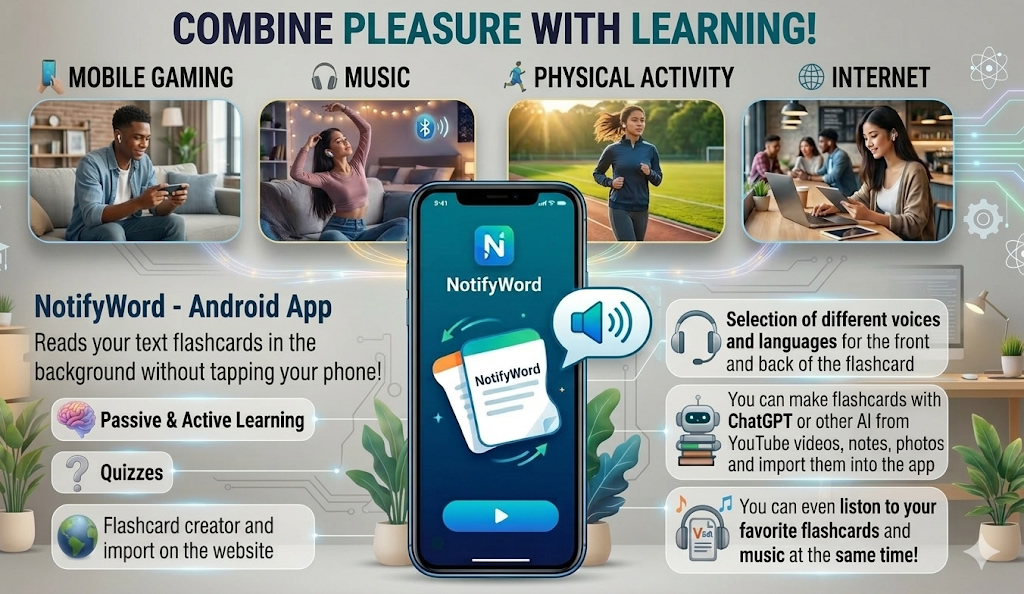
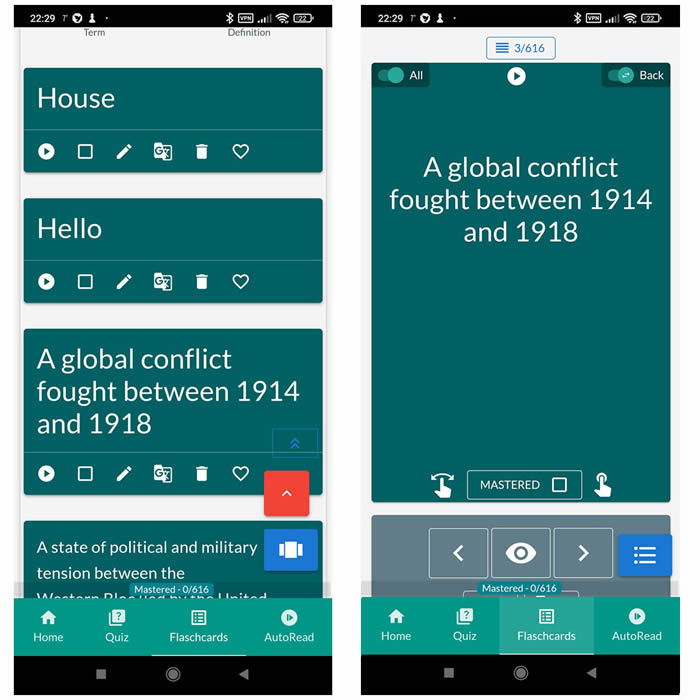
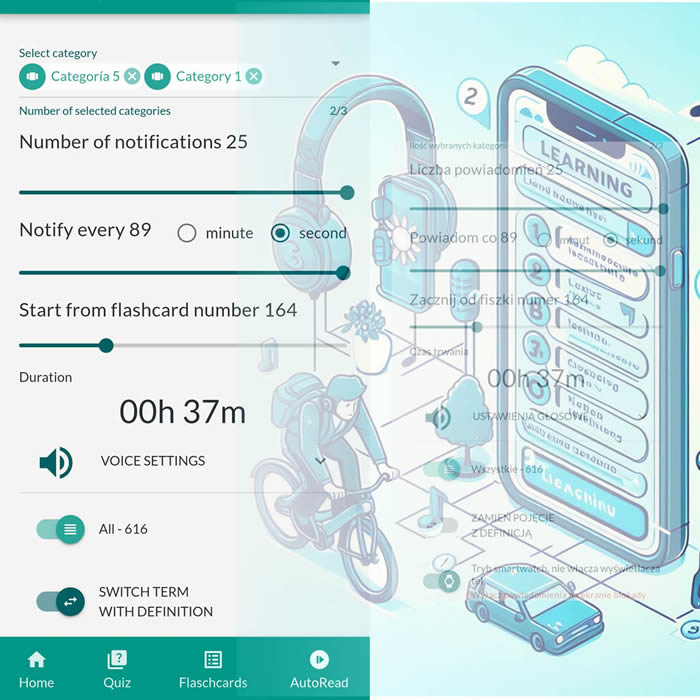
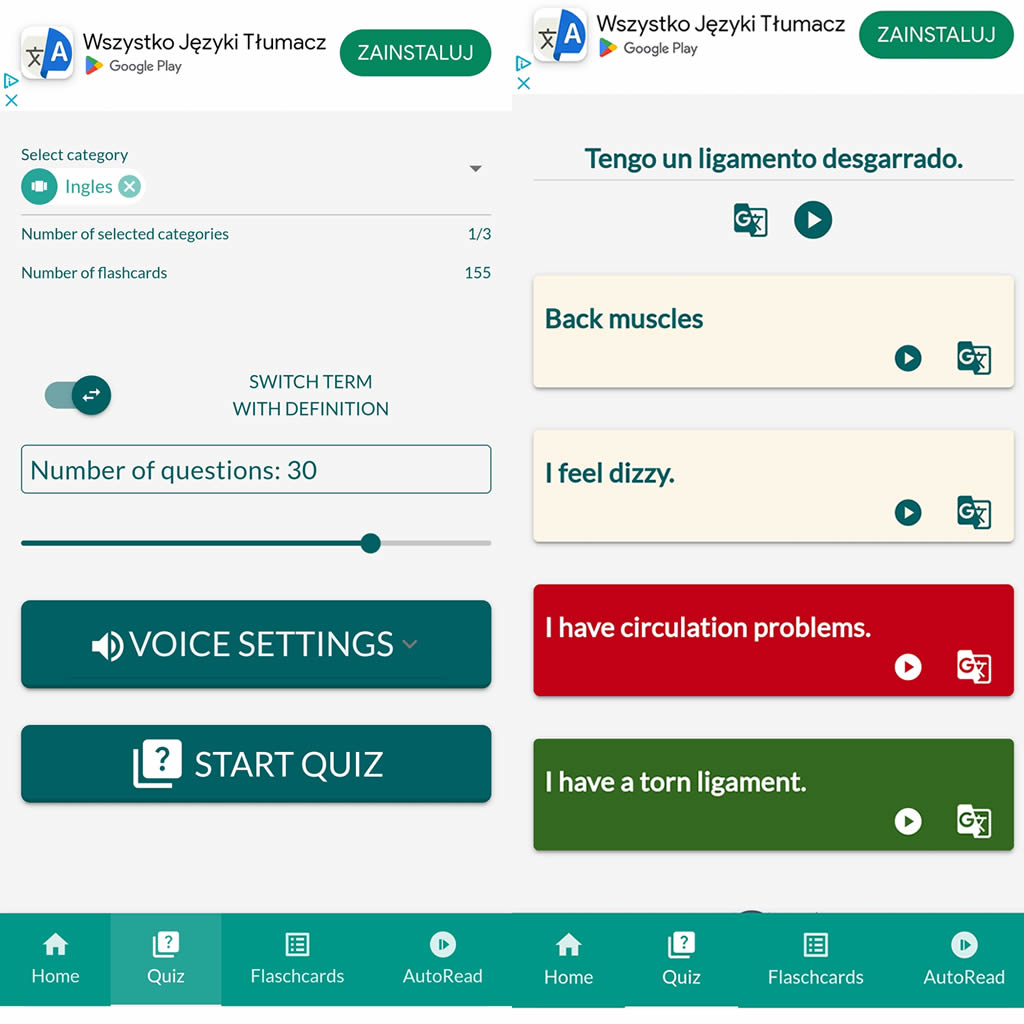
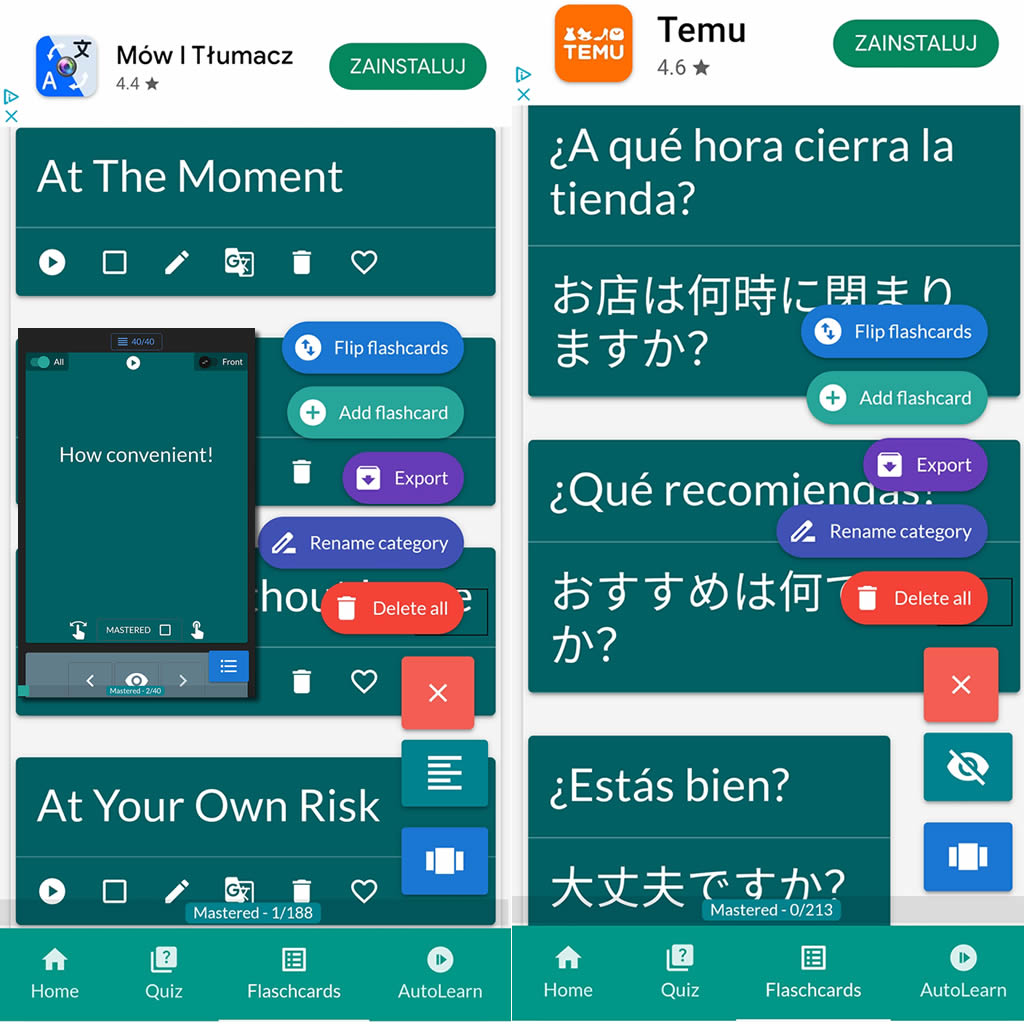
After importing flashcards into the Android NotifyWord app, you can listen to them without touching your phone, take quizzes, and mark the ones you've already learned - study actively or passively, whichever way you prefer.
📲
👉

🤖📚📖❓🎧🚴 Voice flashcards - an Android app for learning without touching the phone.
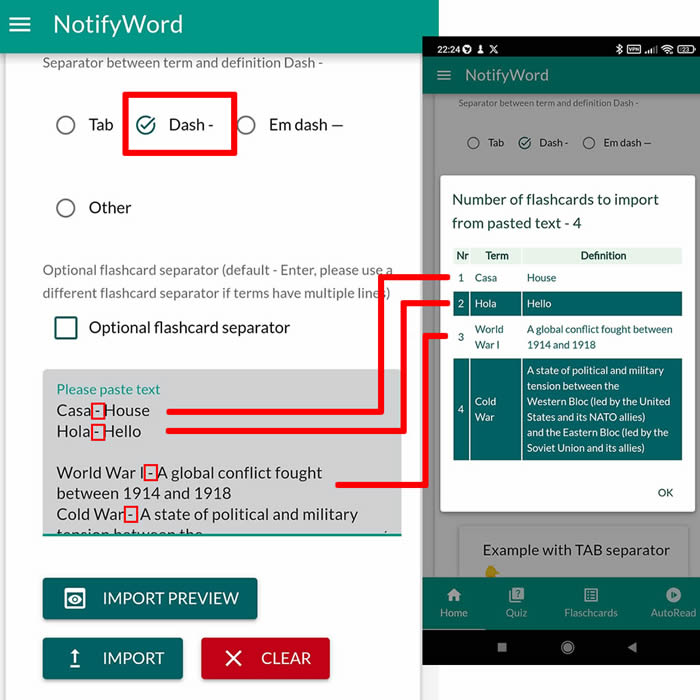
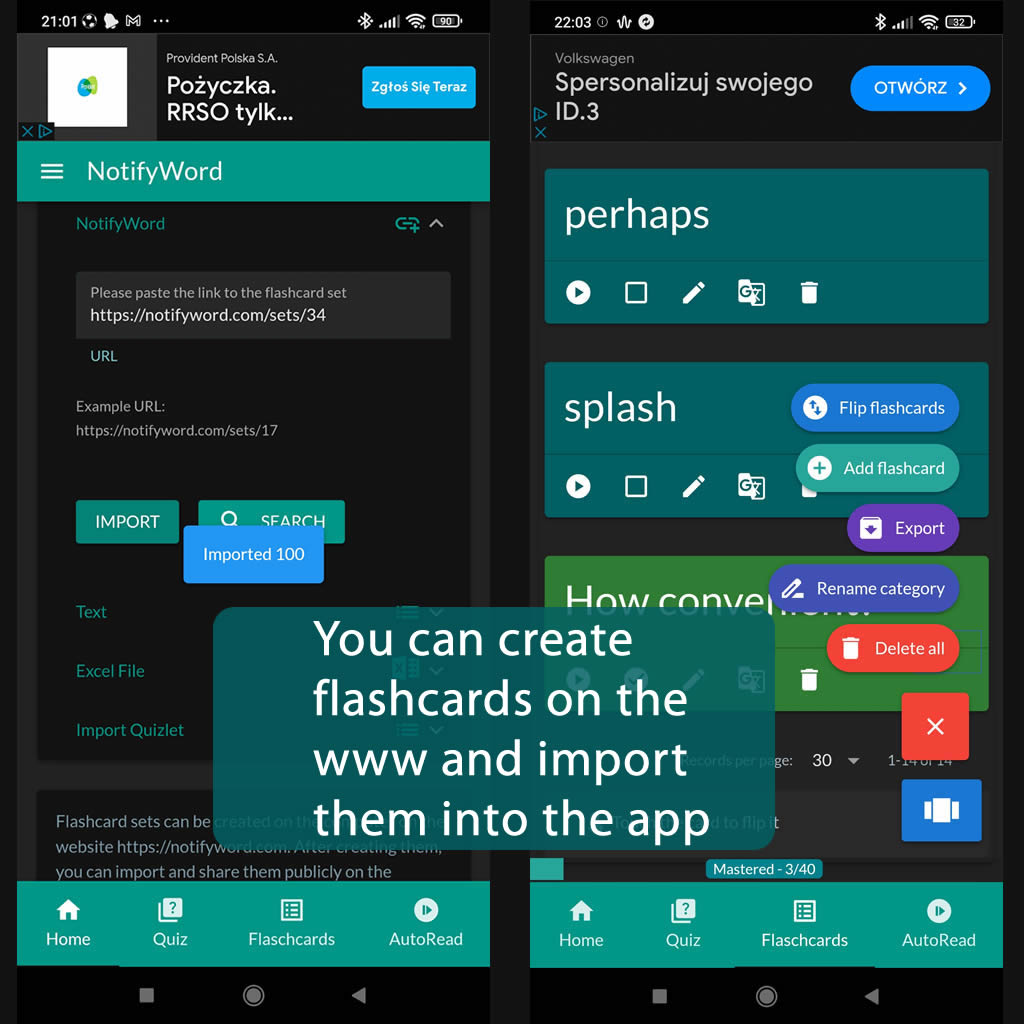
➕ On the website, you can create your own sets of flashcards, both public and private, import them from text, and then import them into the Android application.
| Term/Front | Definition/Back |
|---|---|
| 1 Œil | Mắt |
| 2 Nez | Mũi |
| 3 Bouche | Miệng |
| 4 Oreille | Tai |
| 5 Front | Trán |
| 6 Sourcil | Lông mày |
| 7 Cils | Mi |
| 8 Visage | Mặt |
| 9 Traits du visage | Đặc điểm khuôn mặt |
| 10 Joue | Má |
| 11 Lèvres | Môi |
| 12 Dents | Răng |
| 13 Langue | Lưỡi |
| 14 Rides du front | Nếp nhăn trên trán |
| 15 Temple | Thái dương |
| 16 Mâchoire | Viền cằm |
| 17 Menton | Cằm |
| 18 Cheveux courts | Tóc ngắn |
| 19 Cheveux longs | Tóc dài |
| 20 Ligne de cheveux reculée | Vạch trán lùi |
| 21 Cheveux clairs | Tóc sáng |
| 22 Cheveux foncés | Tóc đen |
| 23 Yeux bleus | Mắt xanh |
| 24 Moustache | Râu moustache |
| 25 Barbe |
Râu beard |

ℹ️ After importing flashcards into the Android NotifyWord app, you can listen to them without touching your phone, take quizzes, and mark the ones you've already learned - study actively or passively, whichever way you prefer.☝️
📚✍️📲 You can copy someone else's flashcards to your own set - just copy the flashcards and paste them into the import tab, selecting the TAB separator.
📚✍️📲 You can copy someone else's flashcards to your own set - just copy the flashcards and paste them into the import tab, selecting the TAB separator.