Koreański fiszki kolory
Fiszki android koreański
tagKoreański
added by -
NotifyWord_sample_flashcards
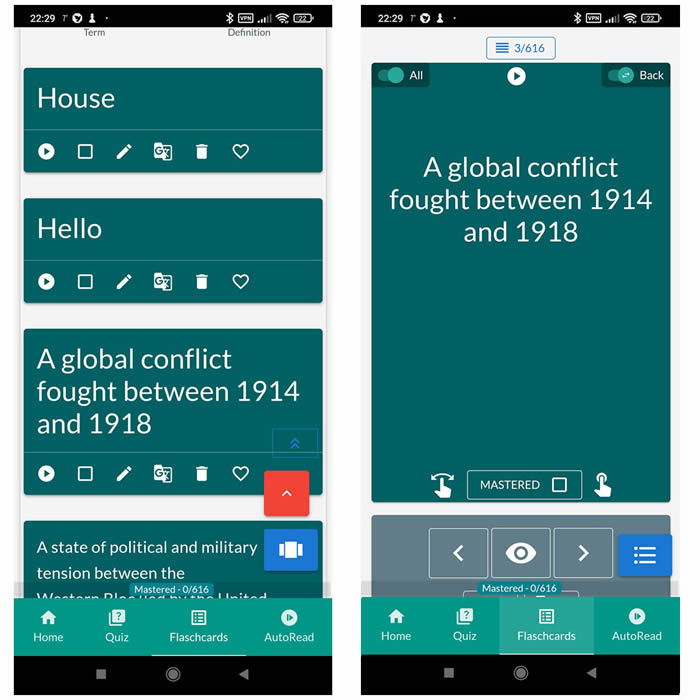
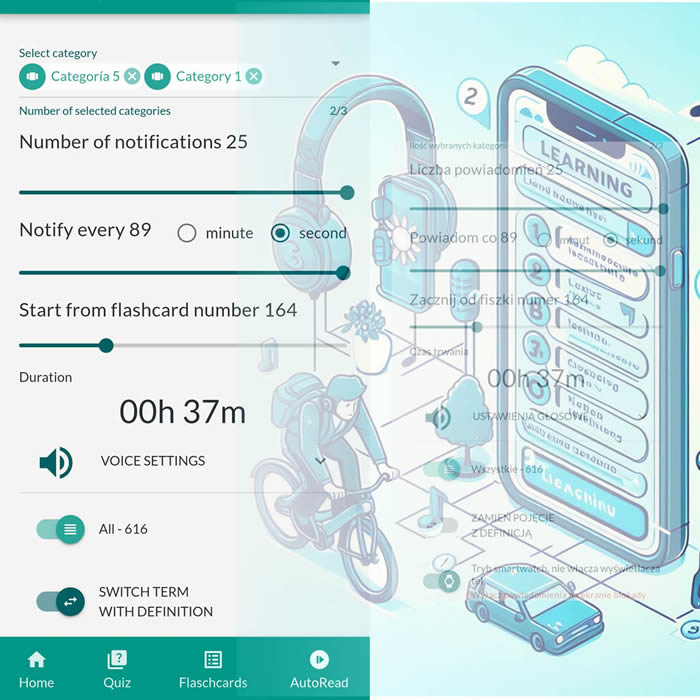
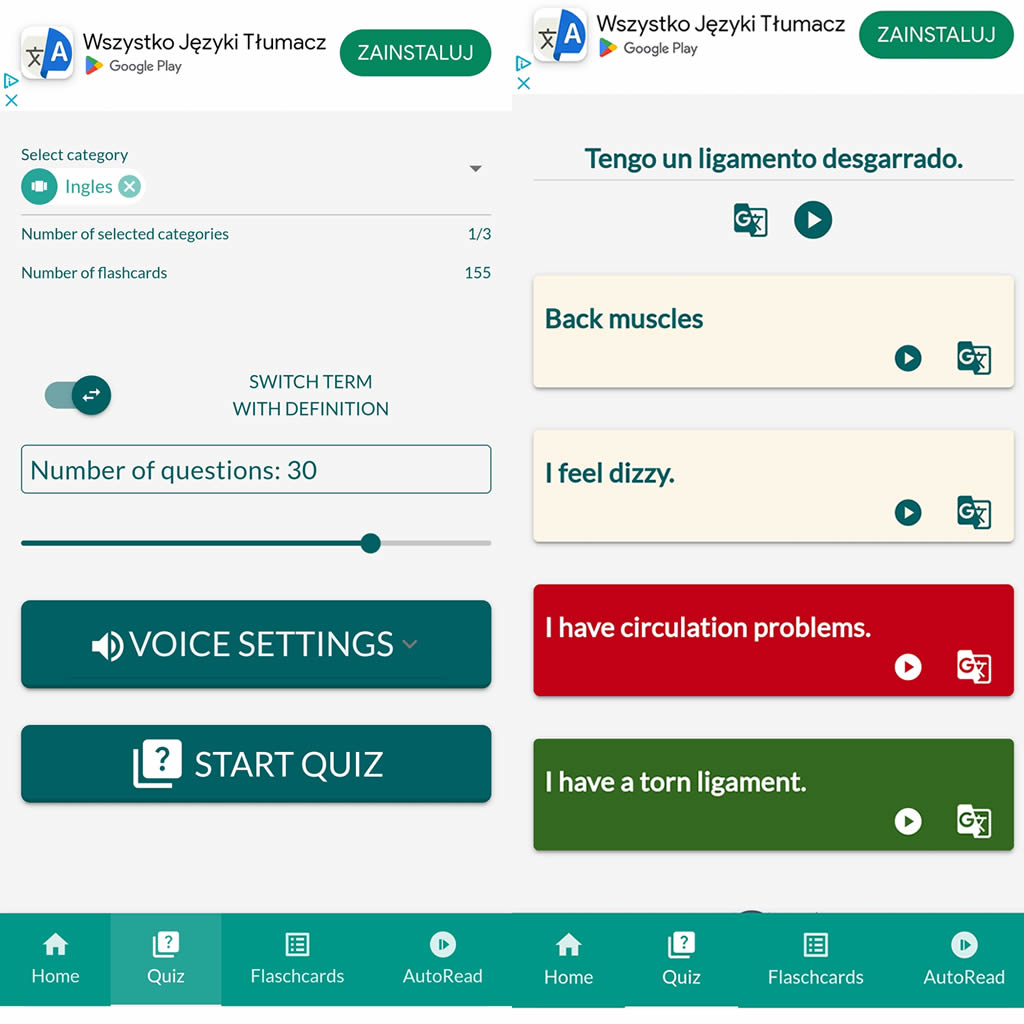
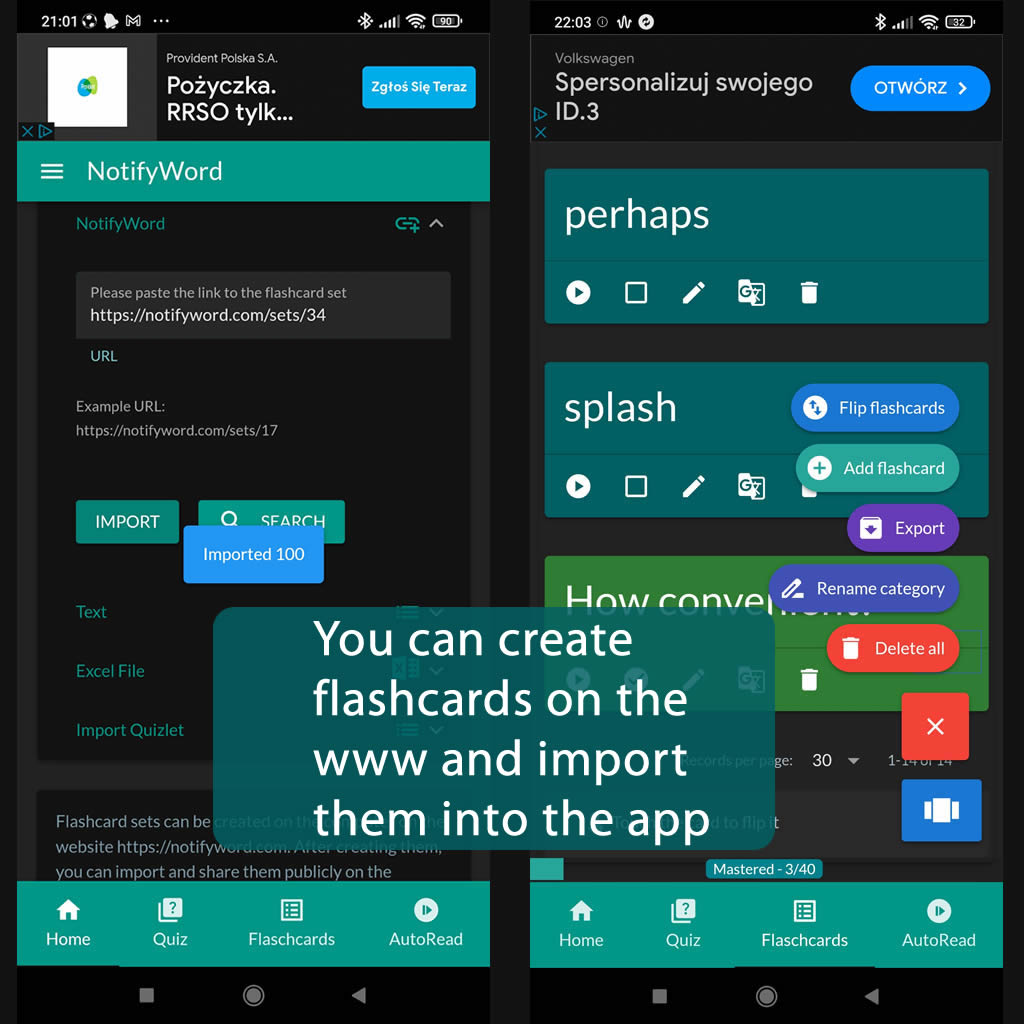
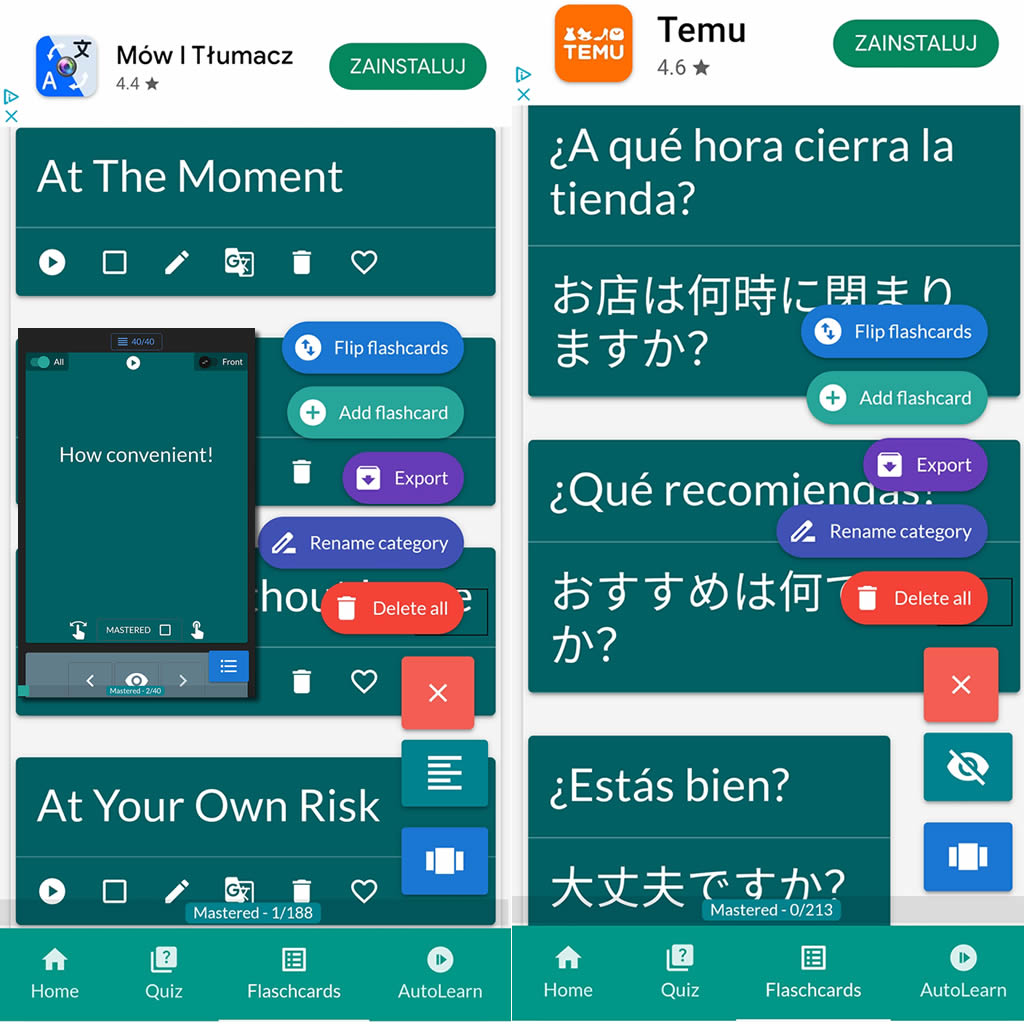
After importing flashcards into the Android NotifyWord app, you can listen to them without touching your phone, take quizzes, and mark the ones you've already learned - study actively or passively, whichever way you prefer.
📲
👉

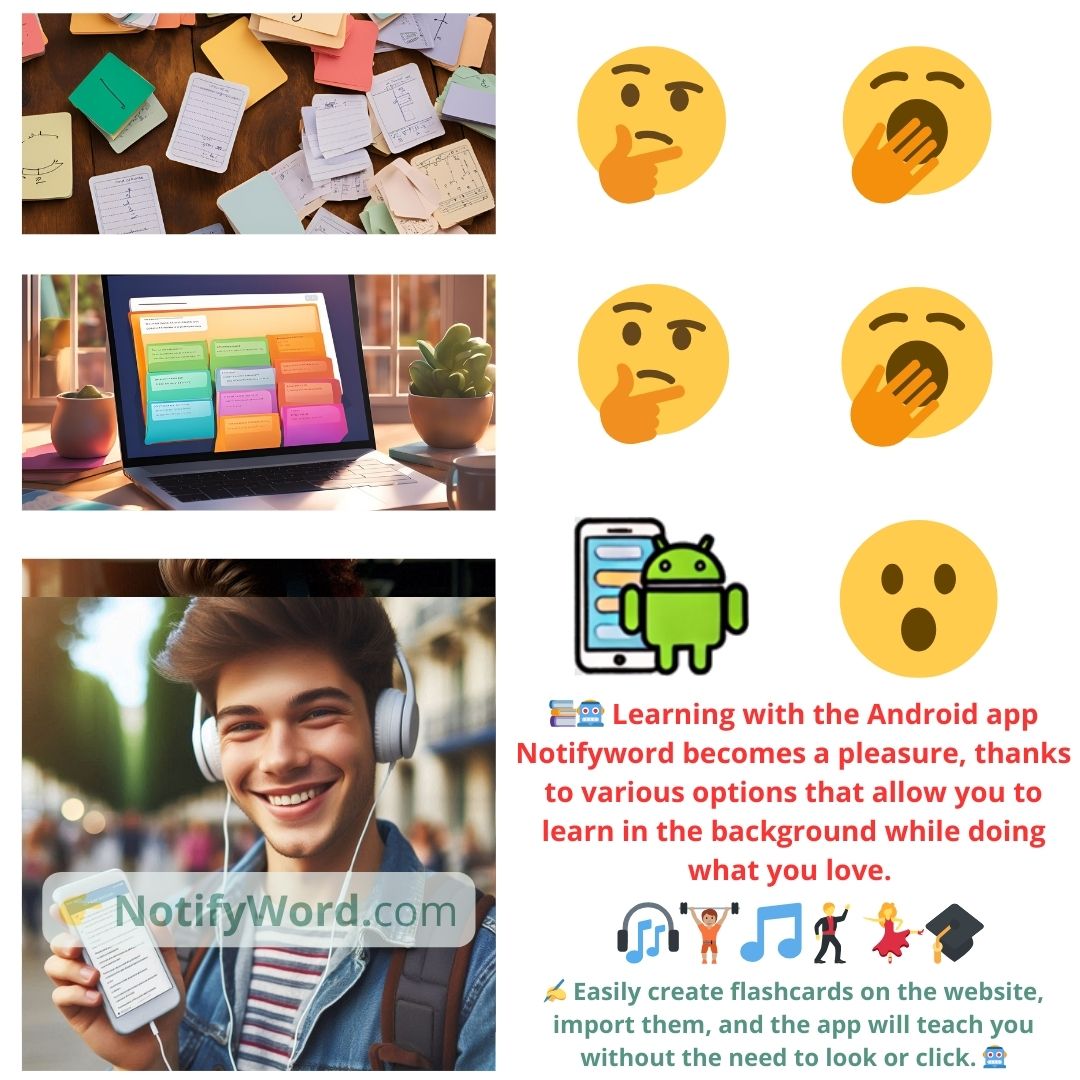
🤖📚📖❓🎧🚴 Voice flashcards - an Android app for learning without touching the phone.
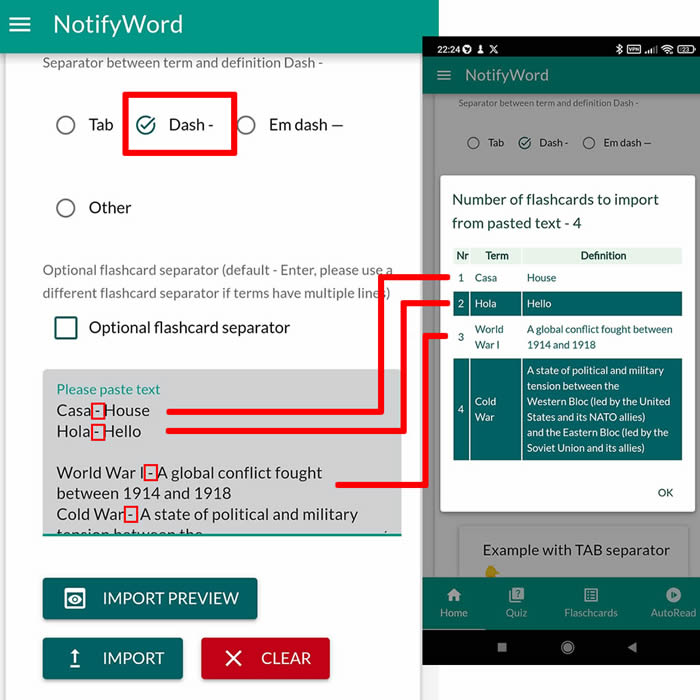
➕ On the website, you can create your own sets of flashcards, both public and private, import them from text, and then import them into the Android application.
| Term/Front | Definition/Back |
|---|---|
| 1 빨강 | Czerwony |
| 2 파랑 | Niebieski |
| 3 초록 | Zielony |
| 4 노랑 | Żółty |
| 5 주황 | Pomarańczowy |
| 6 보라 | Fioletowy |
| 7 분홍 | Różowy |
| 8 흰색 | Biały |
| 9 검정 | Czarny |
| 10 회색 | Szary |
| 11 갈색 | Brązowy |
| 12 푸른 | Turkusowy |
| 13 은색 | Srebrny |
| 14 금색 | Złoty |
| 15 베이지 | Beżowy |
| 16 아이보리 | Jasnobeżowy |
| 17 연파랑 | Jasnoniebieski |
| 18 연두 | Jasnzielony |
| 19 하늘색 | Błękitny |
| 20 카키색 | Khaki |
| 21 라즈베리 | Malinowy |
| 22 찌그러진 | Grafitowy |
| 23 라임색 | Limonkowy |
| 24 자두색 | Śliwkowy |
| 25 터콰즈 |
Turkus |

ℹ️ After importing flashcards into the Android NotifyWord app, you can listen to them without touching your phone, take quizzes, and mark the ones you've already learned - study actively or passively, whichever way you prefer.☝️
📚✍️📲 You can copy someone else's flashcards to your own set - just copy the flashcards and paste them into the import tab, selecting the TAB separator.
📚✍️📲 You can copy someone else's flashcards to your own set - just copy the flashcards and paste them into the import tab, selecting the TAB separator.