Tiếng Anh - Các Con Số
Flashcards tiếng Anh - số 1 - 1.000.000.000.000
tagAnh
added by -
NotifyWord_sample_flashcards
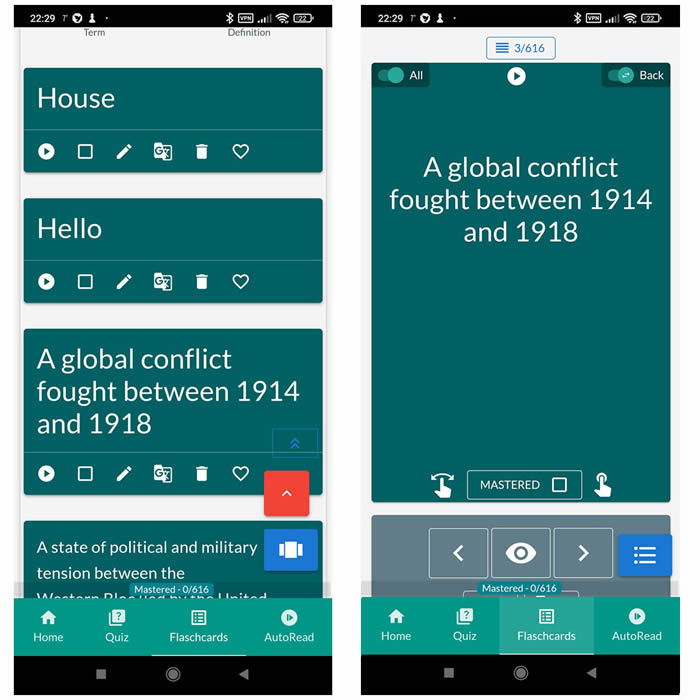
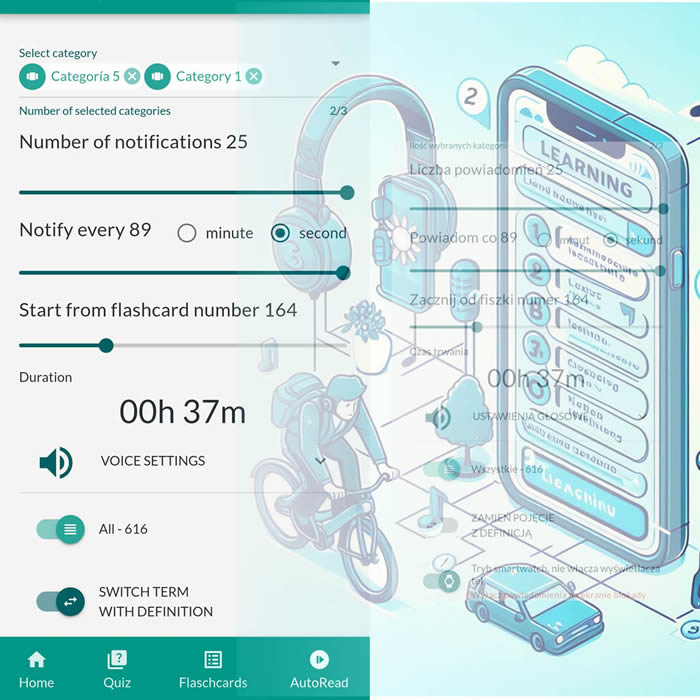
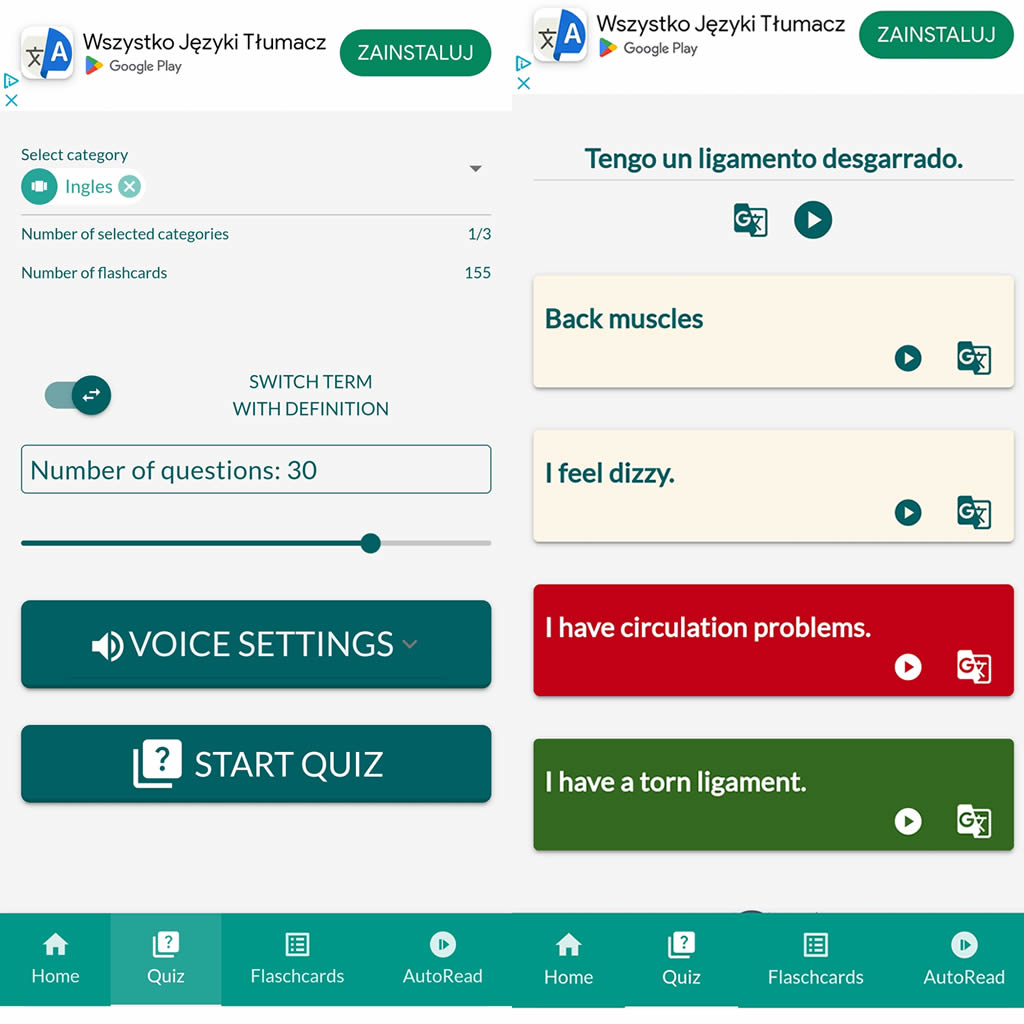
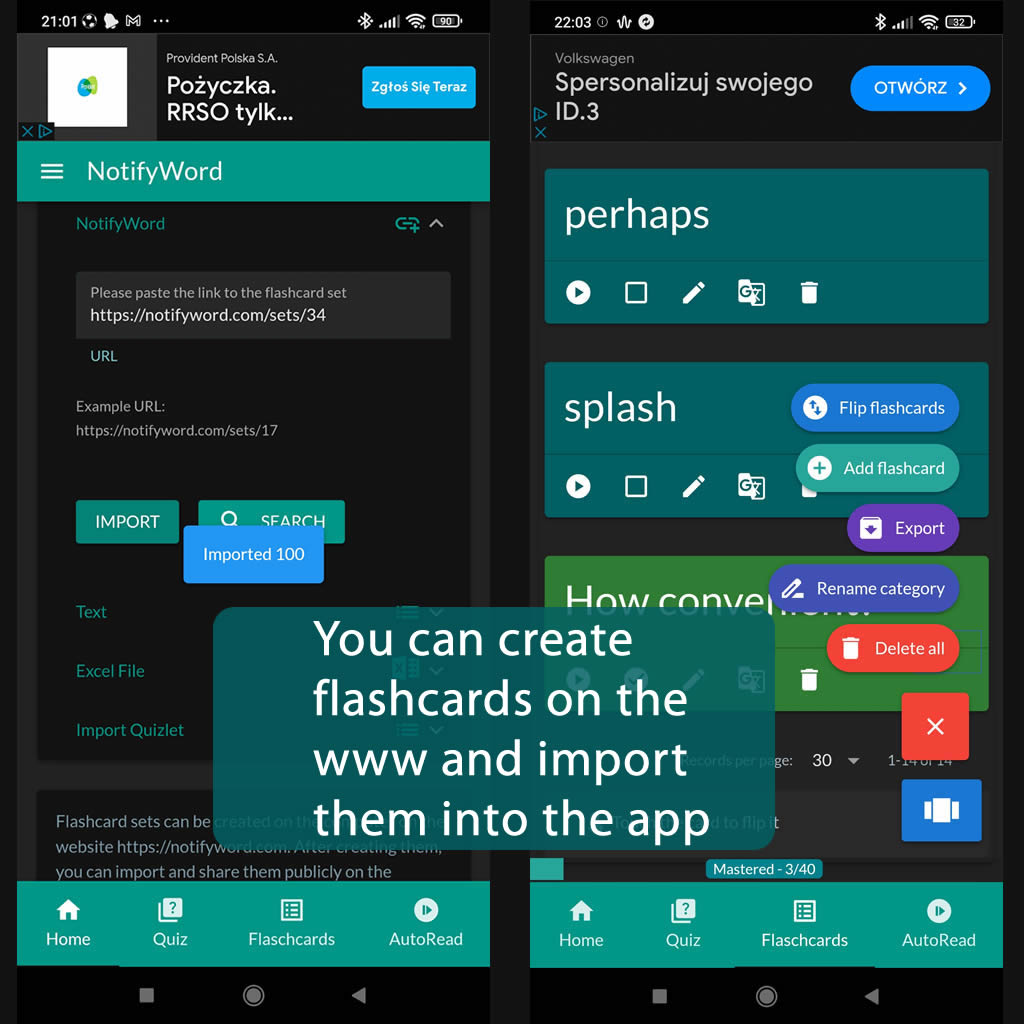
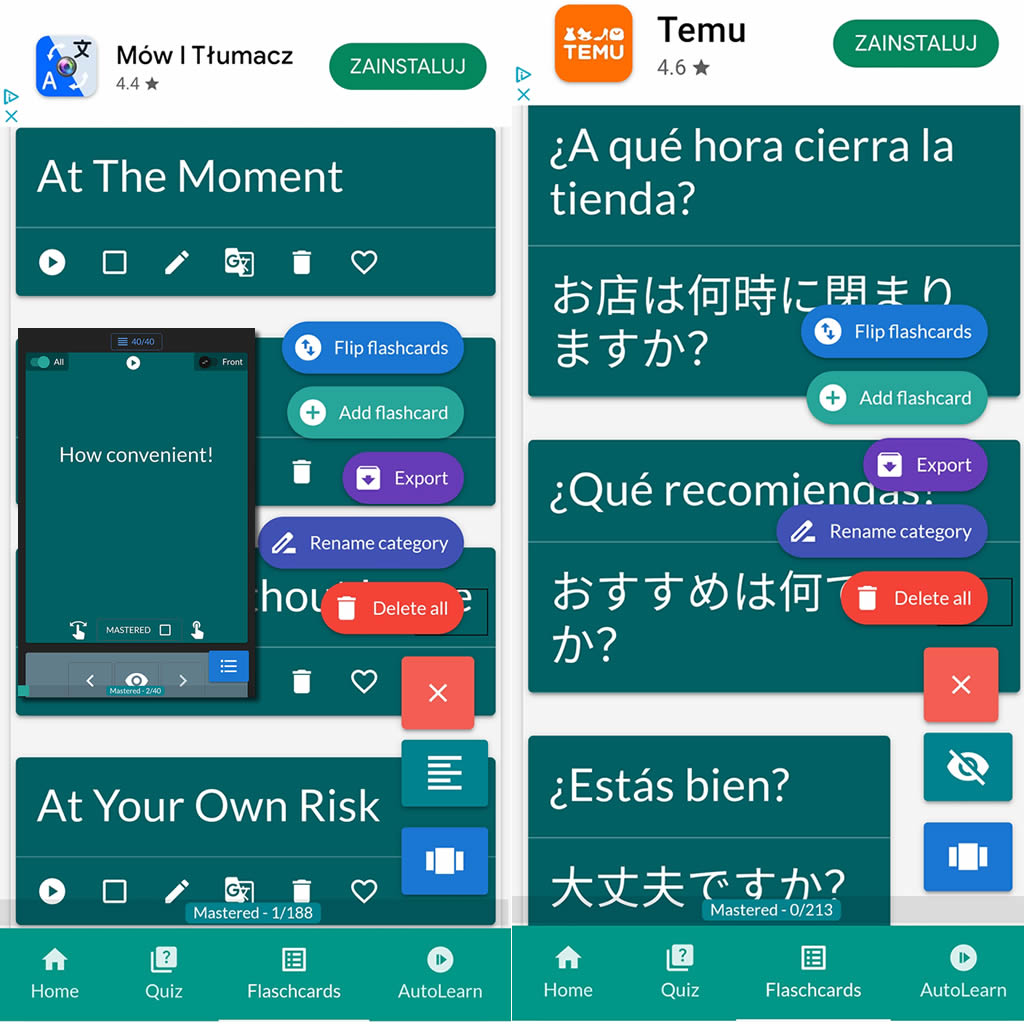
After importing flashcards into the Android NotifyWord app, you can listen to them without touching your phone, take quizzes, and mark the ones you've already learned - study actively or passively, whichever way you prefer.
📲
👉

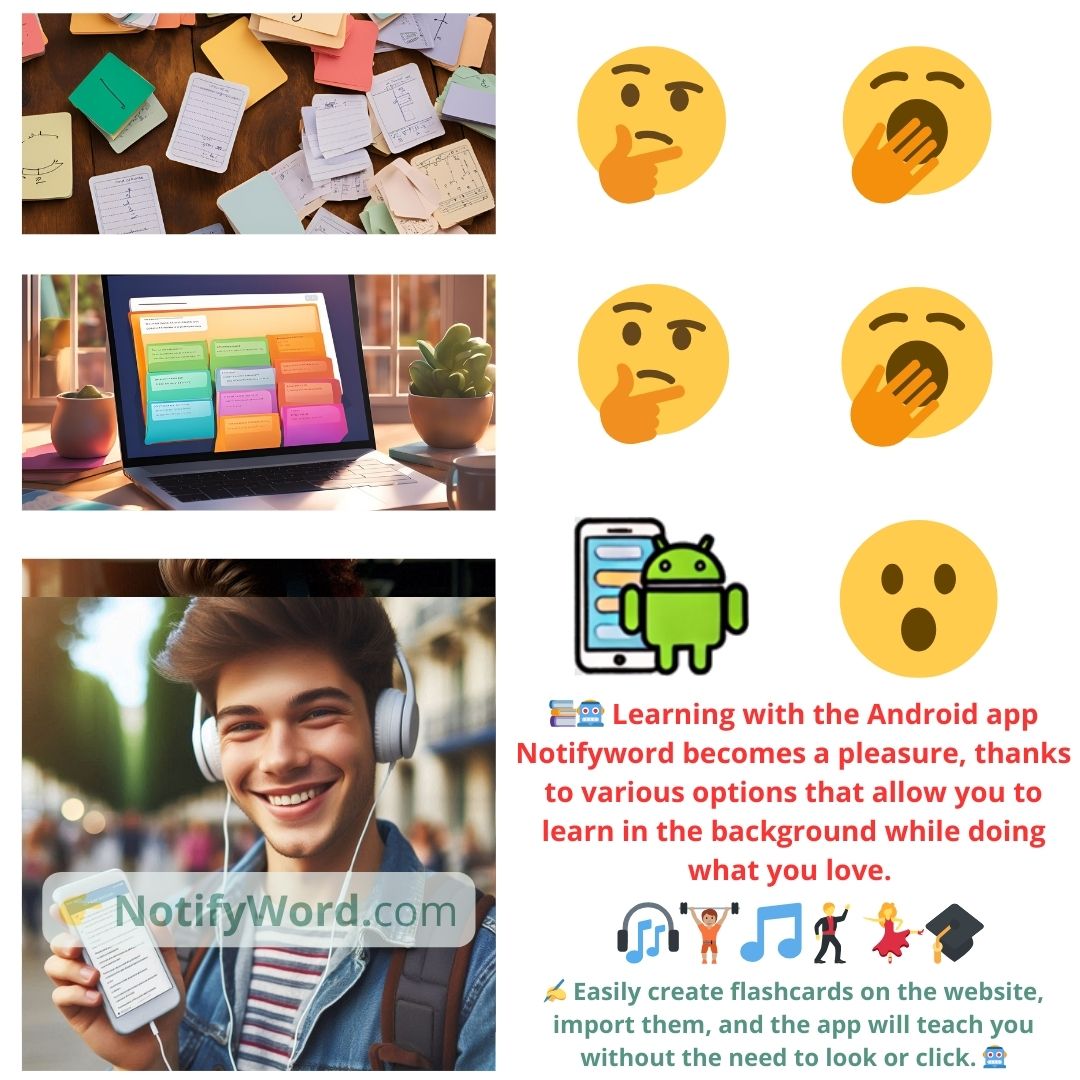
🤖📚📖❓🎧🚴 Voice flashcards - an Android app for learning without touching the phone.
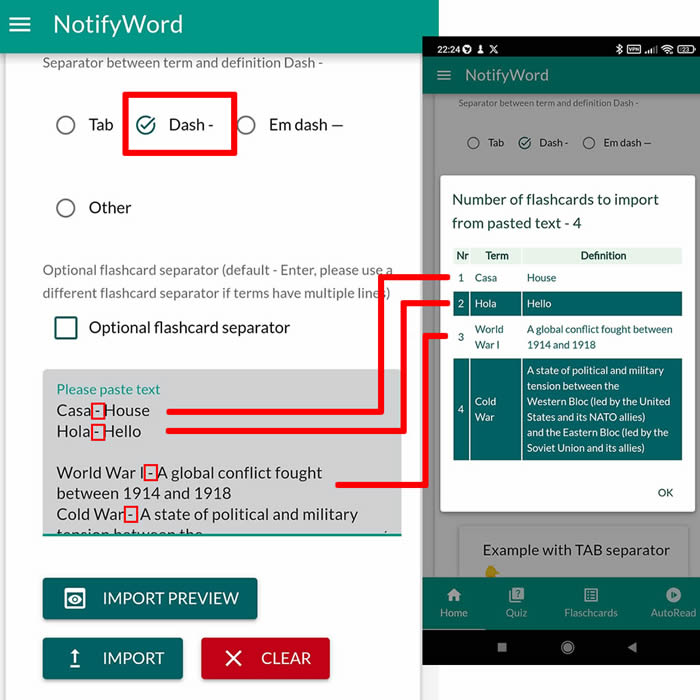
➕ On the website, you can create your own sets of flashcards, both public and private, import them from text, and then import them into the Android application.
| Term/Front | Definition/Back |
|---|---|
| 1 one | một |
| 2 two | hai |
| 3 three | ba |
| 4 four | bốn |
| 5 five | năm |
| 6 six | sáu |
| 7 seven | bảy |
| 8 eight | tám |
| 9 nine | chín |
| 10 ten | mười |
| 11 eleven | mười một |
| 12 twelve | mười hai |
| 13 thirteen | mười ba |
| 14 fourteen | mười bốn |
| 15 fifteen | mười lăm |
| 16 sixteen | mười sáu |
| 17 seventeen | mười bảy |
| 18 eighteen | mười tám |
| 19 nineteen | mười chín |
| 20 twenty | hai mươi |
| 21 twenty-one | hai mươi mốt |
| 22 twenty-two | hai mươi hai |
| 23 twenty-three | hai mươi ba |
| 24 twenty-four | hai mươi bốn |
| 25 twenty-five | hai mươi lăm |
| 26 twenty-six | hai mươi sáu |
| 27 twenty-seven | hai mươi bảy |
| 28 twenty-eight | hai mươi tám |
| 29 twenty-nine | hai mươi chín |
| 30 thirty | ba mươi |
| 31 thirty-one | ba mươi mốt |
| 32 thirty-two | ba mươi hai |
| 33 thirty-three | ba mươi ba |
| 34 thirty-four | ba mươi bốn |
| 35 thirty-five | ba mươi lăm |
| 36 thirty-six | ba mươi sáu |
| 37 thirty-seven | ba mươi bảy |
| 38 thirty-eight | ba mươi tám |
| 39 thirty-nine | ba mươi chín |
| 40 forty | bốn mươi |
| 41 fifty | năm mươi |
| 42 sixty | sáu mươi |
| 43 seventy | bảy mươi |
| 44 eighty | tám mươi |
| 45 ninety | chín mươi |
| 46 one hundred | một trăm |
| 47 two hundred | hai trăm |
| 48 three hundred | ba trăm |
| 49 four hundred | bốn trăm |
| 50 five hundred | năm trăm |
| 51 six hundred | sáu trăm |
| 52 seven hundred | bảy trăm |
| 53 eight hundred | tám trăm |
| 54 nine hundred | chín trăm |
| 55 one thousand | một nghìn |
| 56 two thousand | hai nghìn |
| 57 three thousand | ba nghìn |
| 58 four thousand | bốn nghìn |
| 59 five thousand | năm nghìn |
| 60 six thousand | sáu nghìn |
| 61 seven thousand | bảy nghìn |
| 62 eight thousand | tám nghìn |
| 63 nine thousand | chín nghìn |
| 64 ten thousand | mười nghìn |
| 65 one million | một triệu |
| 66 one billion | một tỷ |
| 67 one trillion | một nghìn tỷ |

ℹ️ After importing flashcards into the Android NotifyWord app, you can listen to them without touching your phone, take quizzes, and mark the ones you've already learned - study actively or passively, whichever way you prefer.☝️
📚✍️📲 You can copy someone else's flashcards to your own set - just copy the flashcards and paste them into the import tab, selecting the TAB separator.
📚✍️📲 You can copy someone else's flashcards to your own set - just copy the flashcards and paste them into the import tab, selecting the TAB separator.