Fiński - czas i częstotliwość
Puola - aika ja taajuus
tagFiński
tagPuola
added by -
NotifyWord_sample_flashcards
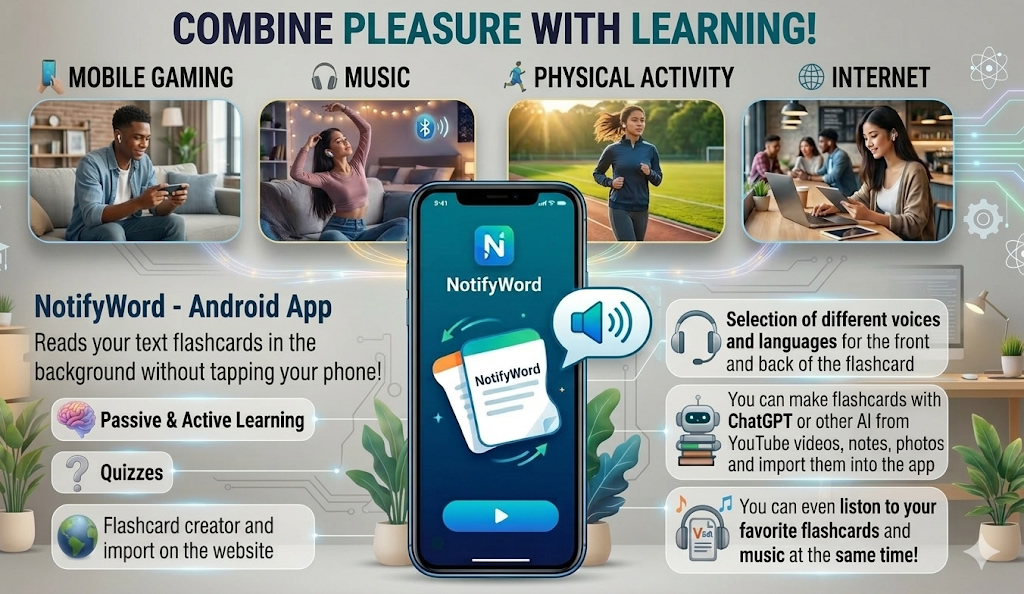
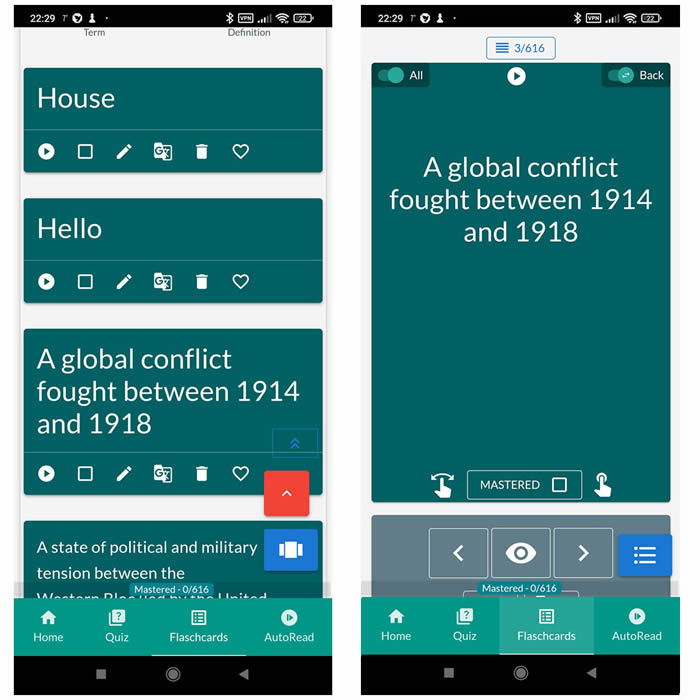
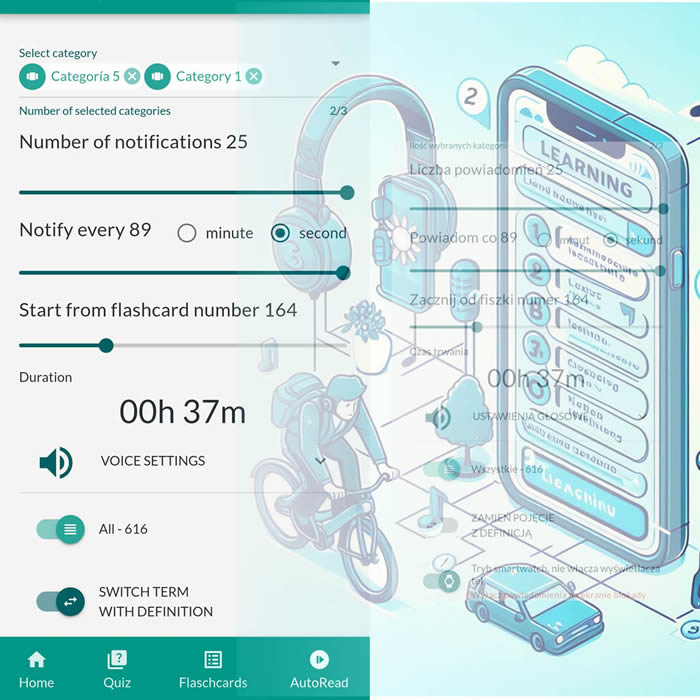
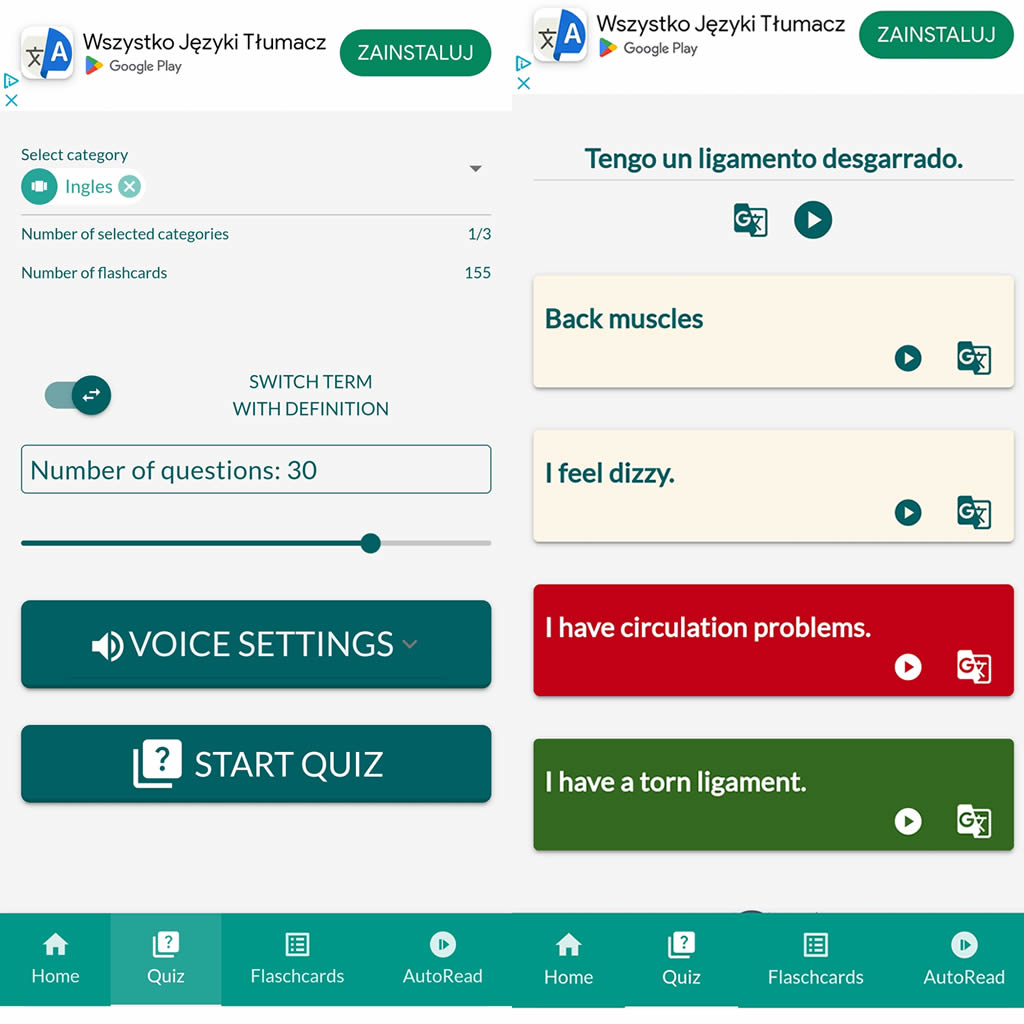
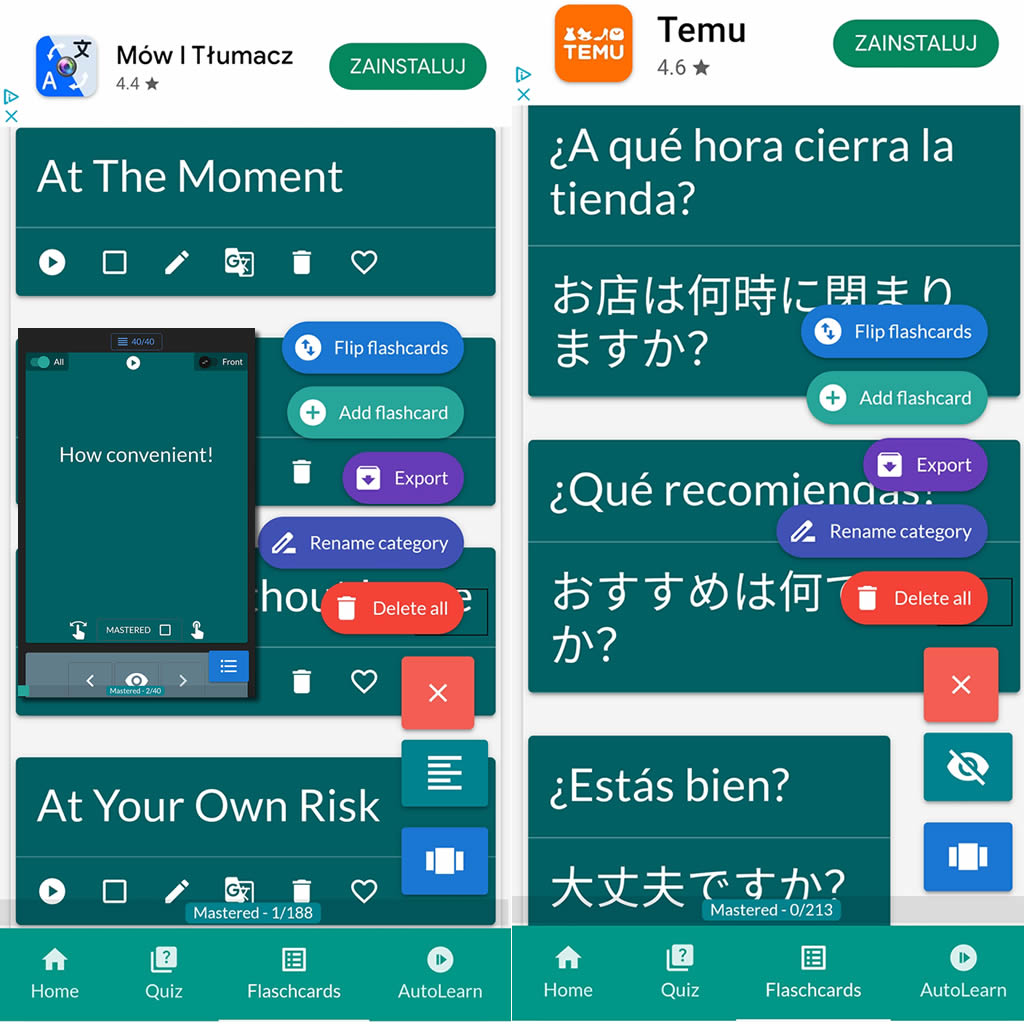
After importing flashcards into the Android NotifyWord app, you can listen to them without touching your phone, take quizzes, and mark the ones you've already learned - study actively or passively, whichever way you prefer.
📲
👉
🤖📚📖❓🎧🚴 Voice flashcards - an Android app for learning without touching the phone.
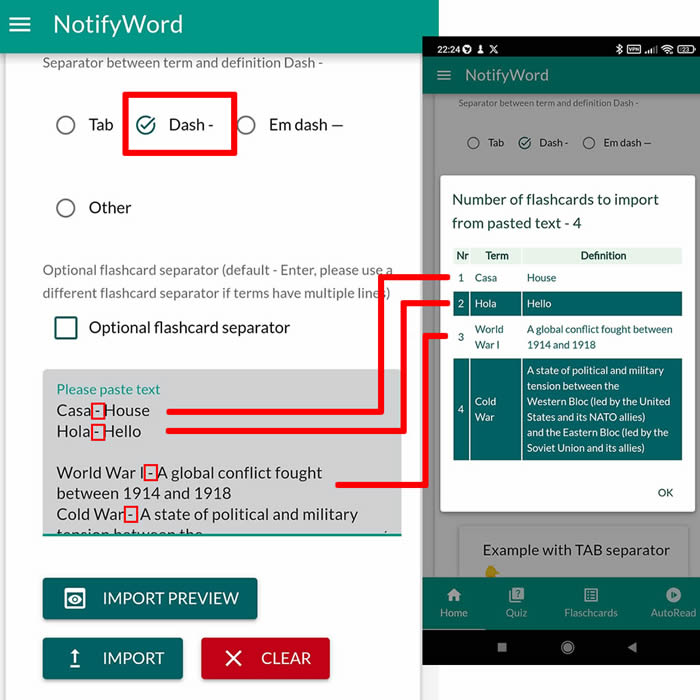
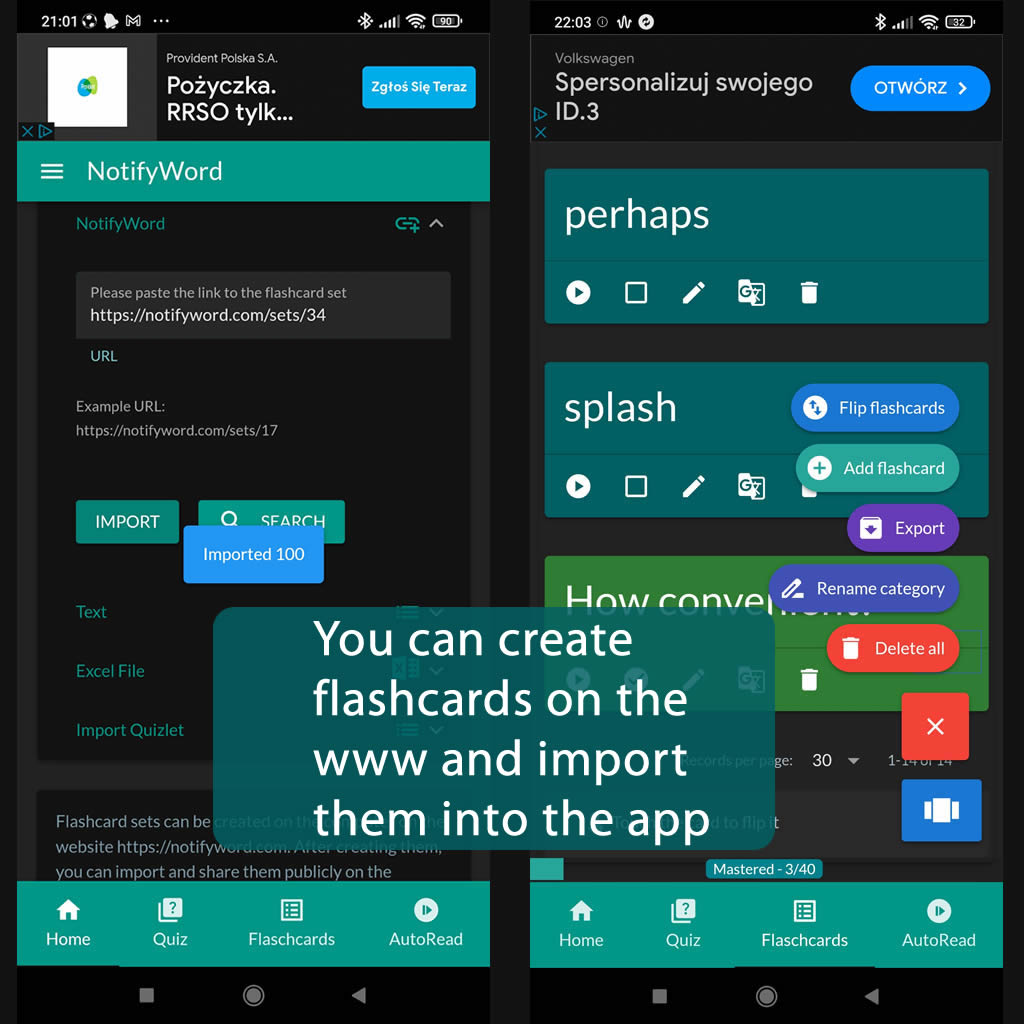
➕ On the website, you can create your own sets of flashcards, both public and private, import them from text, and then import them into the Android application.
| Term/Front | Definition/Back |
|---|---|
| 1 tänään | dziś |
| 2 huomenna | jutro |
| 3 eilen | wczoraj |
| 4 tällä viikolla | w tym tygodniu |
| 5 ensi viikolla | w przyszłym tygodniu |
| 6 viime viikolla | w ostatnim tygodniu |
| 7 tänä kuukautena | w tym miesiącu |
| 8 ensi kuussa | w następnym miesiącu |
| 9 viime kuussa | w poprzednim miesiącu |
| 10 aamu | poranek |
| 11 iltapäivä | popołudnie |
| 12 ilta | wieczór |
| 13 yö | noc |
| 14 aamulla | rano |
| 15 keskipäivällä | po południu |
| 16 illalla | wieczorem |
| 17 yöllä | w nocy |
| 18 tunti sitten | godzinę temu |
| 19 tunnin kuluttua | godzinę później |
| 20 eilen illalla | ostatniej nocy |
| 21 tänä aamuna | dzisiaj rano |
| 22 myöhemmin | później |
| 23 nyt | teraz |
| 24 aina | zawsze |
| 25 usein | często |
| 26 joskus | czasami |
| 27 usein | często |
| 28 joka päivä | codziennie |
| 29 viikonloppu | weekend |
| 30 sunnuntai | niedziela |
| 31 maanantai | poniedziałek |
| 32 tiistai | wtorek |
| 33 keskiviikko | środa |
| 34 torstai | czwartek |
| 35 perjantai | piątek |
| 36 lauantai | sobota |
| 37 aikaisin | wczesny |
| 38 myöhään | późno |
| 39 kauan sitten | dawno temu |
| 40 äskettäin | ostatnio |
| 41 joka kuukausi | co miesiąc |
| 42 vuodenaika | pora roku |
| 43 kevät | wiosna |
| 44 kesä | lato |
| 45 syksy | jesień |
| 46 talvi | zima |
| 47 edelleen | ciągle |
| 48 harvoin |
rzadko |

ℹ️ After importing flashcards into the Android NotifyWord app, you can listen to them without touching your phone, take quizzes, and mark the ones you've already learned - study actively or passively, whichever way you prefer.☝️
📚✍️📲 You can copy someone else's flashcards to your own set - just copy the flashcards and paste them into the import tab, selecting the TAB separator.
📚✍️📲 You can copy someone else's flashcards to your own set - just copy the flashcards and paste them into the import tab, selecting the TAB separator.