Szwedzki - czas i częstotliwość
fiszki szwedzki android
tagSzwedzki
tagPolska
added by -
NotifyWord_sample_flashcards
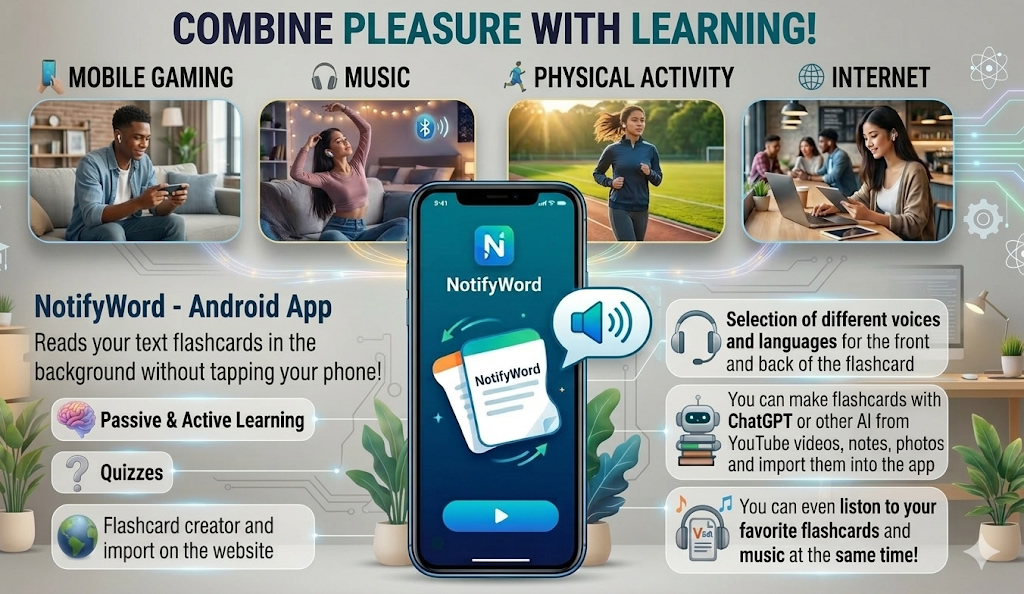
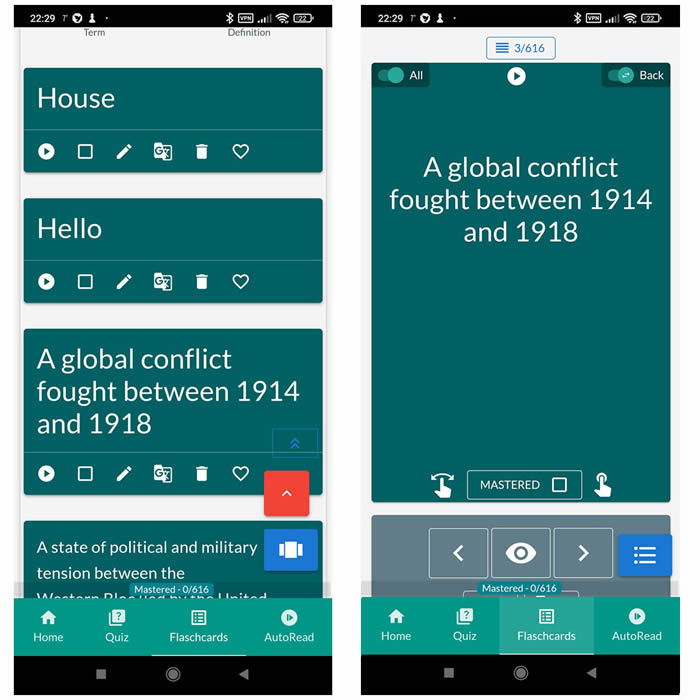
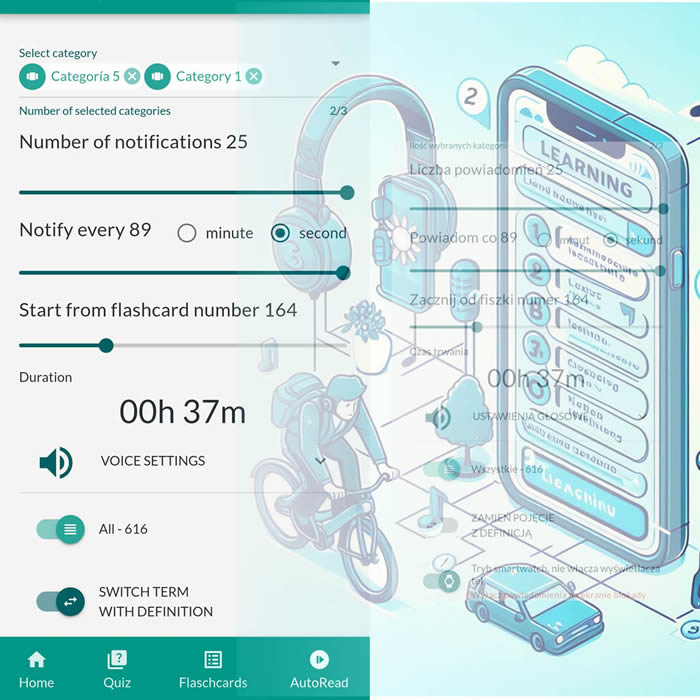
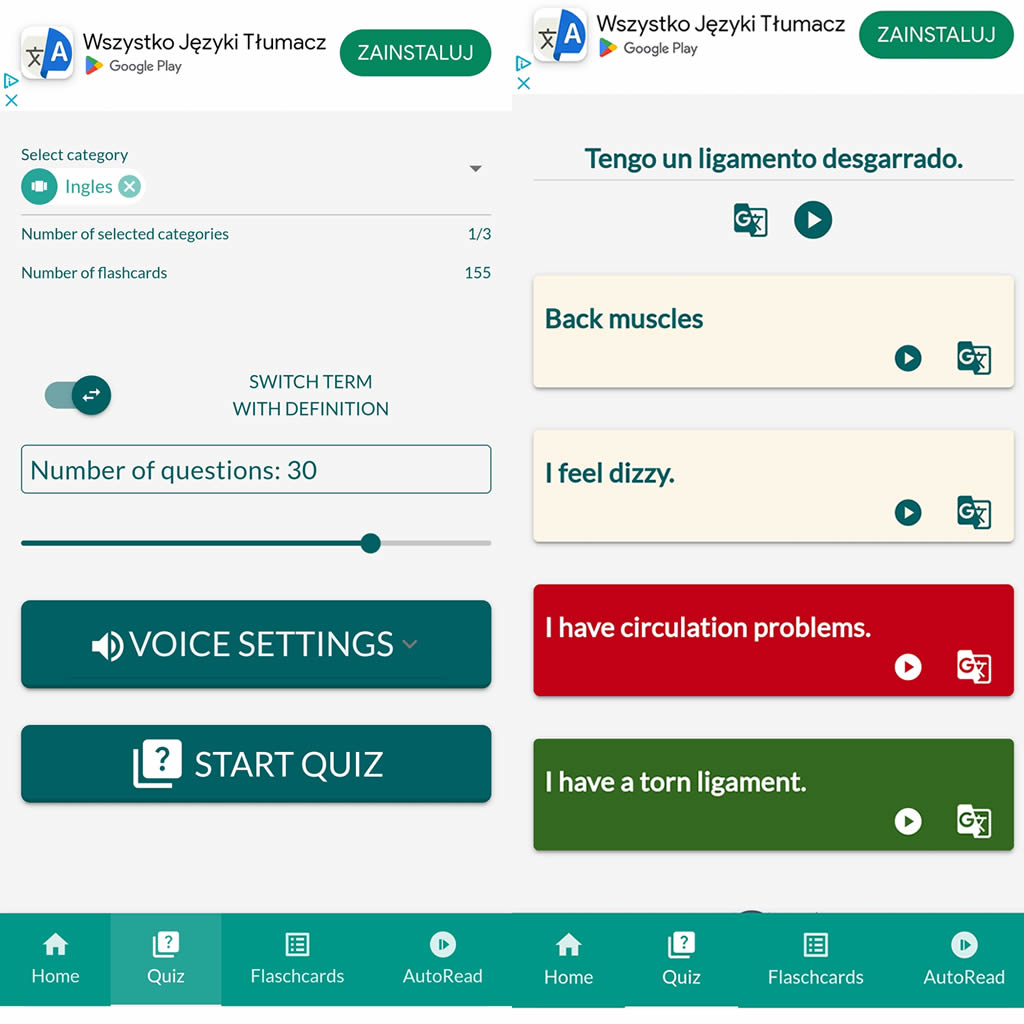
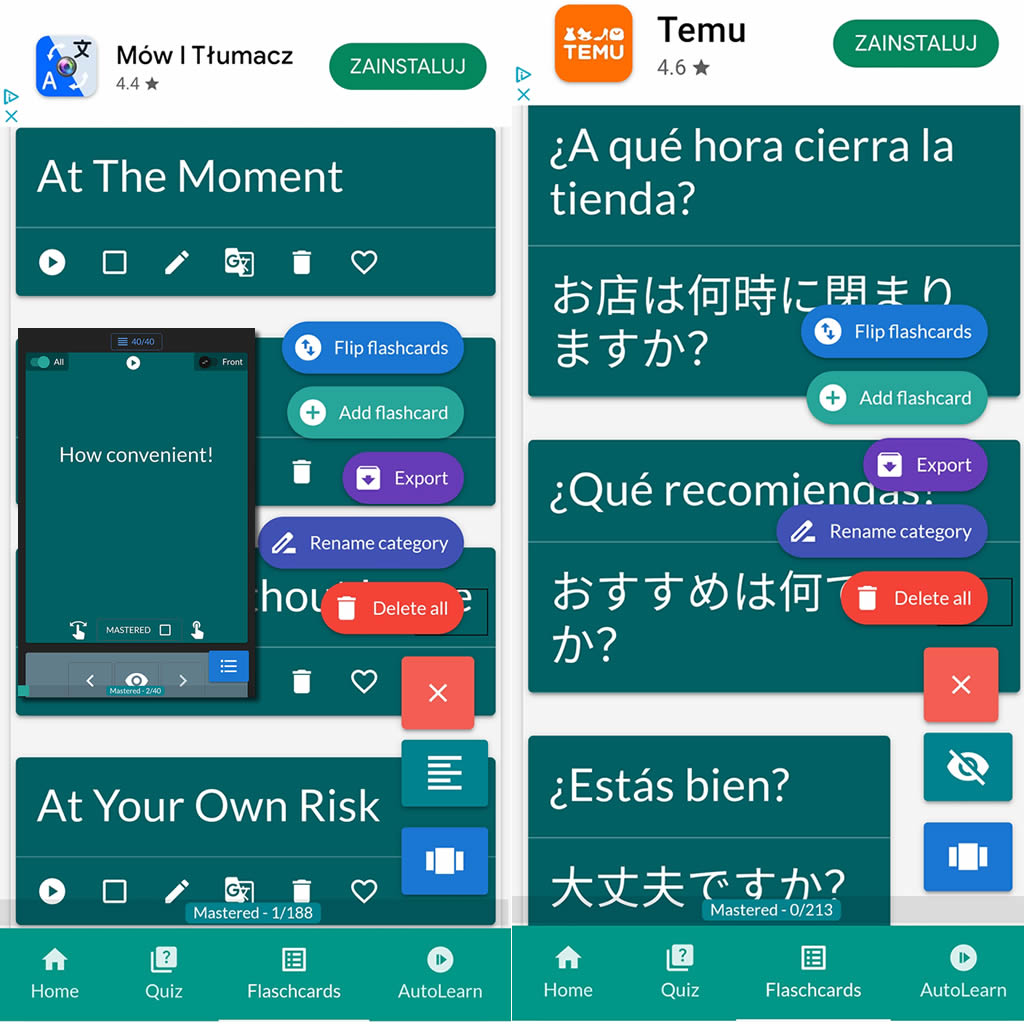
After importing flashcards into the Android NotifyWord app, you can listen to them without touching your phone, take quizzes, and mark the ones you've already learned - study actively or passively, whichever way you prefer.
📲
👉
🤖📚📖❓🎧🚴 Voice flashcards - an Android app for learning without touching the phone.
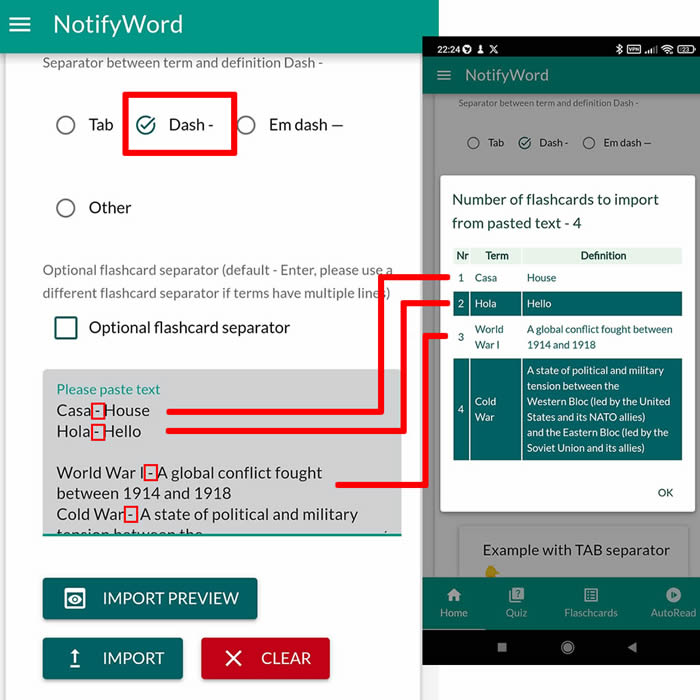
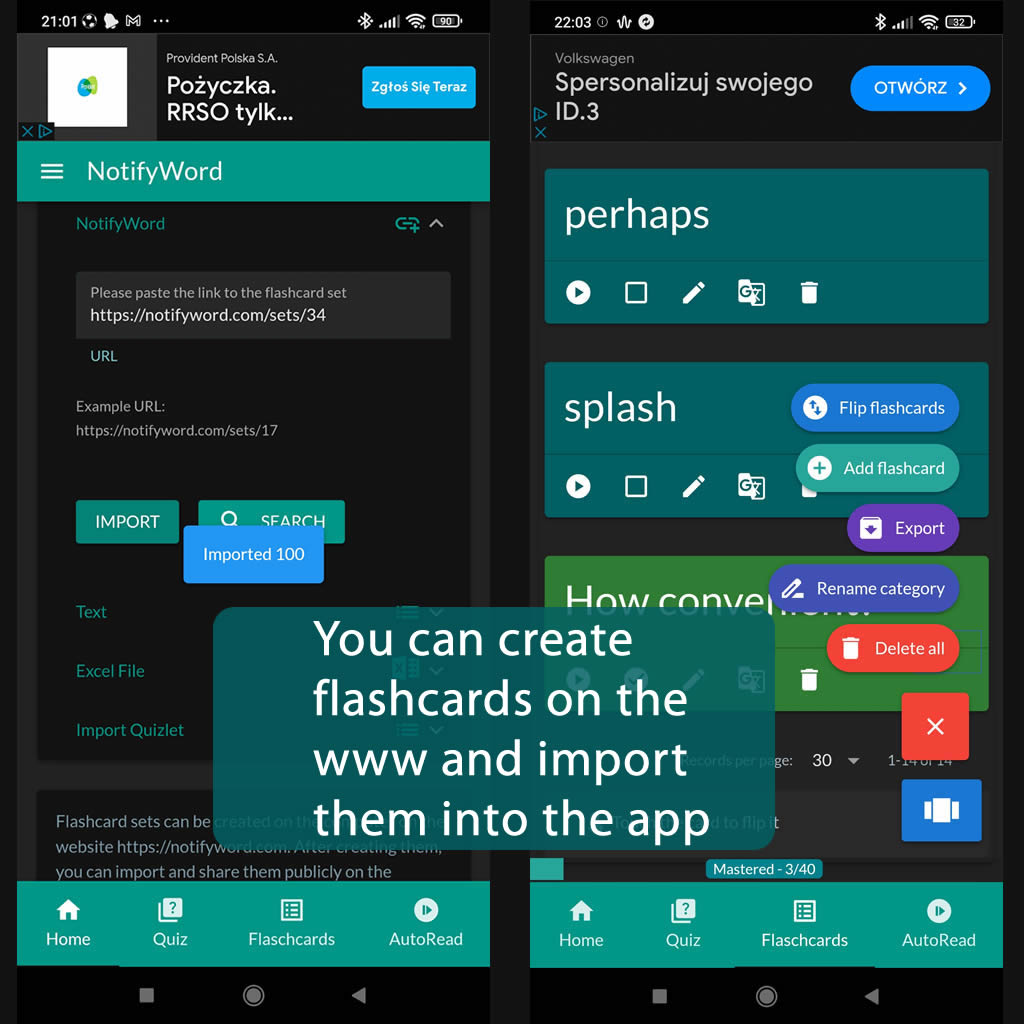
➕ On the website, you can create your own sets of flashcards, both public and private, import them from text, and then import them into the Android application.
| Term/Front | Definition/Back |
|---|---|
| 1 idag | dziś |
| 2 imorgon | jutro |
| 3 igår | wczoraj |
| 4 denna vecka | w tym tygodniu |
| 5 nästa vecka | w przyszłym tygodniu |
| 6 förra veckan | w ostatnim tygodniu |
| 7 den här månaden | w tym miesiącu |
| 8 nästa månad | w przyszłym miesiącu |
| 9 förra månaden | w zeszłym miesiącu |
| 10 morgon | poranek |
| 11 eftermiddag | popołudnie |
| 12 kväll | wieczór |
| 13 natt | noc |
| 14 på morgenen | rano |
| 15 på eftermiddagen | po południu |
| 16 på kvällen | wieczorem |
| 17 på natten | w nocy |
| 18 för en timme sedan | godzinę temu |
| 19 om en timme | godzinę później |
| 20 igår kväll | ostatniej nocy |
| 21 i morse | dzisiaj rano |
| 22 senare | później |
| 23 nu | teraz |
| 24 alltid | zawsze |
| 25 ofta | często |
| 26 ibland | czasami |
| 27 oft | często |
| 28 varje dag | codziennie |
| 29 helg | weekend |
| 30 söndag | niedziela |
| 31 måndag | poniedziałek |
| 32 tisdag | wtorek |
| 33 onsdag | środa |
| 34 torsdag | czwartek |
| 35 fredag | piątek |
| 36 lördag | sobota |
| 37 tidigt | wczesny |
| 38 sent | późno |
| 39 för länge sedan | dawno temu |
| 40 nyligen | ostatnio |
| 41 varje månad | co miesiąc |
| 42 årstid | pora roku |
| 43 våren | wiosna |
| 44 sommaren | lato |
| 45 hösten | jesień |
| 46 vintern | zima |
| 47 fortfarande | ciągle |
| 48 sällan | rzadko |

ℹ️ After importing flashcards into the Android NotifyWord app, you can listen to them without touching your phone, take quizzes, and mark the ones you've already learned - study actively or passively, whichever way you prefer.☝️
📚✍️📲 You can copy someone else's flashcards to your own set - just copy the flashcards and paste them into the import tab, selecting the TAB separator.
📚✍️📲 You can copy someone else's flashcards to your own set - just copy the flashcards and paste them into the import tab, selecting the TAB separator.